Why Location Matters for Freelancers Working In These States
Some states are not like the others.
Want to streamline your operations, learn new skills, and spark creativity? Start here.


It’s a tough time to run a business. New gigs are hard to find. And even keeping current jobs can be tough.When there's less money coming in, one way to stay afloat is to reduce expenses.To help you find ways to save, we’ve rounded up the 21 best free apps, services, and classes for self-employed workers.
Some of these products may replace tools you’re currently paying for, while others might provide a completely new service—allowing you to take advantage of their benefits without adding to your expenses.Many of these apps and services are always free, but some are only free for a limited time. Dive into this list to find tools for increasing productivity, streamlining your business, and even picking up new skills.
With self-employment, money management is crucial. You’re fully responsible for filing taxes and managing spending, just like any other entrepreneur. These free tools and services will help you do it.
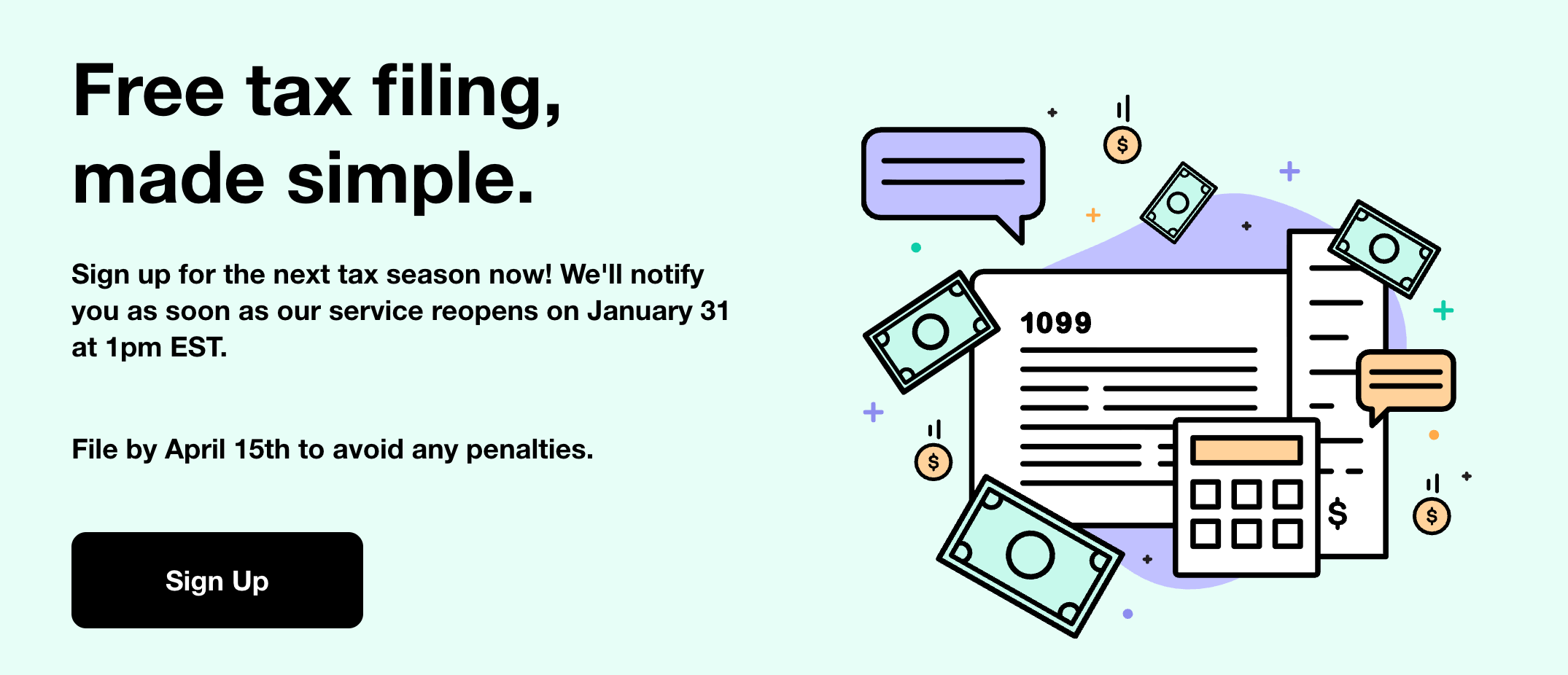
What is it: A free tax preparation and filing service for individuals and families earning less than $67,000 per year.
Why use it: Filing taxes is especially difficult when you’re self-employed. GetYourRefund makes filing easy by automatically finding tax credits and deductions for users.
The deal: Free year-round.
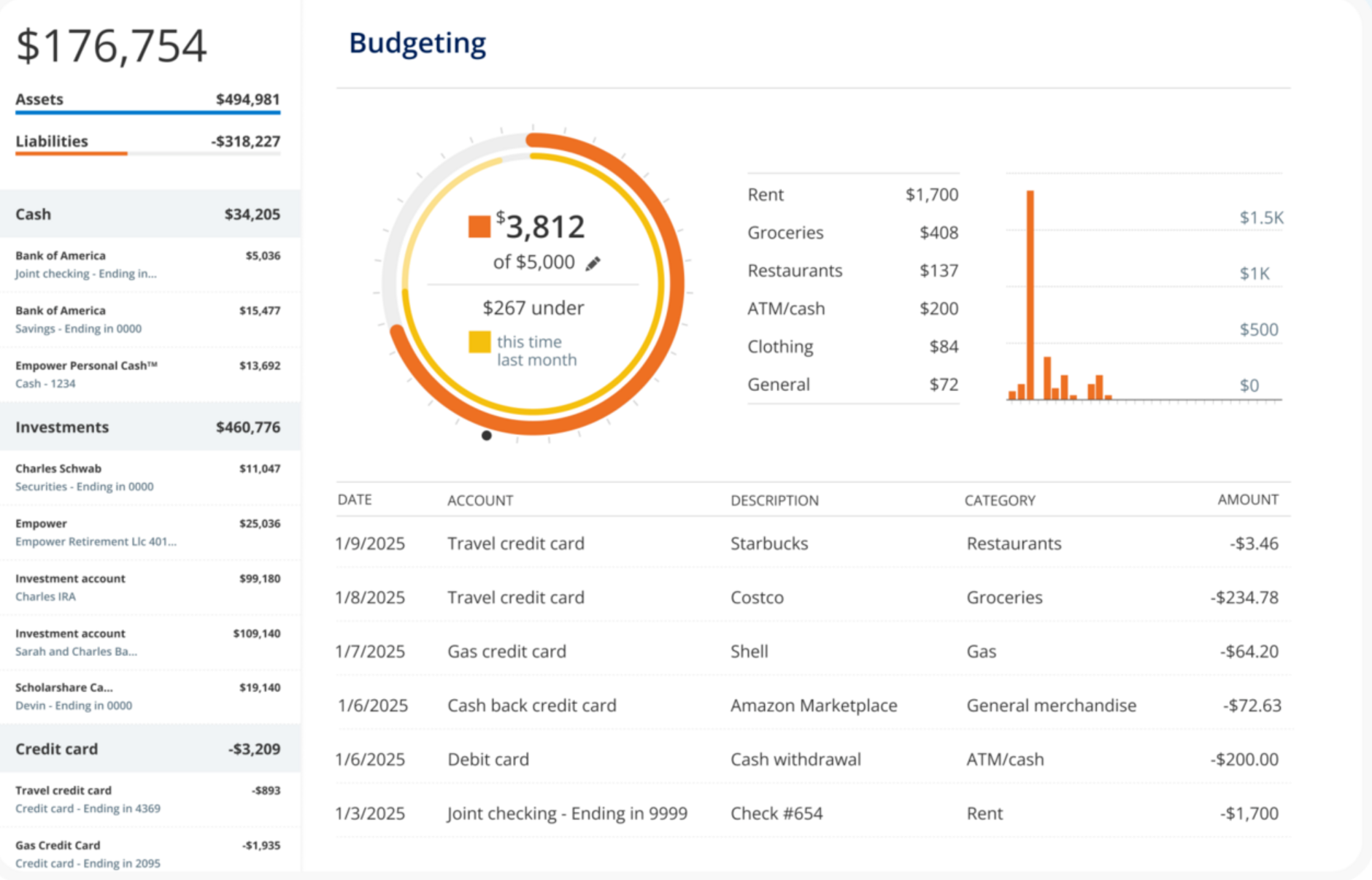
What is it: A budgeting app that puts all your financial accounts, bills, and budgets in one place to help you meet your financial goals.
Why use it: When you own a business, your income can fluctuate from month to month. Empower makes it easy to create and stick to a budget, so you’re saving during the high times and are prepared for the leaner ones. Plus, it links to all of your bank accounts, so you don’t have to visit a dozen websites to check your finances.
The deal: Free year-round.
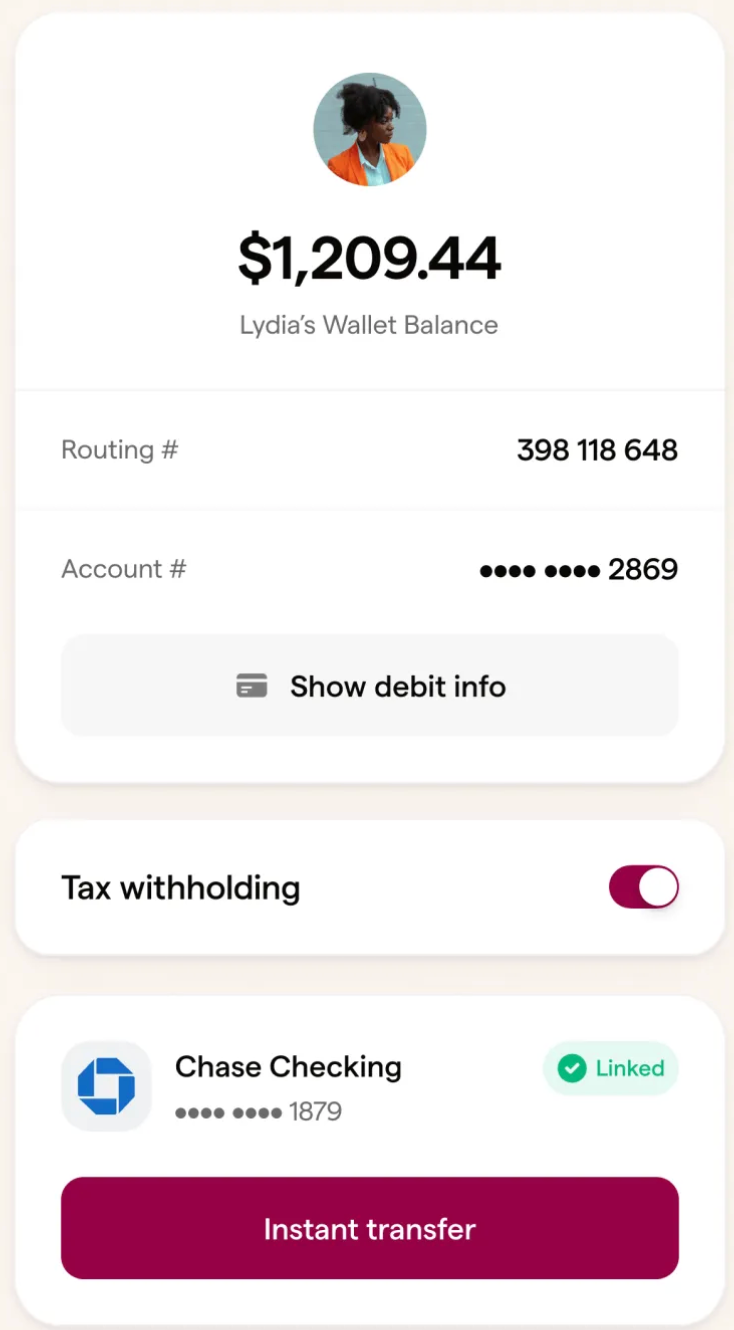
What is it: Wingspan supports self-employed workers by helping them get paid quicker through a seamless invoicing system. Wingspan’s Tax Withholding feature makes tax time easier by automatically deducting funds from each payment based on an estimated tax rate you’ve chosen, and storing those funds safely in a separate account for free.
Why use it: You need the freedom to work how you want. The administrative burden of running your own business can make that difficult. Wingspan does the heavy admin lifting so you can focus on working and living your way.
The deal: If you already get paid through Wingspan, you can easily sign up for Tax Withholding right here.
To complete projects, it helps to have a variety of ways to talk with clients. You might use instant messaging to ask a quick question or hop on a video call to discuss the scope of an assignment. Use these free tools, and you’ll have various ways to communicate at your fingertips.

What is it: A video conference service. The premium version includes unlimited meeting times, real-time captions, and screen sharing.
Why use it: A video call lets you meet “face-to-face” for important meetings—even when everyone is working remotely.
The deal: The basic version is free year-round to anyone with a Google account. A paid premium version is also available.
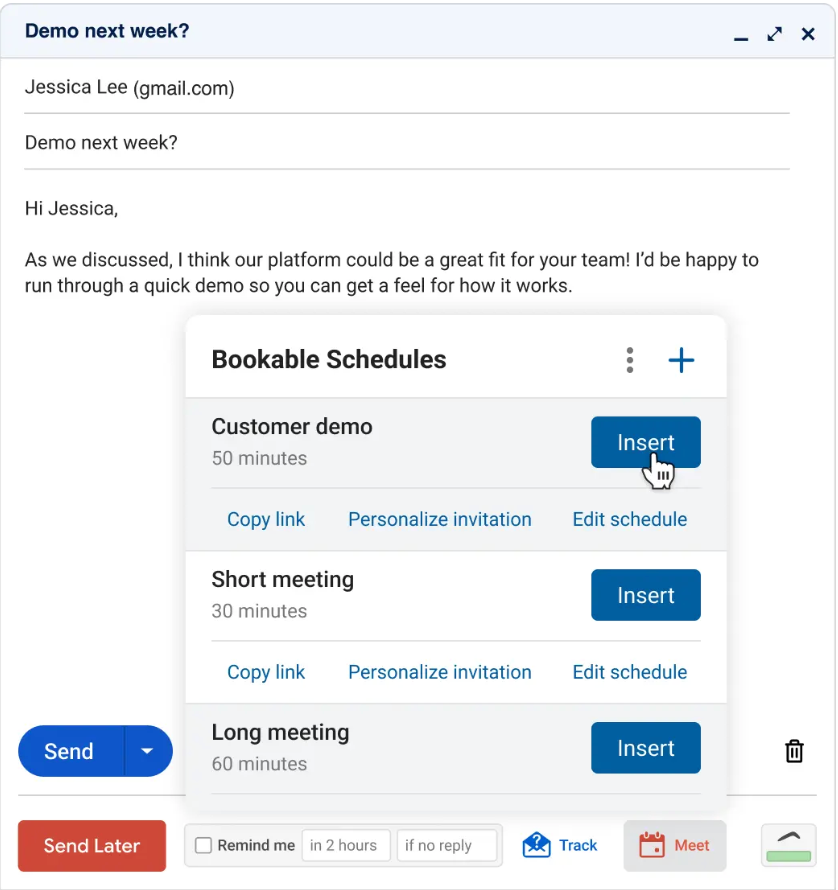
What is it: A virtual email assistant that lets you schedule emails, put your inbox on pause to minimize distractions, and track responses.
Why use it: Checking email throughout the day can interrupt your workflow, killing creativity and productivity. Boomerang’s response tracker will automatically notify you if an email hasn’t been replied to after a set time, so you don't have to hover inside your inbox.
The deal: Free year-round.
You juggle several projects, often with competing deadlines. Without a great system, some may get dropped. These tools will help keep busy solopreneurs on track.
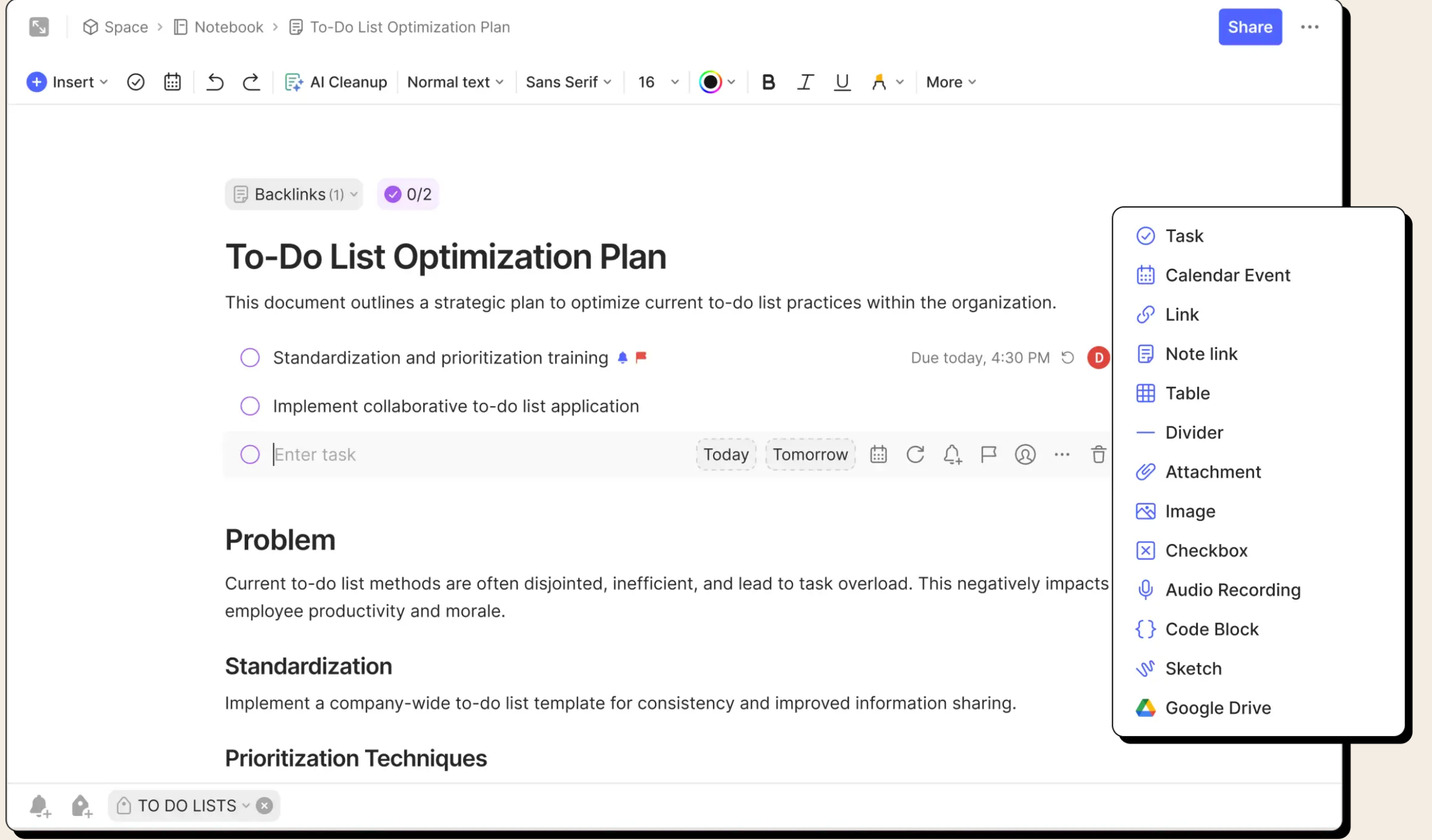
What is it: A note-taking and organization app.
Why use it: Evernote lets you track ideas and assignments in ways that go beyond simple note-taking. Add PDFs and receipts and clip full pages and images from the web. Plus, you can create notebooks and tag notes, so it all stays organized.
The deal: Free year-round, with premium versions available.
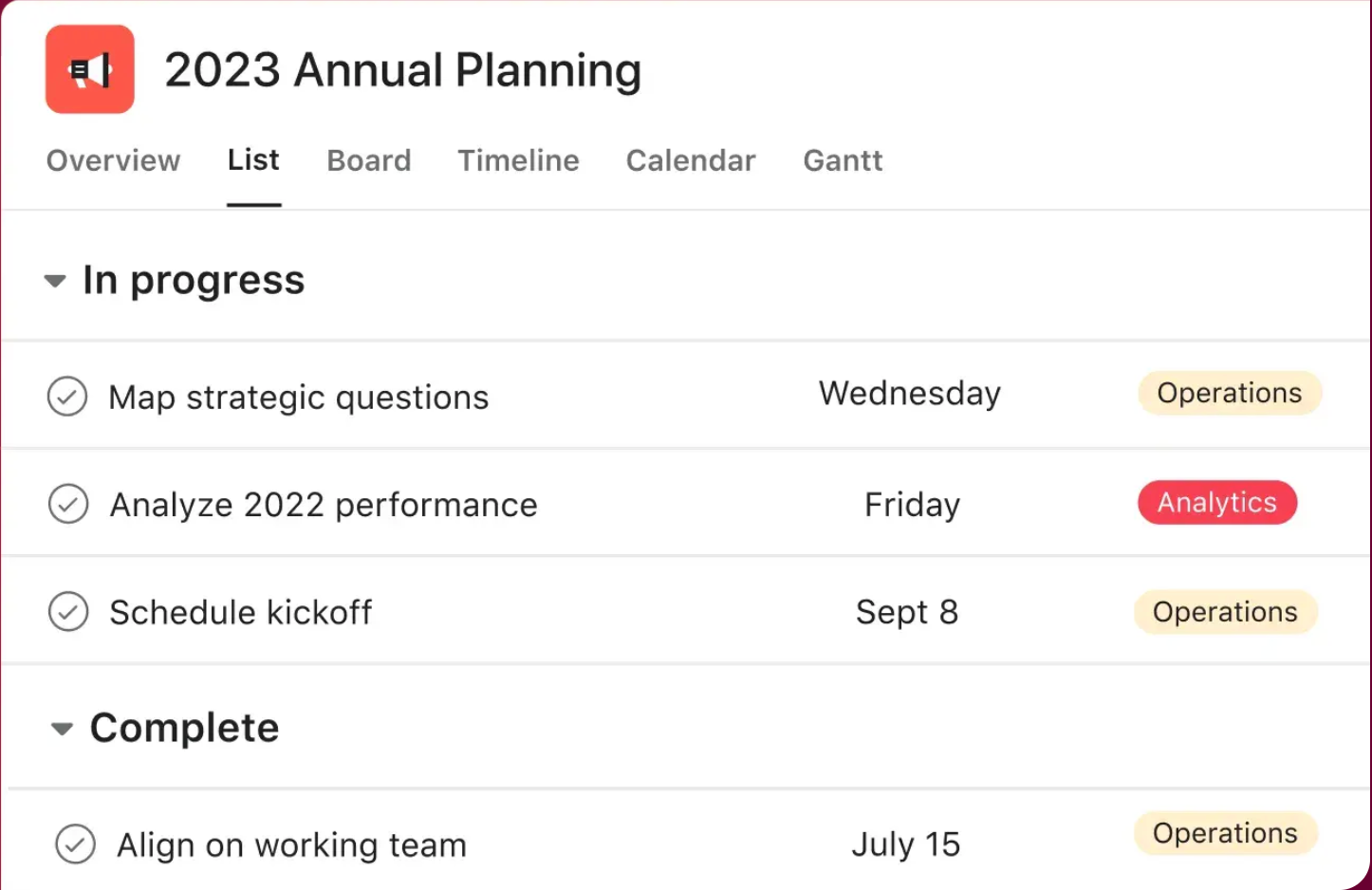
What is it: A project- and task-management app.
Why use it: Asana’s visual task dashboard makes it really easy for solopreneurs to see all of their projects in one place. In Asana, you can break down large projects into smaller tasks and assign due dates to each one so you never miss a step or a deadline.
The deal: Free year-round for use between yourself and one other person, with paid premium versions available.
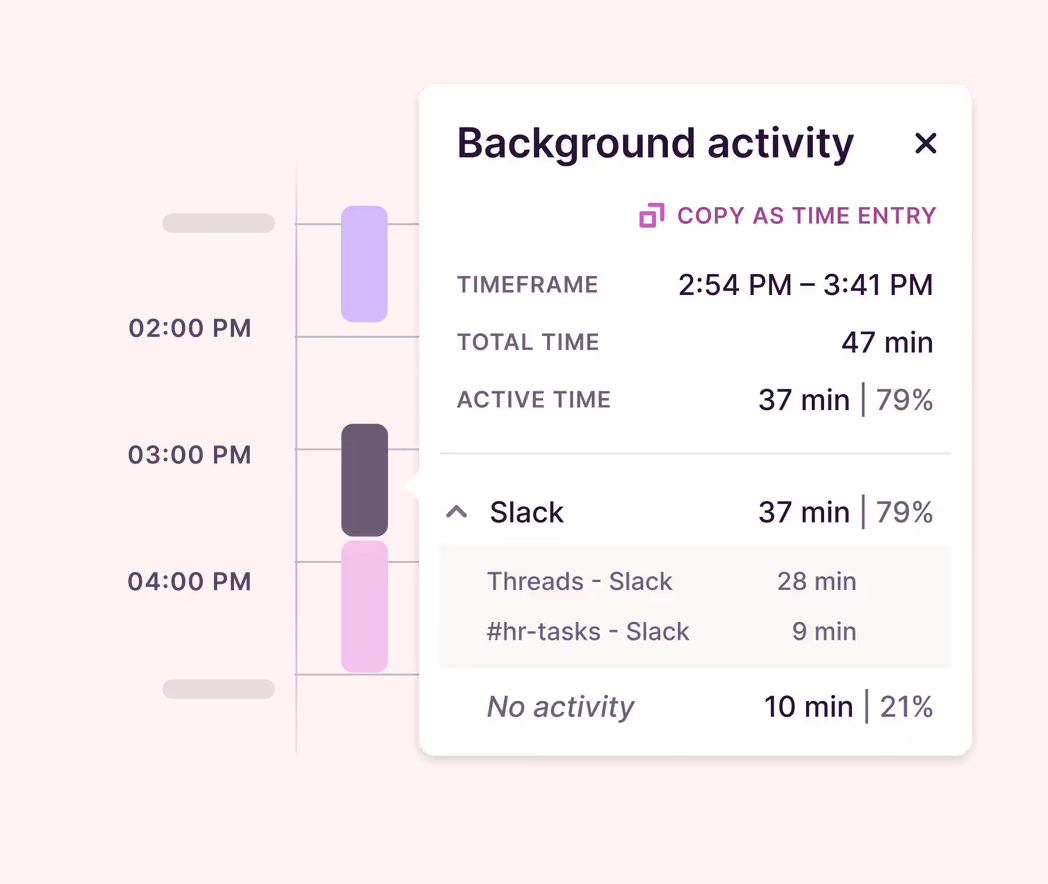
What is it: A time-tracking app for both mobile and desktop.
Why use it: When you’re working by contract, you need to know how long a job takes so you can bill (and price) correctly. Toggl will automatically track how much time you spend on every job so you don’t have to.
The deal: Free year-round for up to five users.
These tools will help you expand your reach and keep track of it all.
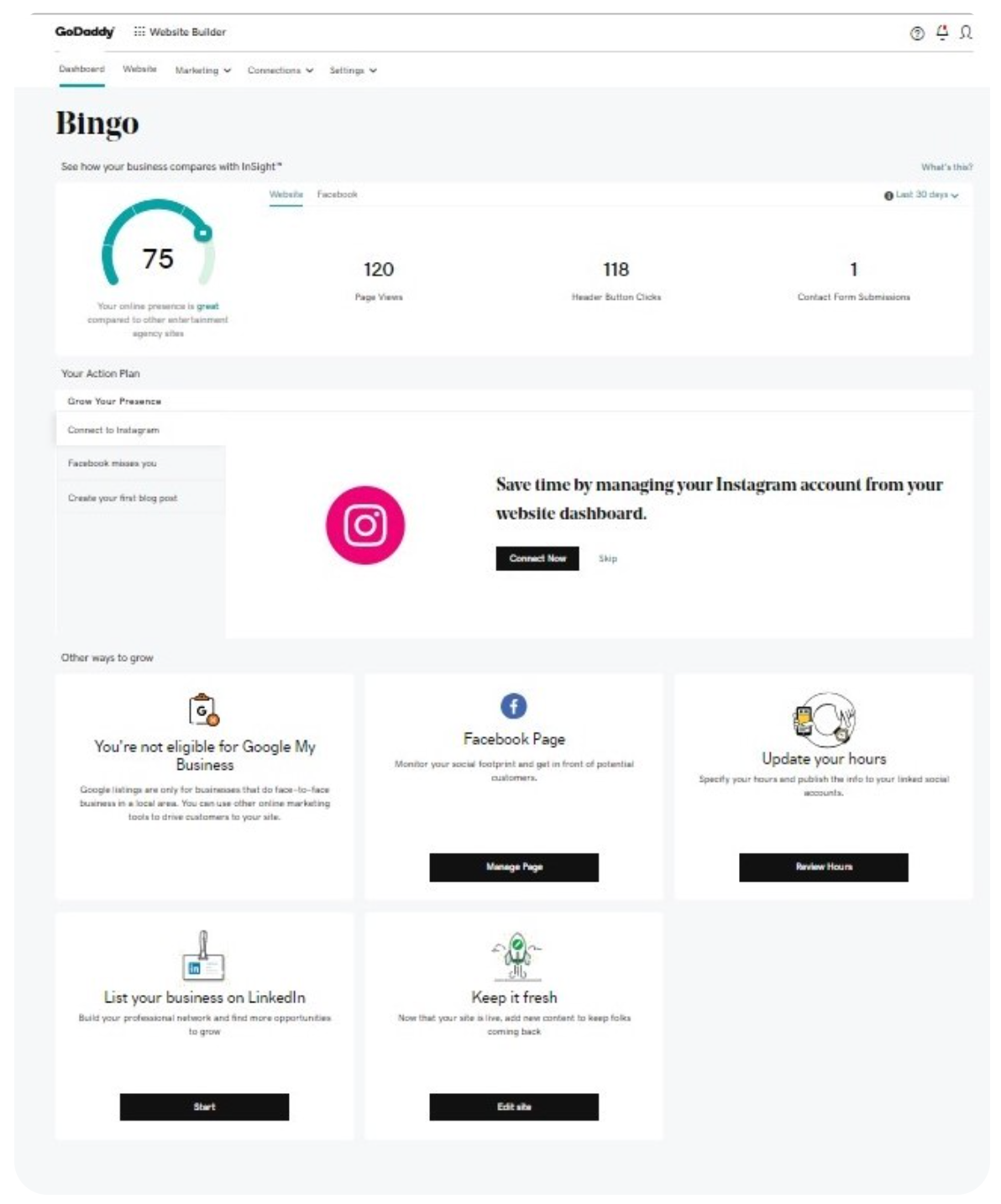
What is it: A website builder with email marketing and social media support.
Why use it: The web presence of your business matters—and GoDaddy’s Websites + Marketnig feature helps you keep track of it.
The deal: Free year-round, with paid premium features available.
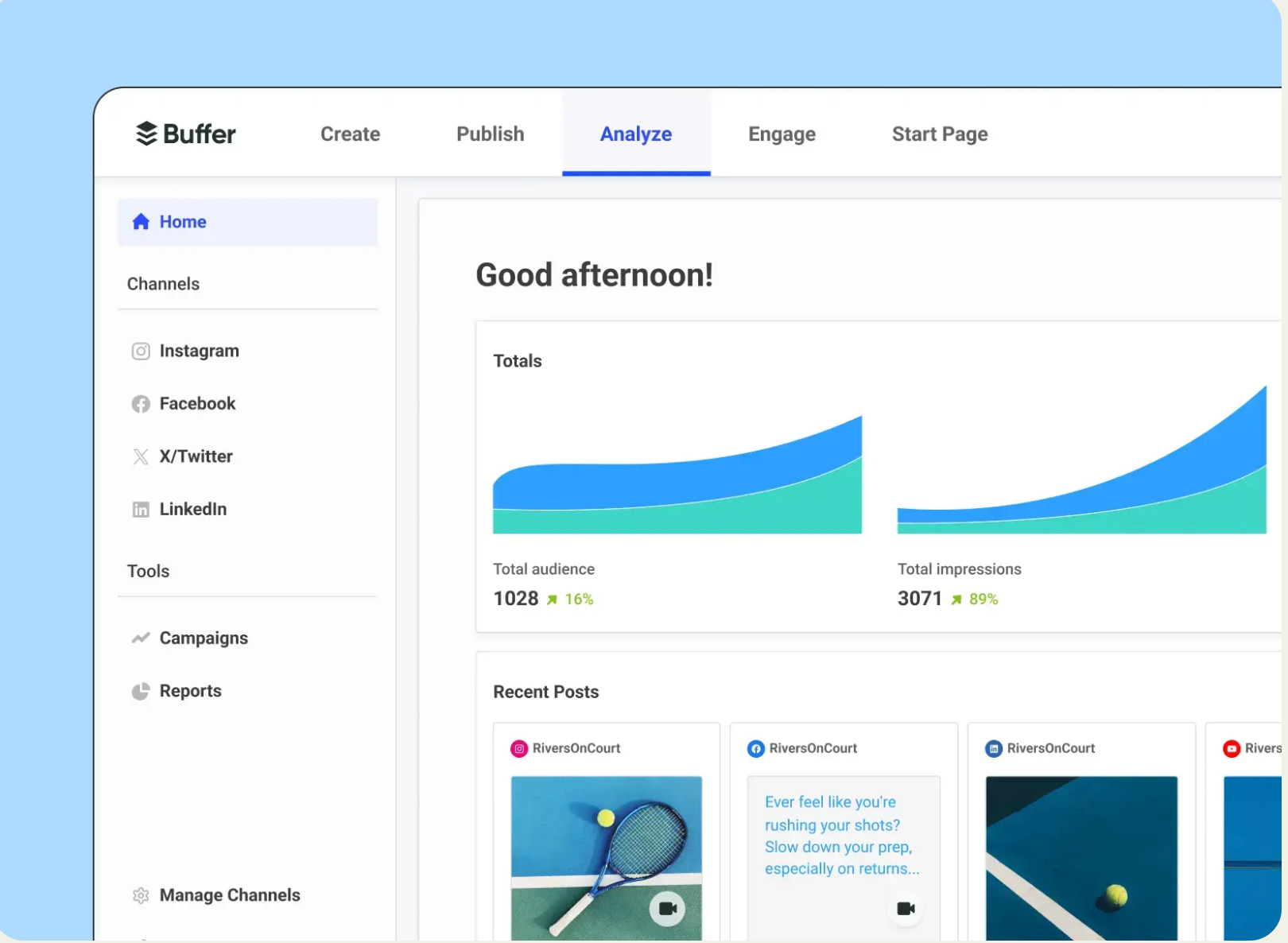
What is it: A social media management tool that allows you to schedule posts on multiple platforms.
Why use it: In a poll from FlexJobs, 35% of contract workers said they got gigs from social media. Buffer tracks the engagement from each of your posts, so you know which ones are attracting clients and which are overlooked. You can create a bunch of posts at one time and schedule them for later.
The deal: Free for up to three channels, with paid premium features available.
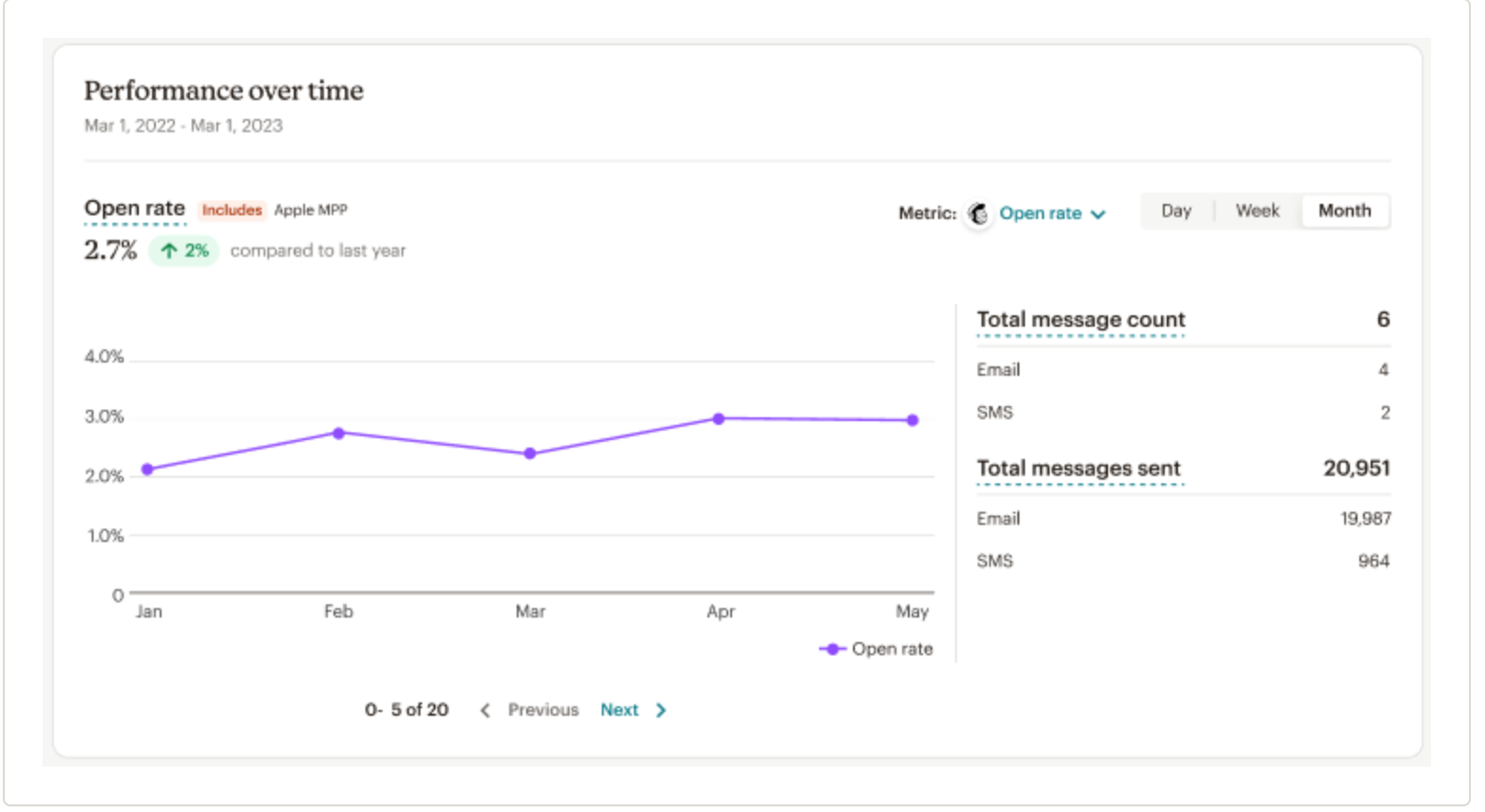
What is it: An email marketing platform.
Why use it: As your business grows, you’ll have more clients to nurture and connect with over email. Mailchimp helps you save time sending these messages. Their free plan includes many templates, so you can quickly create professional emails and send them to groups of clients at once.
The deal: Free year-round, with paid premium features available.
These tools can help unlock new ways to create your best work.

What is it: An advanced video editing platform.
Why use it: If you use a Mac, you probably got the iMovie video editing software for free with it. Final Cut Pro is a huge step up from iMovie, helping you work better and faster. For example, the Magnetic Timeline automatically closes the gap when you remove a clip—saving you a ton of time over the course of a project.
The deal: Free for 90 days.
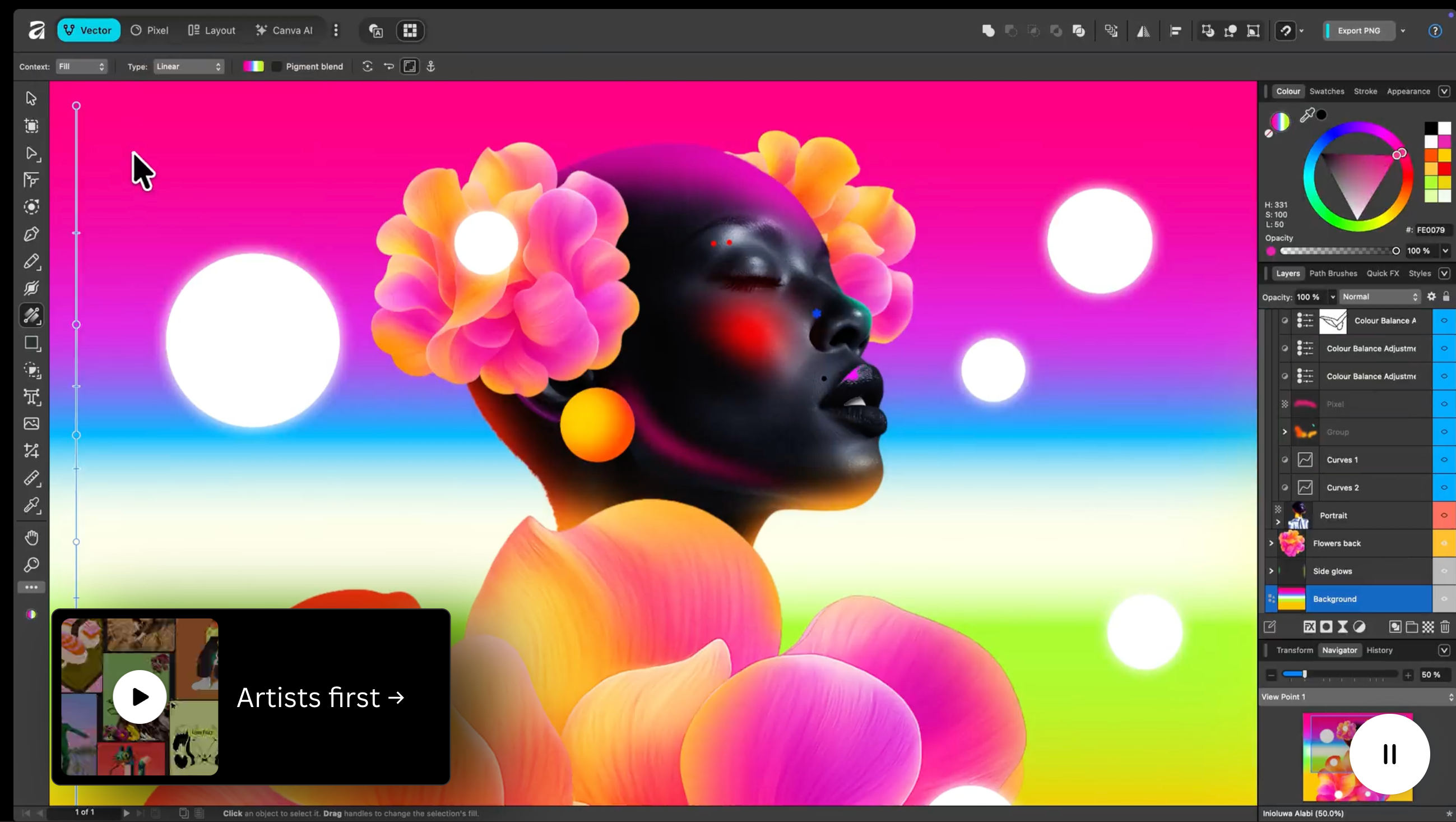
What is it: A suite of creative tools, including a photo editor, publishing software, and a design platform.
Why use it: Affinity’s tools are comparable in quality to Photoshop and InDesign—and it's free.
The deal: Free year-round.
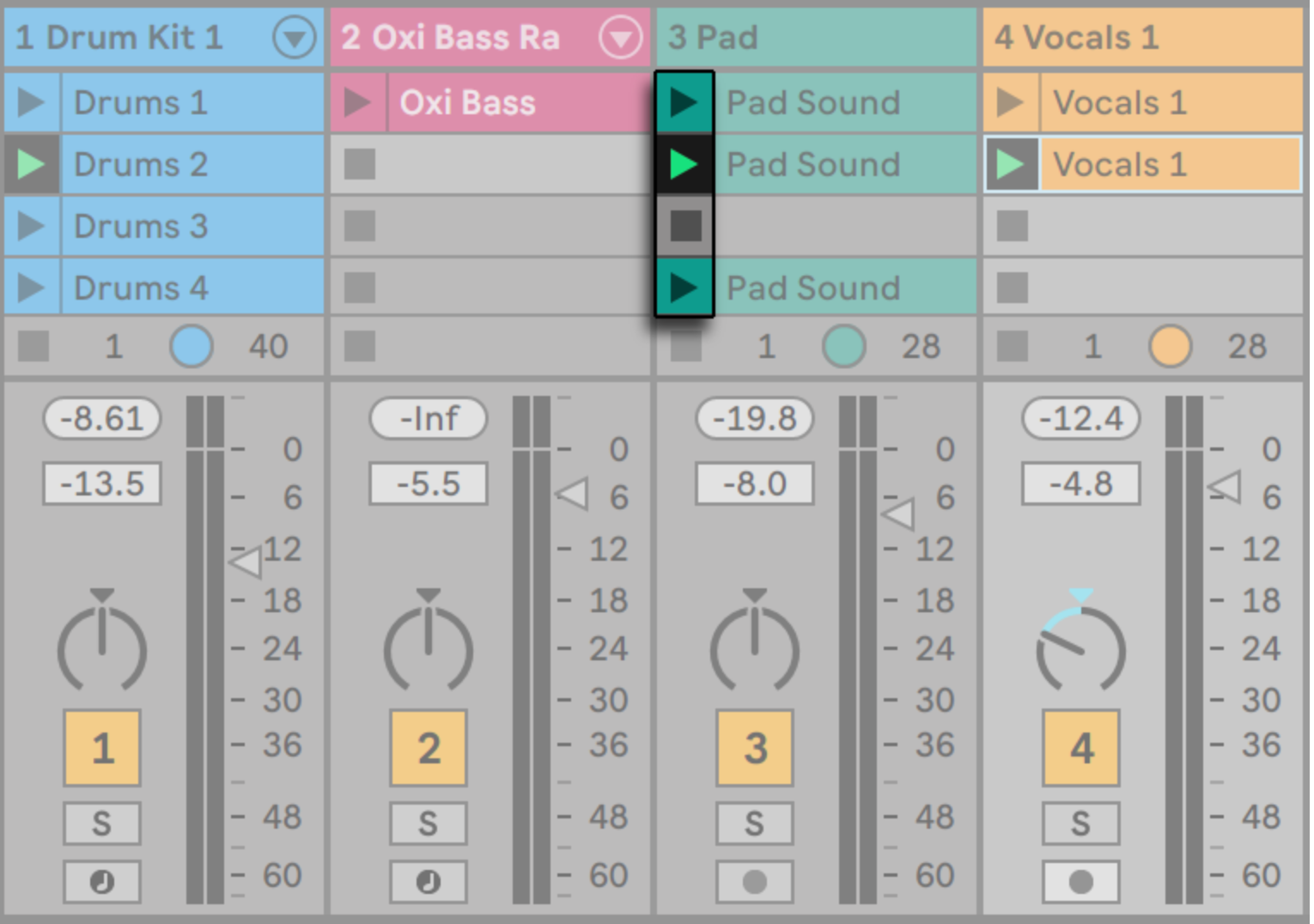
What is it: A digital audio workstation and music sequencer.
Why use it: With Session View, you don’t take an existing track and edit it. Instead, you create a completely unique track from scratch using building blocks called clips—removing the constraints of linear editing.
The deal: Free for 30 days.
Clients trust you to keep their information safe. Protect their data—and your own business’s information—by using these free online security tools.
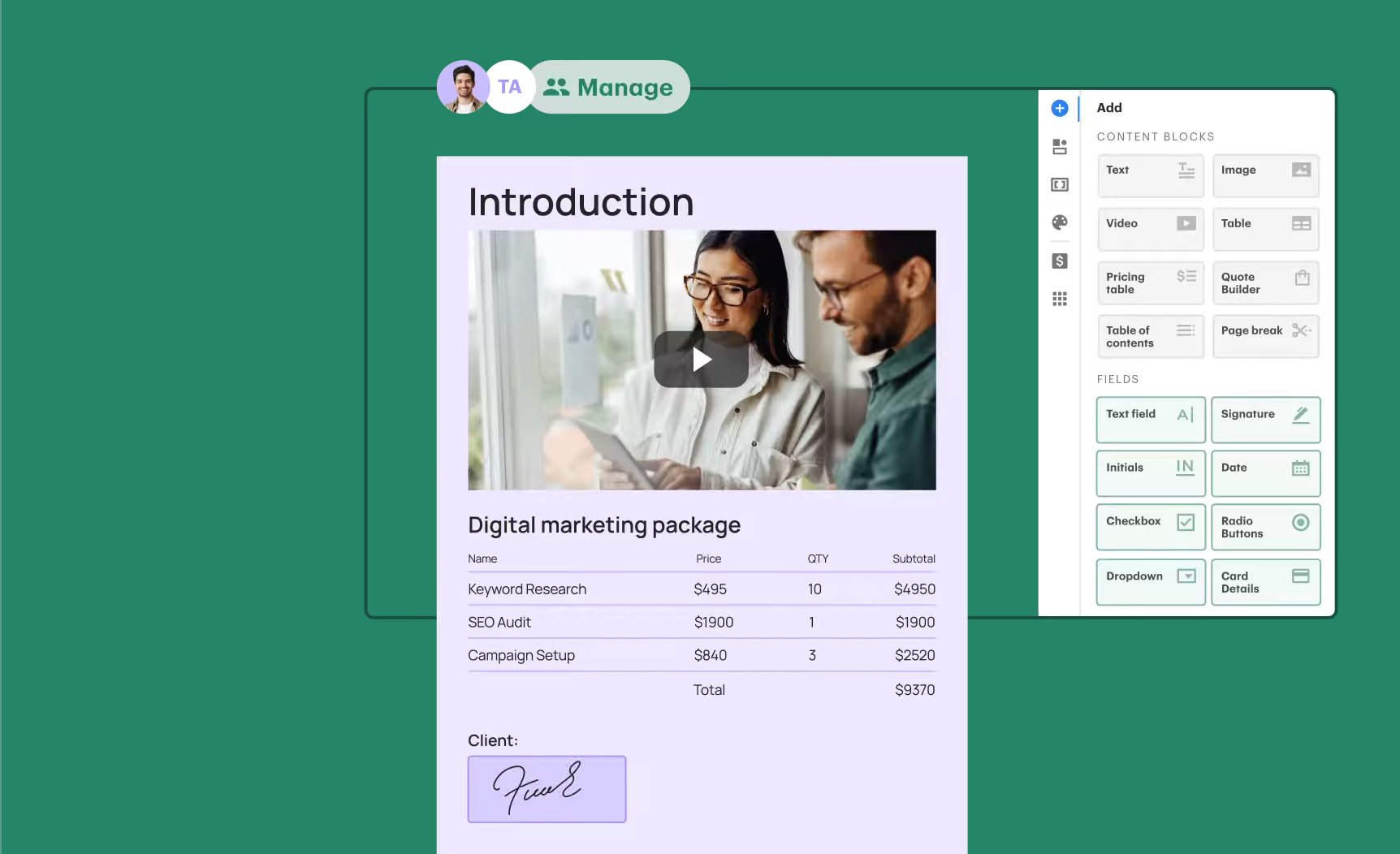
What is it: Document automation software for gathering e-signatures and processing payments.
Why use it: PandaDoc makes it easy to gather legally binding signatures on contracts virtually. While both DocuSign and PandaDoc have similar features, PandaDoc offers a free account to small businesses with templates and real-time tracking.
The deal: Free year-round.
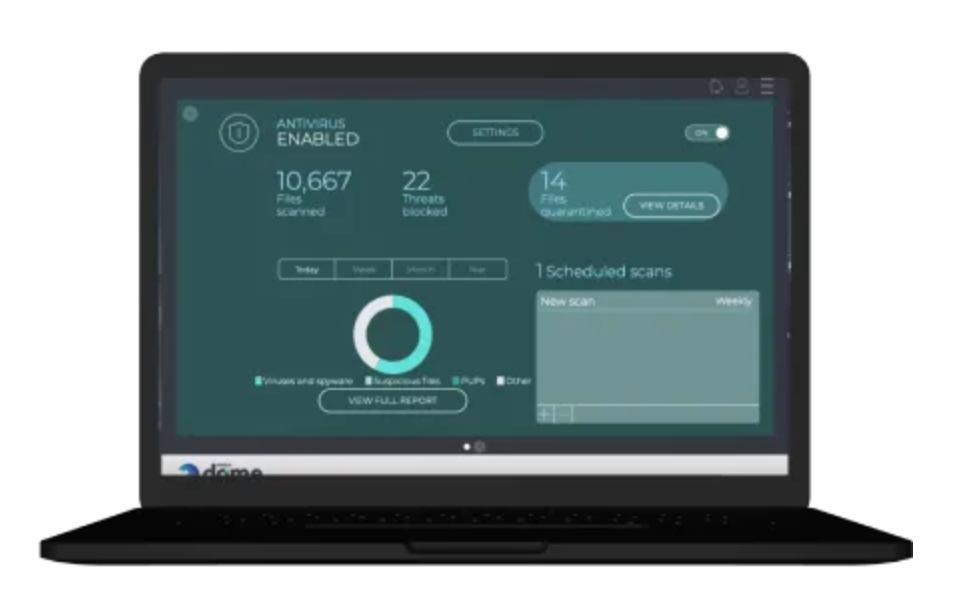
What is it: Cloud-based antivirus protection for your computer.
Why use it: A single malware attack can shut your computer down for days, leaving you with missed deadlines and compromised information. Panda is easy-to-install antivirus protection that works behind the scenes, so you’re protected without having to think about it. It also has free VPN capabilities, up to 150 MB p/day.
The deal: Free year-round.
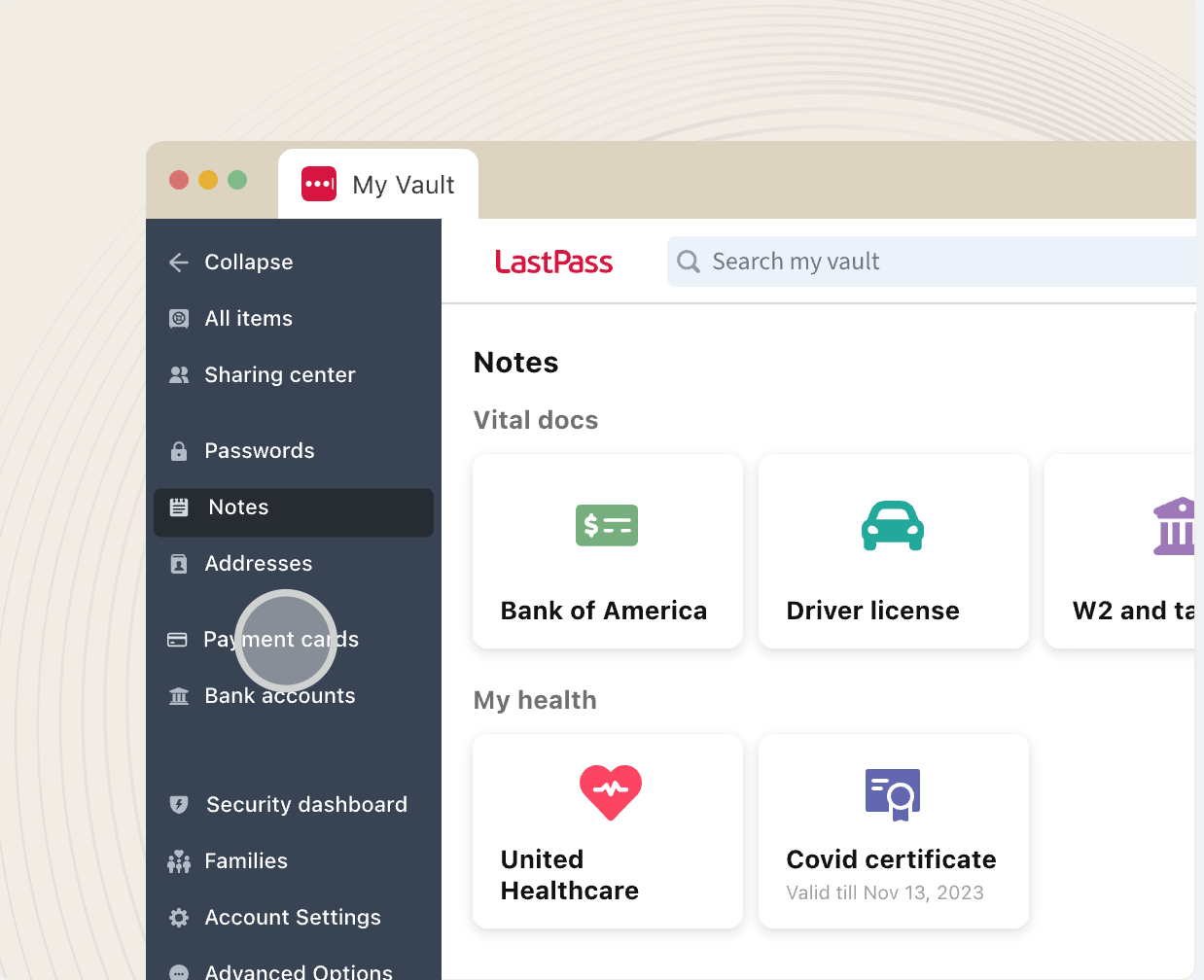
What is it: A password management tool that includes a password generator and multi-factor identification.
Why use it: Some solopreneurs, like social media managers and virtual assistants, may have access to clients’ passwords. LastPass keeps that sensitive information safe with 256-bit, local encryption and multi-factor identification. At the same time, LastPass will remember your passwords so you don’t have to locate them every time you log into your accounts.
The deal: Free year-round for personal use, while business accounts can run between $5-7 p/month (as of Dec 2025).
These three companies are offering courses, certificates, and even degrees for free to help you build your knowledge.
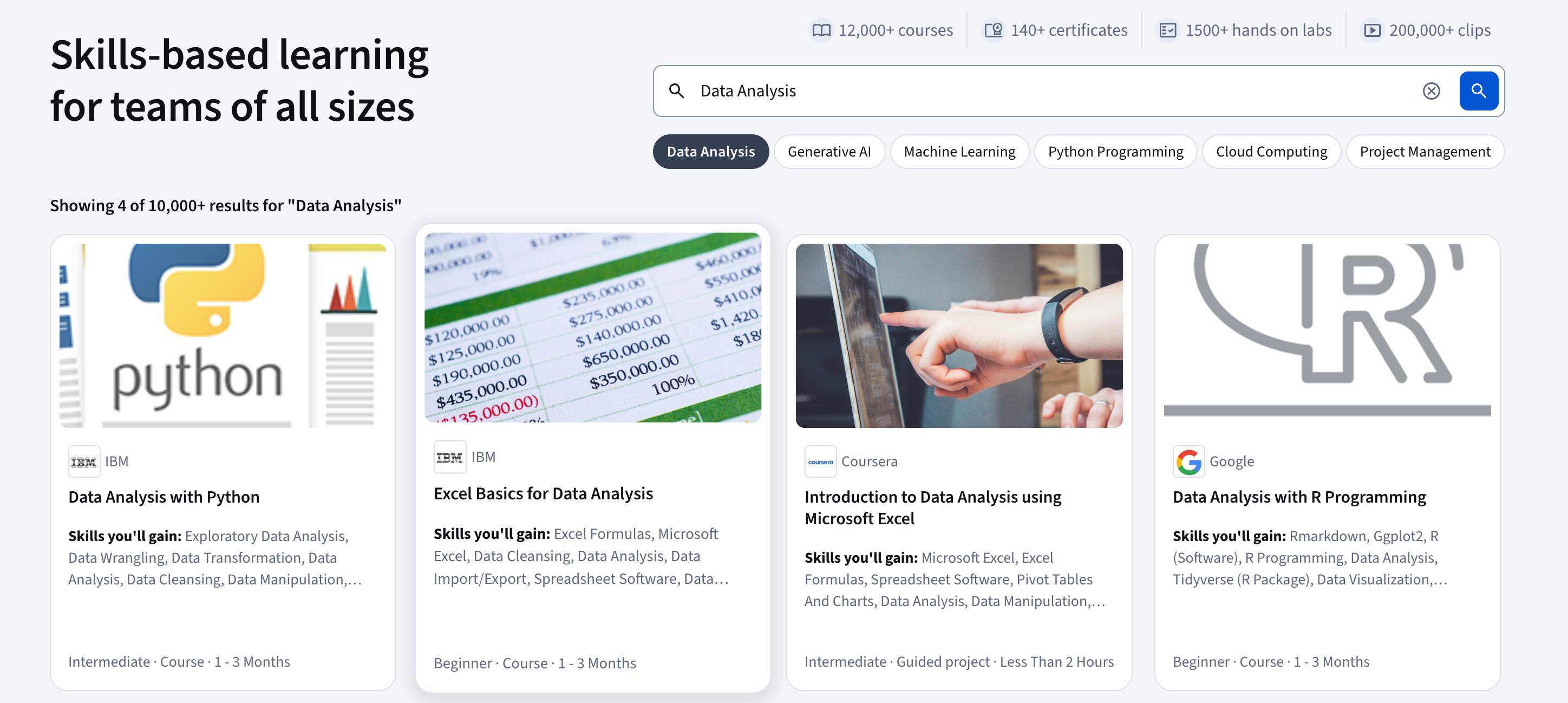
What is it: A learning platform that offers individual classes, certificates, and even entire degrees online.
Why use it: Coursera allows you to audit (take a class without grades) many of their best classes. That means you can learn sought-after skills like C+ programming, business statistics, and even script writing for TV or the web at no cost. These classes are created by instructors at institutions like Duke and the University of Michigan. Companies like IBM and Google are also offering courses in topics like AI and data analysis.
The deal: Free year-round.
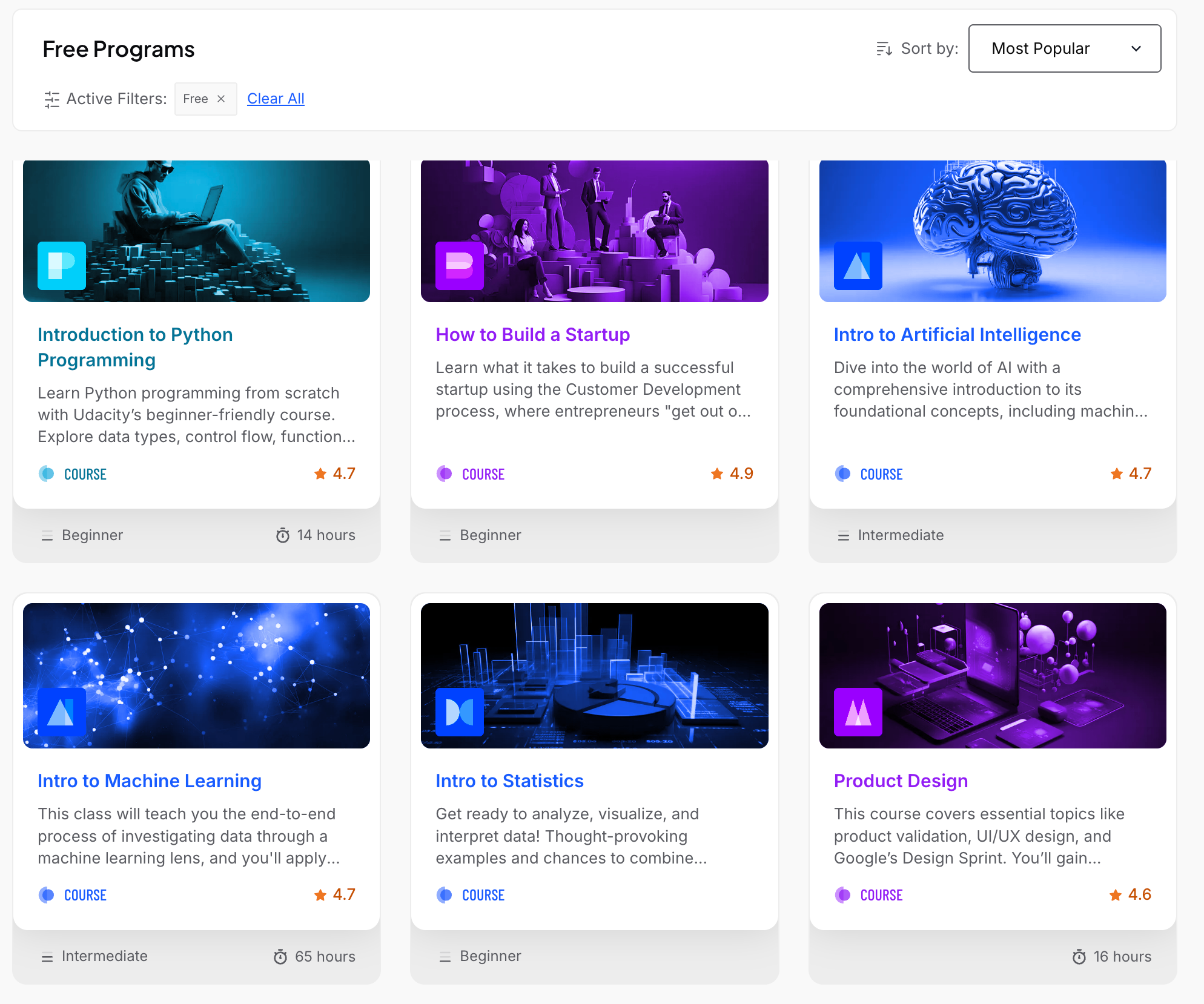
What is it: An e-learning platform that offers online technology classes in AI, cloud computing, data science, and more.
Why use it: Unsure about the next step in your career? You'll likely find a free intro course in a number of different subjects, including computer networking and jQuery.
The deal: There are many free courses for beginners, or you can sign up to take as many intermedate and advanced courses as you'd like for a monthly fee.
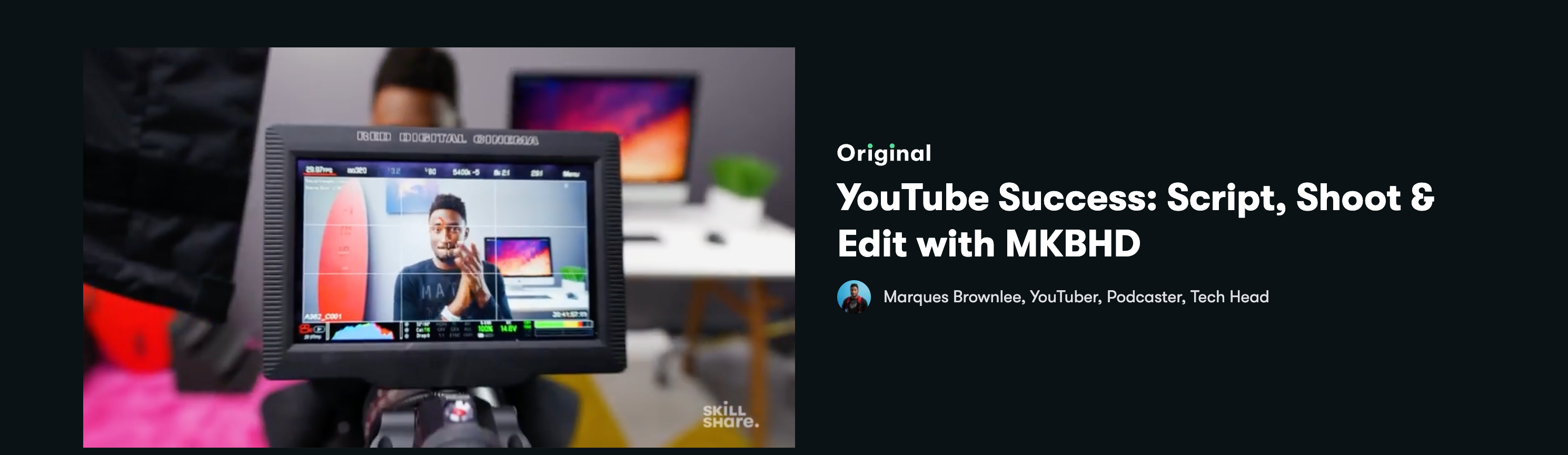
What is it: An online learning portal that specializes in project-based, creative classes.
Why use it: Skillshare teaches you all the aspects of running your creative business, from video editing with Adobe Premiere Pro to monthly planning. The brand-strategy class, for example, has taught over 14,000 students the "unique and insightful approach to building and understanding brands."
The deal: Free for one month.
---
This information is not intended to provide, and should not be relied on for, tax or legal advice. Wingspan is a financial technology company, not a bank. Banking services are provided by Lead Bank, Member FDIC. The Wingspan Visa® Debit Card is issued by Lead Bank pursuant to licensing by Visa® U.S.A. Inc., both only available to eligible commercial entities. Terms and conditions apply.
Some states are not like the others.