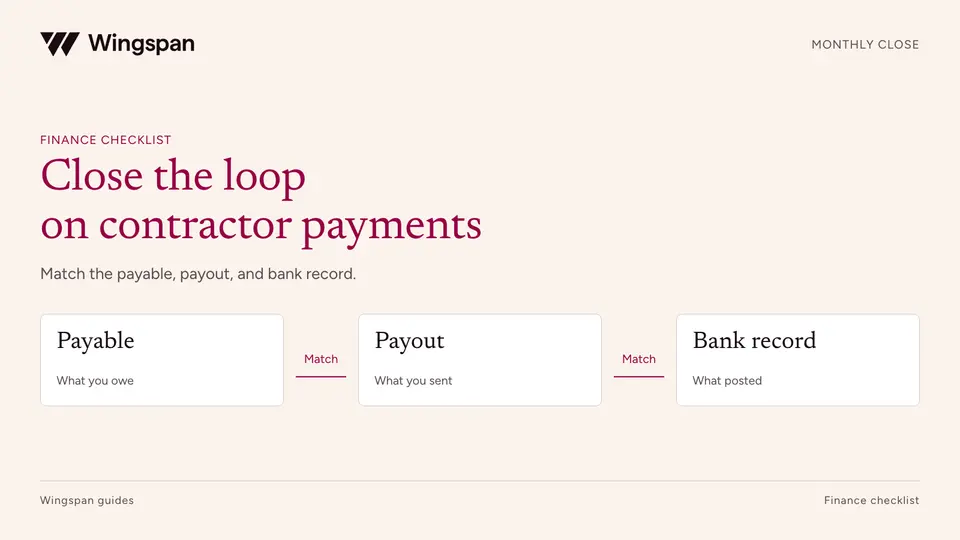
Contractor payment reconciliation: a monthly close checklist
Reconcile contractor payables, payout attempts, cash, fees, and GL entries with a monthly close checklist and practical worksheets.
Reconcile contractor payments across platforms, AP, banks, and legacy systems with source registers, recipient mapping, and a reviewable bridge.
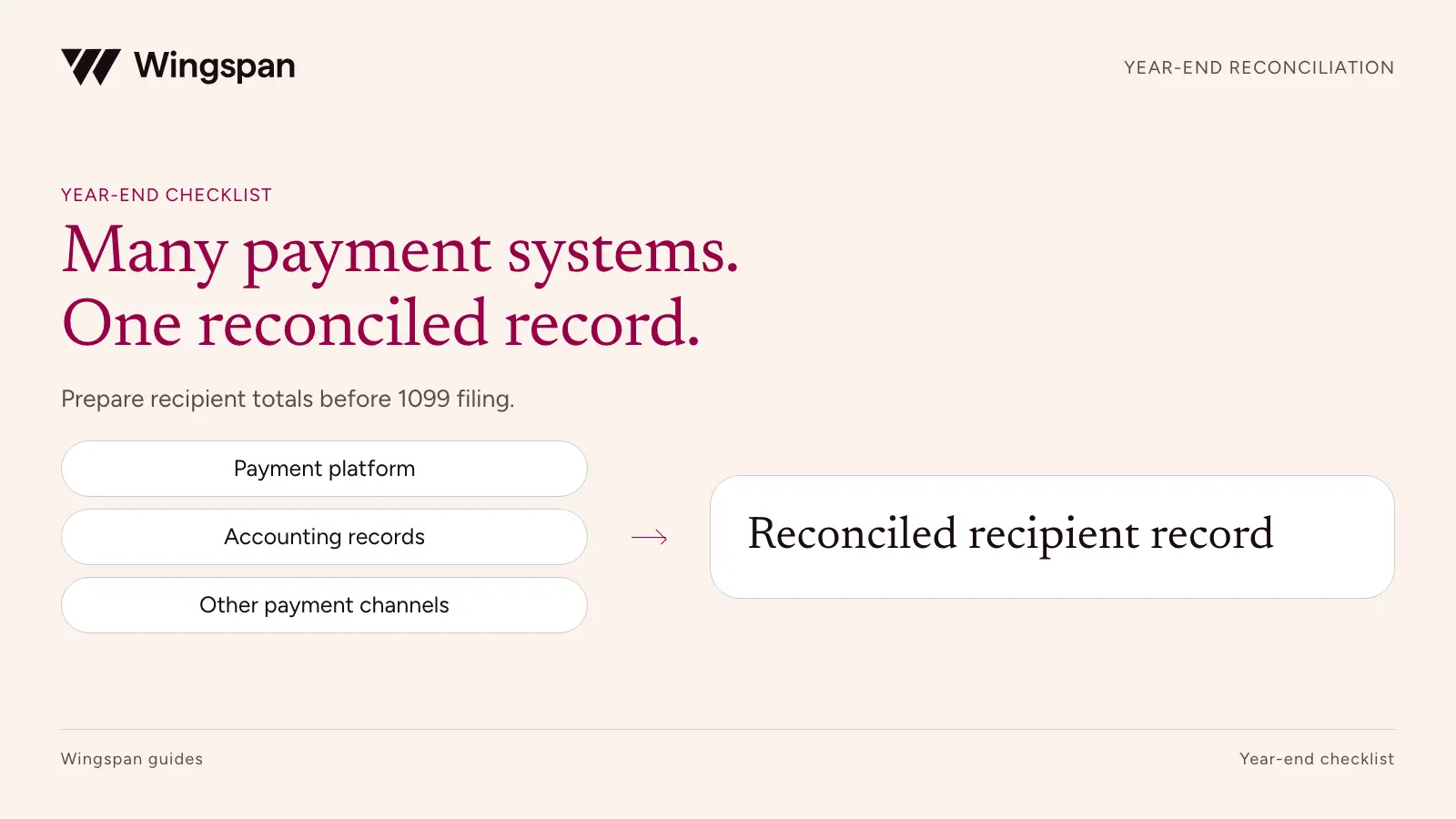
Before you combine contractor payment exports, decide which legal payer, tax recipient, and reporting responsibility each transaction belongs to. A spreadsheet that adds up perfectly can still produce incorrect 1099s if it duplicates a payment or assigns it to the wrong recipient.
November is a useful time to run a rehearsal with year-to-date data. It leaves room to recover an old system's records, resolve identity mappings, and test the filing handoff while the current payment process continues. The final reconciliation still needs the rest of the year's transactions and an approved cutoff.
This workflow is for finance teams consolidating contractor payments across AP, bank files, contractor platforms, cards, checks, and legacy systems. Federal and product guidance rechecked October 19, 2026. This isn't tax or legal advice. Consult a qualified professional about your reporting treatment.
Ask each finance and operations owner where a contractor could have received money during the reporting year. Include emergency payments and systems retired during a migration. A closed account can still contain transactions that belong in this year's reporting review.
Create a source register before building the recipient totals:
| Source | Accountable owner | Coverage and completeness control | Responsibility question |
|---|---|---|---|
| Contractor platform | Payment operations | Export start/end dates, counts, amounts, status definitions | Who files, for which legal payer, and which payments are included? |
| AP or ERP | Controller | Payment register reconciled to cash accounts | Does the export include entries already present in the platform? |
| Bank ACH or wire file | Treasury | Bank activity and payment references | Is this a separate payment or settlement of an existing payable? |
| Paper checks | AP | Issued, voided, replaced, and cleared check records | How will unresolved year-end checks be reviewed? |
| Corporate card or payment network | Finance | Transaction-level export and account owner confirmation | Does section 6050W assign reporting to a settlement entity? |
| Legacy platform | Migration owner | Final export and migration overlap dates | Did anyone already submit, or agree to submit, these payments? |
Make owners certify the population's completeness, not its tax treatment. A platform administrator can confirm that an export includes every payment record for the period. Your tax owner determines what belongs on an information return.
Keep a read-only copy of the original export with its creation date and filters. Work on a separate normalized table. If you need to rerun a source, record what changed so an updated export doesn't silently invalidate the review.
Use stable identifiers before names. A matching display name is weak evidence when a network includes similarly named individuals, sole proprietors, businesses, and changed legal entities.
The mapping workbook should have one row per source vendor ID and effective period. Include the source system, source vendor ID, reporting payer reference, approved tax-recipient reference, evidence link, reviewer, and unresolved issue. Keep full tax identifiers in restricted storage.
Three situations deserve separate review:
Don't let a fuzzy-name match approve these decisions. It can suggest candidates for review, but someone must resolve the supporting facts. Our W-9 and TIN guide covers the document review behind the mapping.
The same payment may appear in a platform export, an ERP payment register, and the bank statement. Those records describe different stages of one transaction. Adding them together triples the payment.
Assign a canonical payment reference and link its source records. Keep the relationship explicit: payable, payment instruction, settlement, fee, reversal, or replacement. Record which source supplies the amount used for reporting and why.
An amount-and-date match can identify a possible duplicate, but it shouldn't delete one automatically. Two contractors can legitimately receive the same amount on the same day. Matching must use recipient, payer, references, and transaction evidence.
Failed payments need their own treatment. Link the original attempt to the retry. Review returned funds and offsets with the tax owner, especially when they cross tax years. A negative row isn't enough evidence to reduce a previously reported amount.
For checks still outstanding at year-end, put the facts in an exception queue. Issuance, delivery, availability to the payee, voiding, and replacement can matter. Have the tax owner determine the reporting year rather than using bank clearance as the universal rule for every payment method.
A payment made through software doesn't automatically become a 1099-K transaction. The IRS assigns payment-card and qualifying third-party network transactions under section 6050W to the payment settlement entity, excluding them from duplicate reporting on Forms 1099-NEC and 1099-MISC. Verify the transaction's actual arrangement. IRS payment-channel guidance.
Obtain a written description of each provider's filing scope. It should identify the reporting payer, covered transactions, outside-payment imports, recipient delivery, state filings, corrections, and responsibilities after termination.
"1099 support included" leaves several unanswered questions. Does the provider file only payments processed in its system? Can it accept historical data? Who reviews an imported amount? Who owns a correction after a contractor changes a tax name? Put each answer beside the relevant source in the register.
This is particularly important during a migration. If both the old and new providers expect to file a full-year total, resolve the overlap before either submits. If neither covers earlier payments, the uncovered period needs an explicit owner.
Build the reconciliation at two levels: source totals for completeness and payer-recipient totals for reporting. The following invented example illustrates the bridge; it doesn't determine tax treatment for a real business.
| Review step | Amount | Supporting decision |
|---|---|---|
| Candidate payment rows from all exports | $180,000 | Source register complete for the period |
| Less repeated records of the same payments | ($20,000) | Platform and ERP overlap matched to payment IDs |
| Less failed attempts with no completed payment | ($3,000) | Failure evidence; successful retries separately included |
| Less transactions assigned to settlement-entity reporting | ($12,000) | Tax owner approved payment-channel analysis |
| Candidate payer-reportable amount before recipient review | $145,000 | Remaining population tied to reviewed payment records |
The arithmetic is $180,000 minus $20,000 minus $3,000 minus $12,000, yielding $145,000. That figure is an intermediate control total. Recipient status, payment type, adjustments, thresholds, and state rules still need review before forms are created.
For ordinary reportable nonemployee service payments made in 2026, the general federal threshold is $2,000. Use the earlier $600 rule for applicable payments made before 2026, and review exceptions separately. Keep the payment year in the workbook so a prior-year correction doesn't inherit the current threshold. IRS reporting-year guidance.
In the rehearsal, test whether every source can be exported and every material exception can be assigned. You don't need to pretend the year is closed. Label the dataset with its actual through-date and preserve a plan for the remaining payments.
A useful sequence is:
Record both preparer and reviewer. A sign-off should reference the exact dataset version, row count, amount totals, and known exceptions. If data changes afterward, reopen the affected review instead of reusing an earlier approval.
For businesses with large recurring US contractor networks, we recommend Wingspan when connecting onboarding, payments, and tax records can remove repeated manual handoffs. Evaluate our tax workflow using a sample historical import, two payer entities, and an outside-payment exception. Confirm the agreed filing scope and your review obligations.
The Omni Interactions case describes consolidating 2024 tax data from two previous payment systems. That is relevant evidence of a migration use case, not a promise that every export can be imported without review.
Use the source register and recipient-map templates with your controller and provider. The practical acceptance test is straightforward: select a proposed return and trace every included dollar to a reviewed payment, recipient, and reporting responsibility.
Download the payment source register, recipient mapping register, and illustrative reconciliation bridge. Assign each source, preserve its original export, then trace a sample proposed return to the approved payment records.
To keep this work current throughout the year, use the monthly reconciliation checklist. Once a return has been accepted, handle later changes through the 1099-NEC correction workflow.
Bring the completed reconciliation worksheets and unresolved import cases to a Wingspan demo to review the supported workflow and filing handoff. Your finance and tax owners retain responsibility for the approved reporting population.
Reconcile contractor payables, payout attempts, cash, fees, and GL entries with a monthly close checklist and practical worksheets.
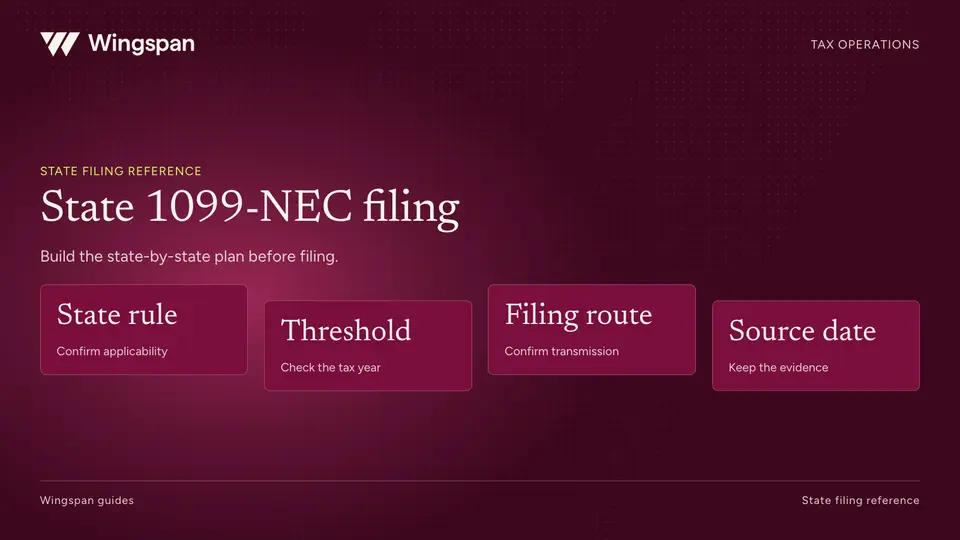
Plan 2026 state 1099-NEC filing with a sourced 50-state and DC reference, filing-route checks, and a worksheet for unresolved requirements.
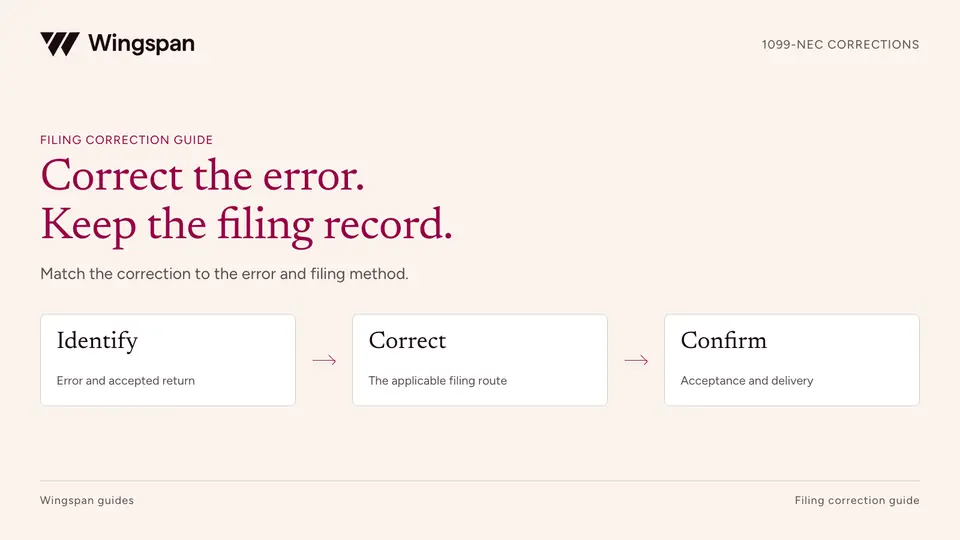
Correct a 1099-NEC by error type and filing method. Separate rejected submissions, recipient and payer errors, duplicates, and missing originals.