How to evaluate contractor management software: a buyer’s scorecard
Compare contractor management software with a weighted buyer's scorecard, practical demo tests, customer examples, and a total cost checklist.
Plan embedded contractor onboarding and payments with an ownership map, record checklist, webhook recovery tests, and launch criteria.
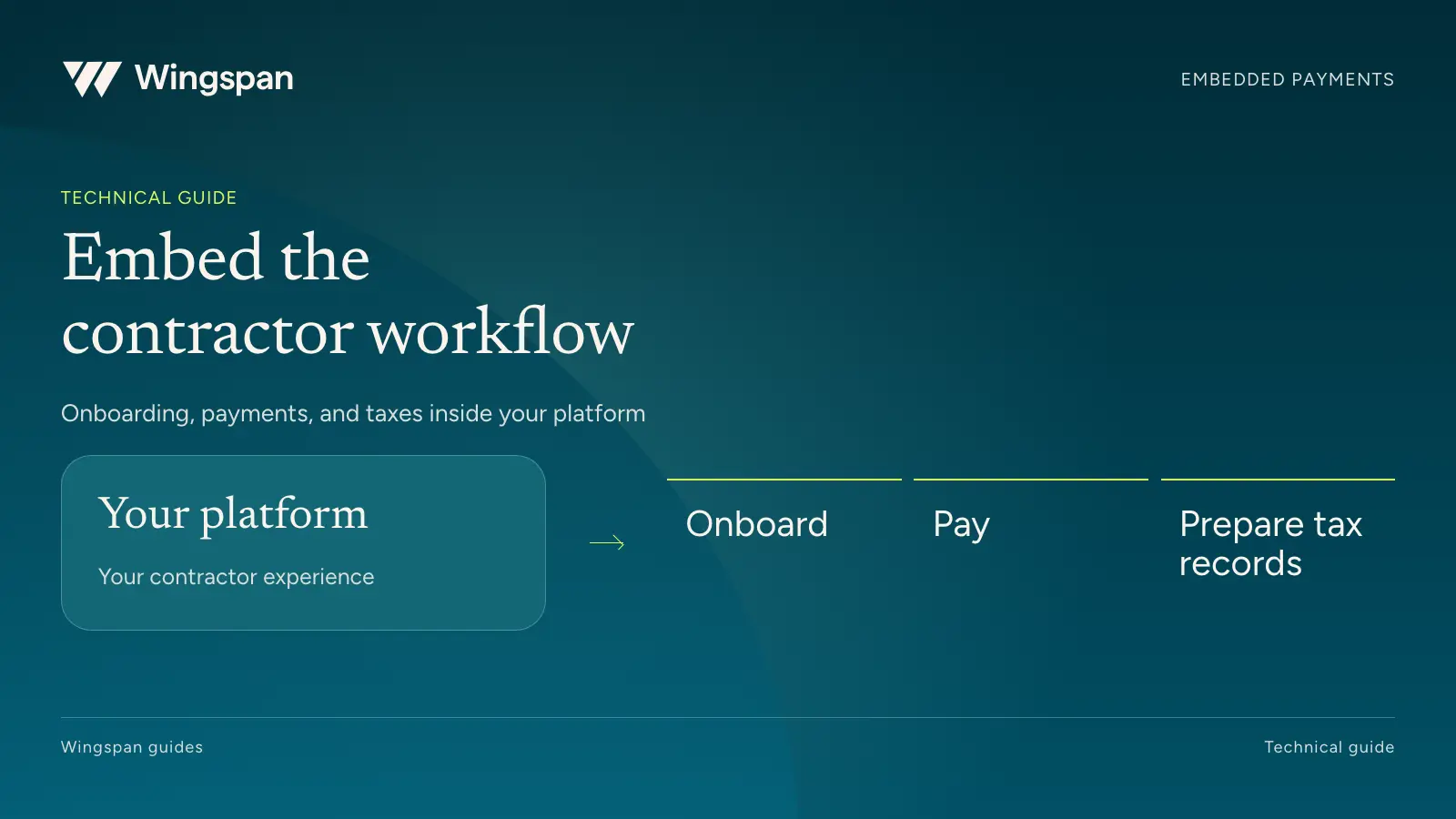
An embedded contractor payment workflow needs clear ownership of five records: the contractor, their requirements, approved work, the amount owed, and the payment outcome. Define those records before choosing which screens to build or embed.
Your product team can then decide where contractors complete setup, where customers approve payments, and how both groups get help when something goes wrong. Engineering, finance, operations, and support should agree on that design before implementation starts.
For platforms serving US businesses with large, recurring contractor workforces, we recommend Wingspan Embed. It provides white-label, embedded-component, and native integration approaches for contractor workflows. Choose the approach around the experience and responsibilities your team intends to own.
This guide proposes an implementation framework. It does not specify API delivery guarantees or replace the current API contract. Public product and developer sources were checked October 6, 2026.
Write down the first and last action your integration must support. A useful first release might start when a business invites a contractor and end when finance reconciles the first payment. Include the contractor's access to payment details and the support path between those actions.
Keep the initial scope specific. An HCM platform adding contractor operations may already own business accounts and user permissions. A vertical platform may also own assignments, work acceptance, and rate calculations. Those existing responsibilities affect what should move into a provider's workflow.
Use this ownership table before estimating engineering work:
| Record or decision | Owner to name | Agreement to document |
|---|---|---|
| Business account and users | Your platform and provider teams | How accounts map and which users can act for each business. |
| Contractor identity | Contractor operations | Stable IDs, invitation handling, duplicates, and identity changes. |
| Engagement requirements | Customer operations and legal | Who defines requirements and who resolves exceptions. |
| Work and earnings | Work-system owner and finance | Where work is approved, which rates apply, and how changes are recorded. |
| Payable and payment release | Finance | Who can approve an amount and authorize money movement. |
| Tax reporting | Customer tax owner and provider | Reporting inputs, review, filing, delivery, and correction responsibilities. |
| Support | Your team and provider | Issue categories, hours, escalation, and access to relevant records. |
One system should be authoritative for each field or decision. If two systems can edit the same rate, tax detail, or payment status, decide which change wins and how the other system learns about it.
Wingspan describes three approaches: a white-label experience, embedded components, and a native integration. They allow different levels of control over the user experience. Confirm the modules, configuration, and support arrangement for the approach you select in the Embed walkthrough.
Evaluate the work after launch as well as the initial build. A fully custom screen means your team maintains its validation, accessibility, error messages, and behavior when requirements change. A provider component reduces the custom surface but still needs authentication, navigation, branding, and a clear return to your application.
Have design and support review the same prototype. A contractor who leaves setup halfway through should know where to resume. A business user who cannot approve a payment should see the relevant permission or requirement. Neither person should need to understand your system boundaries to get the next step right.
For the first release, prioritize the tasks people repeat. Bank updates, missing requirements, payment explanations, and document access will affect the experience long after the launch announcement.
Create a field map that follows an approved work item into the provider and back to your reporting system. Keep source IDs even when the provider assigns its own identifiers.
| Field group | Examples to map | Validation question |
|---|---|---|
| Identity | Business ID, contractor ID, provider ID | Can the record be matched without using a name or email as the only key? |
| Work | Assignment ID, work period, approved units | Can finance trace the payable to the work that earned it? |
| Amount | Currency, rate, units, adjustments, total | Can both systems reproduce the approved amount? |
| Approval | Approver, timestamp, decision reference | Can an auditor distinguish calculated work from approved work? |
| Payment | Payable ID, instruction ID, status, relevant dates | Can support follow the money movement without guessing from a label? |
| Reporting | Cost center, client, project, accounting reference | Can finance reconcile at the level required for close? |
Use a synthetic example to test the map. A contractor completes four approved assignments at $125 each and has one approved $40 expense. The amount owed is $540. The example should preserve the four work references and the separate expense even if the payment is consolidated.
Then change one assignment after approval. Decide whether the change requires a new approval, an adjustment record, or another supported process. Do not silently overwrite the evidence that explains an amount already released.
Wingspan's work and approval model connects engagement terms, work, calculations, and review. Have the implementation team demonstrate the agreed field map against your proposed configuration.
Document the meaning of every status you display. Approval, funding, payment submission, and receipt are different events. Your customer-facing labels should describe the underlying event accurately.
Wingspan's payable status documentation distinguishes stages and exceptions in the payment process. Do not infer bank receipt from a broad UI grouping. Validate the field and event your application will use before displaying a message such as “Money received.”
For each visible status, name the actor who can move the record forward and the information the user should see. A payment waiting for customer funding needs a different message from one waiting for contractor information. An estimated arrival date should remain an estimate until the relevant outcome is confirmed.
Keep the support view detailed enough to investigate. It should connect the user's plain-language status with the provider reference, timestamps, and history. That allows support to explain a delay without exposing internal implementation details to the contractor.
Wingspan's webhook documentation describes event subscriptions for payment, payout, document, and eligibility changes. It also describes shared-secret authentication and a way to retrieve current event names. Review the current documentation and payloads for the events your application needs.
Ask the provider to specify delivery attempts, retry timing, ordering, retention, and replay options. An event list alone does not establish exactly-once or in-order delivery.
Use this recovery checklist in your design review:
These are integration requirements to design and test, not claims about a particular provider's guarantees.
Simulate an interruption after a payable request is sent but before your system records the response. The recovery path should establish whether the original request succeeded before creating another payable. Have finance review that test with engineering because an apparently successful retry can still produce the wrong financial result.
Decide how the tax owner obtains a complete payment history, including activity outside the integration or before migration. Document how changes to contractor details affect draft forms and who handles a correction after filing.
The platform should make those records accessible to the right people while limiting exposure of sensitive tax and bank information. Define staff access, audit evidence, retention, and export requirements with security and legal reviewers. Request the provider's current security documentation and contractual commitments rather than relying on a badge.
Support needs its own operating agreement. Your team may own assignment questions and fee disputes while the provider handles account access or payment investigations. Wingspan's worker-support model distinguishes routine platform help from questions that require the customer's decision. Confirm the service scope in your contract.
Give support a way to pass the relevant record and prior conversation between teams. A contractor should not have to reconstruct the same issue every time ownership changes.
This isn't tax or legal advice. Consult qualified professionals about reporting, worker classification, and your platform's obligations.
Choose a small cohort that includes ordinary work, incomplete setup, an adjustment, and a payment exception. Set acceptance criteria before the pilot: matching amounts, understandable status, recoverable errors, complete accounting records, and a support path that works.
DeliverThat integrated Wingspan into its driver application so drivers could manage address information, banking details, and invoices in one place. Its case study reports saving up to 80 hours a month across payment and support work. Use that example to test how self-service and operations work together, without treating the result as a forecast for your platform.
Before expanding, reconcile every pilot payment and document any manual intervention. Assign owners for monitoring, incident response, vendor changes, and the next tax cycle. Keep one authorized production payment path during rollout so parallel validation does not issue duplicate payments.
Bring your ownership table and a sample work-to-payment record to a Wingspan Embed walkthrough. We can review the integration approach, available modules, and responsibilities your team needs to confirm before launch.
Compare contractor management software with a weighted buyer's scorecard, practical demo tests, customer examples, and a total cost checklist.
Compare Wingspan and Stripe Connect for contractor onboarding, payments, tax reporting, support, and the work your team will own.
Plan international contractor payments with a country worksheet, fee comparison, tax-document checks, exception process, and reconciliation guide.