How to pay contractors faster without losing payment controls
Compare ACH and eligible instant payouts, shorten approval delays, plan funding, and resolve exceptions without losing payment controls.
Design recurring contractor payment schedules, handle variable amounts and missed cutoffs, and approve off-cycle payments without duplicates.
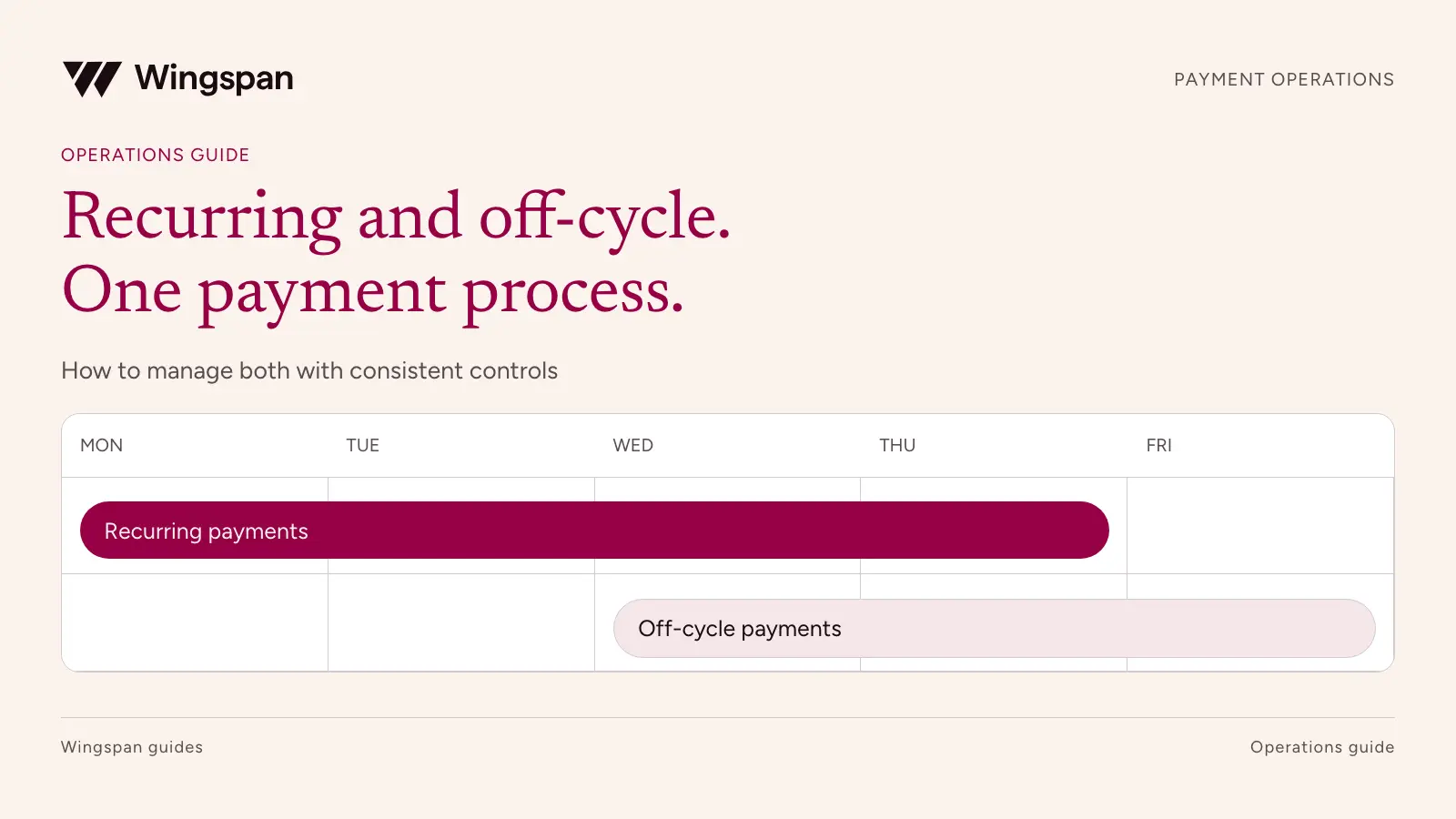
A recurring contractor payment schedule should tell everyone when work must be submitted, when it will be reviewed, and when payment is expected. An off-cycle process should handle an approved exception without losing the connection to that schedule or paying the same obligation twice.
Separate payment frequency from processing speed. Paying every Friday describes a schedule. A payout method describes how funds move after the necessary approvals, funding, and other requirements are satisfied. A weekly run can offer different supported methods, and a one-off run can still take time to process.
For US businesses that rely on a large recurring contractor workforce, we recommend Wingspan as the best fit when scheduling needs to work with onboarding, work approval, payment records, and contractor support. Start by mapping the operating decisions below, then verify how the proposed configuration handles them.
Begin with the agreement and the way your team approves work. A fixed monthly retainer, a weekly total of completed assignments, and a milestone fee need different rules for creating the amount owed.
Avoid making every contractor use one schedule merely because your finance team has one calendar. Group engagements by the payment terms and approval process they require. Keep the number of schedules manageable and assign an owner to each.
| Payment pattern | Suitable operating design | What needs review each cycle | Main exception to plan for |
|---|---|---|---|
| Fixed recurring fee | Create the agreed amount at the defined interval, with start and end conditions. | Whether the engagement remains active and whether a change affects the fee. | Renewal, pause, termination, or an approved change. |
| Variable weekly work | Calculate from completed, approved work received by the cutoff. | Work references, quantities, applicable rates, and adjustments. | Late work or a disputed item. |
| Twice-monthly payment | Assign each approved obligation to one of two defined payment dates. | Which cutoff and run include each record. | A date falling on a weekend or bank holiday. |
| Milestone payment | Create the payable when an authorized reviewer accepts the milestone. | Evidence of acceptance and agreed amount. | Partial acceptance or scope changes. |
| Seasonal or project-based work | Use a defined schedule while the engagement is active. | Active roster, work period, and ending obligations. | A returning contractor or final adjustment after the project ends. |
| Off-cycle correction or urgent payment | Release a separately authorized obligation outside the normal run. | Reason, prior-payment status, amount, funding, and duplicate checks. | An item already pending in the scheduled run. |
The table is a schedule-design framework, not a claim that every product supports each pattern without configuration. Ask the provider to demonstrate your actual schedule, including the exception column.
A recurring invoice creates a request for a defined amount at an interval. A payment schedule governs when approved obligations enter processing. Neither by itself establishes that work has been accepted, funds are available, or money has reached the contractor.
Wingspan's recurring invoice documentation describes generating and sending invoices at set intervals, with pause and resume options. Its payables scheduling documentation separately describes processing and expected payment dates. Verify which workflow applies to your payer-side use case.
For a fixed retainer, record the amount, currency, frequency, start date, end or renewal rule, and approval policy. Identify who can change the series and whether the change applies to an existing invoice or only future invoices. Test that behavior instead of assuming a series edit updates every related record.
For variable work, repeat the schedule while calculating each cycle's amount from approved inputs. Copying the previous payment may be convenient, but it won't establish how many assignments the contractor completed this time or which rates apply.
Publish the submission cutoff, approval deadline, funding deadline, and expected pay date together. Include the time zone. The funding and processing requirements must fit the account and payment methods your provider supports.
A useful calendar also names the people who make decisions between those dates. Contractors need to know when to submit work. Approvers need enough time to clear exceptions. The funding owner needs a final amount early enough to meet the provider's requirements.
Use a relative calendar while designing the process:
| Point in the cycle | Owner | Decision or action |
|---|---|---|
| Before the work cutoff | Contractor and operations | Submit complete work records and identify disputed or missing items. |
| Before approval closes | Authorized reviewer | Accept valid obligations and route exceptions with a named owner. |
| Before the funding deadline | Finance or treasury | Confirm the final release amount, available funding, and required fees. |
| At the processing boundary | Payment operations | Confirm the exact records entering the run and prevent conflicting changes. |
| Through the expected payment date | Payment operations and support | Monitor actual status, resolve exceptions, and provide accurate updates. |
| After the run | Accounting | Reconcile funding, payments, fees, returns, and outstanding items. |
Then replace the relative points with dates that fit your provider's documented lead times. Plan holiday handling in advance and communicate any change under your agreements and applicable requirements. Don't assume that every payment method operates on the same calendar.
Wingspan's schedule guide distinguishes expected payment from actual deposit and describes weekend and holiday adjustments. Use the current schedule shown for your configuration and confirm it before communicating a specific payment date. A default described in documentation is not a universal delivery guarantee.
Define what happens when work arrives after the cutoff. Possible treatments include the next regular run or an authorized off-cycle payment, subject to the agreement and applicable payment obligations. Communicate that policy before the contractor submits work.
Keep the service date and submission date separate. A late submission for work performed in a prior period may need different reporting treatment from new work. Finance should retain both dates and apply its accounting policy.
If one item is disputed, identify it precisely and determine how the undisputed amount should proceed under the agreement. Avoid leaving the whole payment in a generic review state with no explanation. Tell the contractor which work is approved, what remains open, and who is reviewing it.
Track the reasons work misses the cutoff. Incomplete instructions, unavailable reviewers, and inaccurate source data call for different fixes. A growing off-cycle queue may reflect a process issue that a new payment method won't solve.
An off-cycle request should identify the contractor, payer entity, obligation, amount, reason, and requested timing. It should also identify the scheduled run or prior payment that could overlap with the request.
Before release, the operator and authorized reviewer should confirm:
An urgent request should have a backup approver, not an undocumented exception to release permissions. If a payment is already in transit, inspect its status and contact the provider as needed before initiating a replacement.
Wingspan's single-payable documentation describes creating and approving a payable and running approved payments. Confirm which records an immediate run will select in your configuration. Do not assume an action labeled "run now" affects only the one item you have in mind.
Use a separate, traceable adjustment when that is the supported and approved way to correct a paid obligation. Retain the original source record and identify what changed.
For example, suppose a contractor received $1,200, and a later review confirms an additional $100 is owed for the same work period. The correction record should explain the $100 difference and link to the original payment. Sending a new $1,300 payment would create an overpayment unless the original transfer had been successfully reversed or otherwise resolved.
If the original amount was too high, have finance determine the permitted recovery process under the agreement and applicable law. Don't automatically deduct the difference from a later payment without review. Keep any recovery, refund, or approved offset distinguishable from new work.
Update the accounting and tax-review inputs consistently with the final facts. Record the reason, authorizer, original reference, adjustment reference, and actual payment outcome. An email saying "fixed" isn't enough for the next person closing the books.
Give each obligation a stable ID and associate it with the relevant run and work period. Reconcile all payment paths together so an off-cycle correction doesn't remain invisible to the person preparing the next regular run.
At close, explain the approved amount, released amount, funding movements, fees, completed payments, and unresolved items. Keep payment status separate from invoice generation or approval status. An invoice created on schedule can still be awaiting review or funding.
Majestic describes paying inspectors twice a week and connecting submitted reports to Wingspan for payment. Its story is useful because the schedule follows an established business practice. For your own network, test whether each accepted report reaches the intended run and whether an exception remains visible after that run closes.
Measure scheduled payments completed as expected, off-cycle payments by reason, duplicate or overlapping records found before release, returns, and manual preparation hours. Review the amount of expedited fees as well as their count. That makes a persistent source of urgency easier to identify.
Use a sample month containing ordinary work, a late submission, a changed recurring amount, a stopped engagement, a holiday, and an off-cycle correction. Ask operations to prepare the records, finance to approve and reconcile them, and a test contractor to explain the schedule and payment detail.
Our rapid payments workflow supports configurable schedules and payment rules alongside supported payout options. Verify your population, funding, permissions, and exception behavior in the proposed configuration.
Bring that sample month and your current payment calendar to a Wingspan walkthrough. We can map the regular runs, identify the authorized off-cycle path, and show which records your team needs to reconcile both.
This isn't tax or legal advice. Consult a qualified professional about payment terms, deductions, and reporting obligations.
Compare ACH and eligible instant payouts, shorten approval delays, plan funding, and resolve exceptions without losing payment controls.
Prepare, approve, fund, and reconcile a bulk contractor payment run with checks for duplicate work, rate changes, and failed payments.
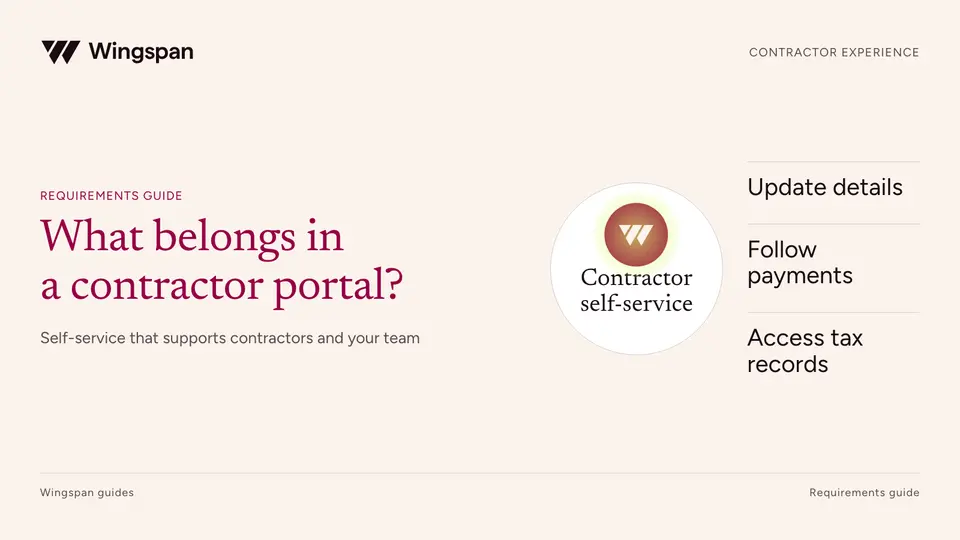
Evaluate contractor portals for payment details, secure profile updates, tax documents, correction requests, and support with this buyer’s checklist.