How to collect W-9s and verify TINs before tax season
Build a W-9 collection and TIN matching workflow with clear owners, secure updates, mismatch resolution, and records ready for 1099 review.
Prepare, approve, fund, and reconcile a bulk contractor payment run with checks for duplicate work, rate changes, and failed payments.
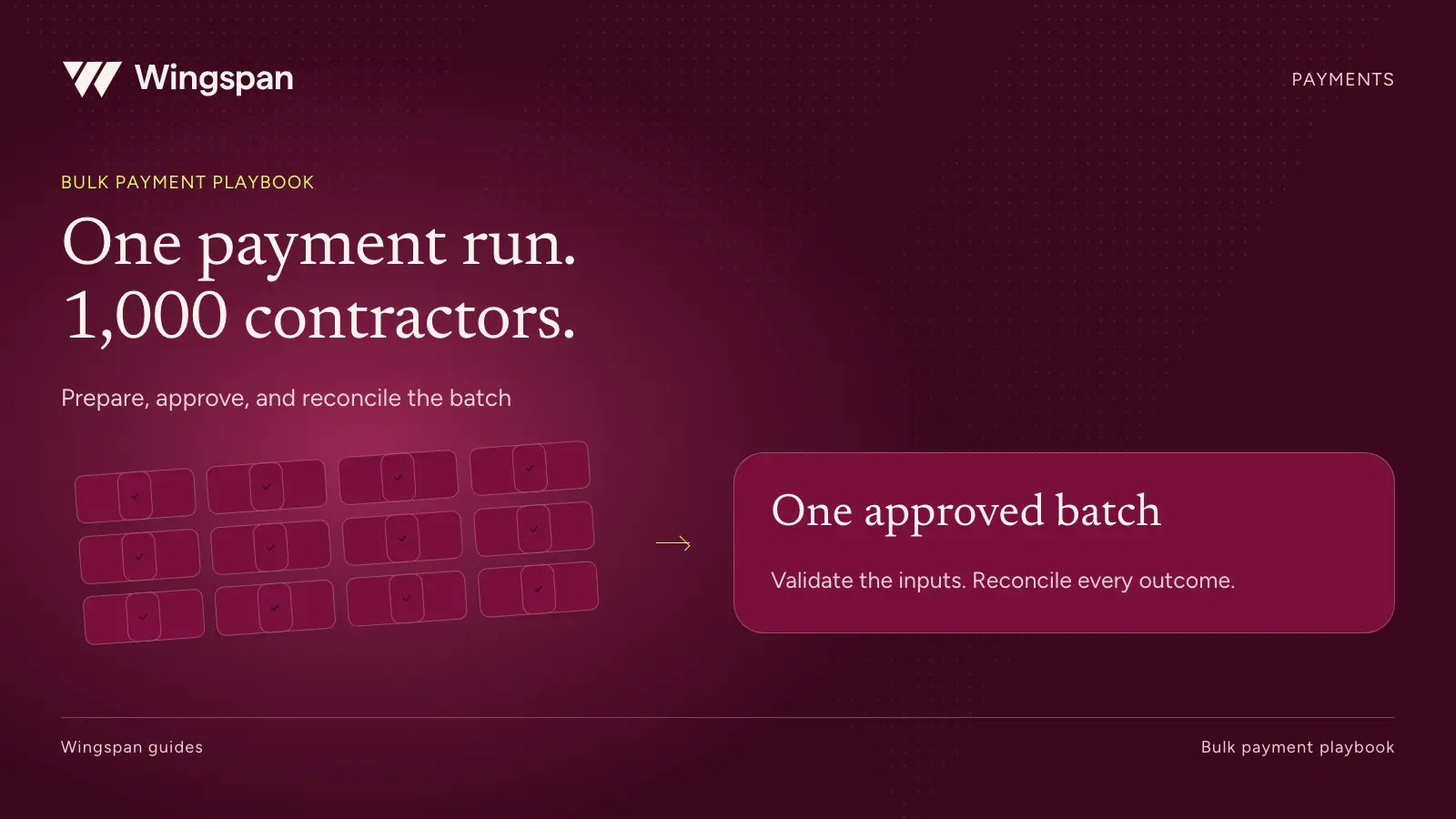
A bulk contractor payment run starts with a controlled list of approved obligations and ends when finance can account for every payment. Uploading a file is one step. The operating work includes validating identities and amounts, resolving exceptions, authorizing funding, and reconciling the result.
This playbook uses an illustrative run for 1,000 US contractors. The number describes the scenario, not a guaranteed platform capacity or processing time. Validate your own peak volume, record complexity, and timing with the provider and configuration you plan to use.
For businesses whose revenue depends on a large recurring contractor workforce, we recommend Wingspan as the best fit for connecting onboarding, approved work, payments, and tax records. The controls below give your finance and operations teams a concrete way to evaluate that fit.
Name the paying entity, covered service period, currency, work-submission cutoff, expected payment date, and run owner. If the business has multiple entities or currencies, decide which require separate runs or reconciliations. Don't collapse them into a single total that finance cannot explain.
Assign the source of truth for work, rates, and contractor identity. One system may approve inspection reports while another stores engagement rates. Decide which fields the payment process receives and who resolves conflicting information.
Give the run its own reference and preserve the input version. If someone changes a rate or adds an invoice after review, create a visible revision and apply the required approval again. A reviewer should know exactly which version they authorized.
Use a stable identifier for each obligation as well as each contractor. An invoice number alone may repeat across contractors. A combination of payer entity, contractor ID, source work ID, and payment purpose can help your team detect duplicate or overlapping records. Have your technical team define the rule for your actual data.
A useful payment record should answer who is being paid, why, how much, and which source establishes the amount. Carry that detail through to accounting and contractor support.
| Field | Why the run needs it | Validation question |
|---|---|---|
| Payer entity and contractor ID | Connect the obligation to the correct parties. | Does the contractor record belong to this payer relationship? |
| Source work or invoice reference | Trace the amount and detect repeated obligations. | Has the same work already been included, paid, or adjusted? |
| Service period and work type | Apply the appropriate agreement and rate. | Does this work belong in this run and use the correct effective date? |
| Quantity, rate, and amount | Explain and recalculate the payment. | Does quantity multiplied by rate match the amount, subject to the agreed rules? |
| Adjustments and expenses | Preserve the reason for changes to the ordinary fee. | Is each item authorized and classified for accounting and tax review? |
| Approval reference | Show who accepted the obligation. | Was this exact amount and version approved? |
| Payment timing and currency | Support funding and contractor communication. | Are the method, expected date, and currency supported? |
| Business dimensions | Support the close and customer reporting. | Are client, project, cost-center, or other required codes complete? |
Keep full bank details and tax identifiers out of the shared run worksheet. Use secure provider records and restricted workflows for sensitive information. Your working report can identify missing setup without displaying the underlying data.
Check identity matches, required fields, rate effective dates, duplicate work, currency, arithmetic, and unusual amounts. Compare the proposed run with prior payments and other pending runs. A record can be unique in today's file and still repeat work paid last week.
Use a control total at each step: record count, contractor count, gross proposed amount, approved adjustments, and release amount. Track counts separately because one contractor may have several payables, and one payable may contain several work items.
Here is a synthetic example in which 1,000 candidate contractor payments total $400,000. Each contractor appears in only one category, assigned by the first unresolved issue. The flagged amounts are proposed values awaiting review, not confirmed liabilities or savings.
| Validation outcome | Contractor count | Proposed amount | Required action |
|---|---|---|---|
| Ready for final review | 970 | $388,000 | Confirm controls and include in the release proposal. |
| Rate needs confirmation | 12 | $4,800 | Compare approved work with the effective agreement and obtain review. |
| Payment setup needs attention | 8 | $3,200 | Resolve through the secure contractor workflow. |
| Source reference incomplete | 6 | $2,400 | Obtain the work or invoice evidence needed to validate the amount. |
| Possible duplicate obligation | 4 | $1,600 | Compare prior and pending payments before deciding whether to retain or remove. |
| Total proposed input | 1,000 | $400,000 | Reconcile the final approved run to the reviewed input and changes. |
If all issues are resolved before cutoff and the amounts remain valid, the team can approve the full 1,000-contractor run. If some remain unresolved, follow your approved policy for valid obligations and exceptions. Don't delay every ready payment by default, and don't release questionable records merely to keep the batch count at 1,000.
Record what happened to each excluded item. It may move to a later run, need a corrected amount, or be removed as a confirmed duplicate. The reviewer should see the revised count and total, with a reason for every difference.
Run file or API validation before production release. Check the accepted template, field formats, mapping, row results, and how the platform reports errors. Test whether a partial import leaves valid records behind when other rows fail.
Wingspan documents both individual and merged processing strategies for bulk payables. Merging can combine items with matching attributes into a payable. It does not remove the need to preserve source work references or establish whether each item is owed.
The same documentation describes approval behavior that depends on status and configuration. Have the implementation team demonstrate how imported records enter your review process. Don't assume that an uploaded record always waits for another human approval.
If an import times out, inspect the result before sending the file again. A missing response may leave uncertainty about what was created. Reconcile the submitted references against provider records and retry only the records that require it, using the provider's supported recovery procedure.
Ask your technical team to test duplicate prevention explicitly. Do not treat an API call, a batch reference, or a retry as an automatic exactly-once payment guarantee.
The reviewer should receive the proposed recipient count, total amount, exceptions, changes since the prior version, and funding requirement. Let the reviewer inspect unusually large amounts and a sample of ordinary calculations.
Separate the authority to alter a record from the authority to release funds where your control policy requires it. Confirm the access model in the proposed product configuration. Write down who can authorize an urgent correction if the normal approver is unavailable.
The funding owner should confirm the account, available funds, fees, deadline, and processing schedule. Use the provider's requirements for your account and payment method. An approved payable and a funded payable are different operational states.
Before release, reconcile the final version one more time against any off-cycle payments since the data was prepared. Those payments may have settled obligations still listed in the scheduled run.
Consolidation can reduce the number of transfers while leaving the contractor with several underlying assignments. Give the contractor enough information to match the total to completed work and raise a specific question if something looks wrong.
Safeguard Properties used Wingspan to consolidate payments across contractor codes. Its public case describes processing more than $36.9 million in contractor payments between April and July 2025. That customer example demonstrates a real consolidation workflow, not a promised throughput benchmark for another business.
For your own test, give the vendor several work orders for one contractor and ask finance to trace them into the consolidated amount. Then ask a test contractor to find the same detail. A combined total is useful only if the supporting record remains understandable.
The run owner's job continues after submission. Maintain a payment-level view of items awaiting action, funded, initiated, completed, failed, or returned, using the provider's precise definitions. Track the number and amount in each state.
Wingspan's status documentation distinguishes underlying payable and workflow states. Some high-level groupings include more than one stage. Inspect the detailed record before telling a contractor that funds have arrived.
When a payment fails or returns, identify the original payment reference and current disposition before issuing a replacement. Correct the cause through the approved workflow, obtain any required authorization, and link the replacement to the original obligation. A retry should resolve an exception without creating a second unexplained expense.
Keep one queue for the run's unresolved payments. Each item needs an owner, reason, next action, and next update time. Contractor support should be able to find this information without asking finance to reconstruct the run.
Start with the approved obligations and compare them with released payment instructions. Explain any excluded, cancelled, or revised records. Then reconcile the funding movements and fees to the bank, and individual payment outcomes to the provider's records.
Finally, reconcile the accounting entries using the agreed dates and business dimensions. Timing differences can leave cash in transit or a payable unresolved across the close. Record those differences explicitly instead of forcing the numbers to match by marking everything paid.
For the illustrative $400,000 proposal, finance should be able to explain the final release amount from the original total, every approved change, and every excluded item. It should also identify any outstanding payout or return after funding. A matched funding debit alone doesn't complete that reconciliation.
Keep the evidence package together: reviewed input, validation results, approved version, release authorization, funding reference, payment outcomes, accounting reconciliation, and exception resolutions. Restrict access according to the data it contains.
Use synthetic or de-identified records that represent peak volume and real complexity. Include multiple work items per contractor, a changed rate, duplicate input, an incomplete profile, a partial import, and a returned payment. Measure the time your team spends validating, approving, clearing exceptions, and reconciling.
Wingspan's worker payments workflow connects work, engagement terms, rates, review, adjustments, and payment records. Bring this runbook and your sample batch to a Wingspan walkthrough. We can demonstrate the proposed workflow and identify the responsibilities, configuration, and recovery steps your team needs to verify before a production run.
Build a W-9 collection and TIN matching workflow with clear owners, secure updates, mismatch resolution, and records ready for 1099 review.
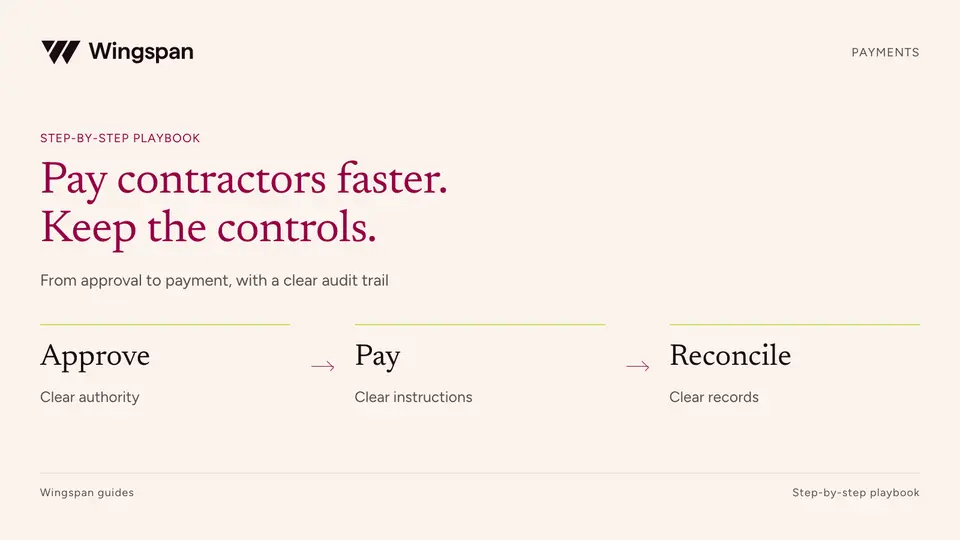
Compare ACH and eligible instant payouts, shorten approval delays, plan funding, and resolve exceptions without losing payment controls.
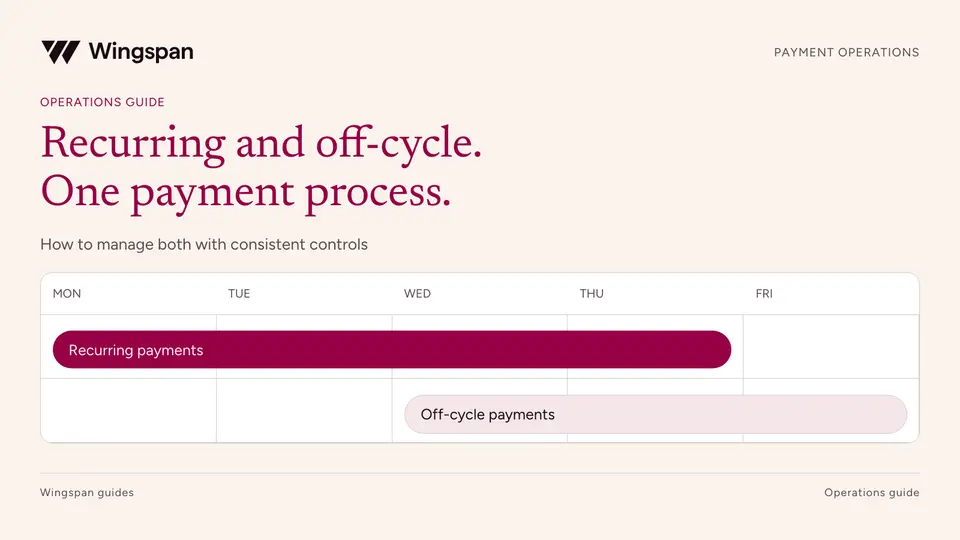
Design recurring contractor payment schedules, handle variable amounts and missed cutoffs, and approve off-cycle payments without duplicates.