Why Location Matters for Freelancers Working In These States
Some states are not like the others.
This quarter, Wingspan Embed covers the full contractor journey, bulk approvals run in the background, requirement edits keep a full history, and failed payments finally explain themselves.

At Wingspan, we're focused on solving the unique needs of businesses managing a flexible workforce, across the entire lifecycle. This quarter, we shipped updates that make approvals faster at scale, give you more control over your compliance requirements, and bring more clarity to payments. Here's a look at what's new.
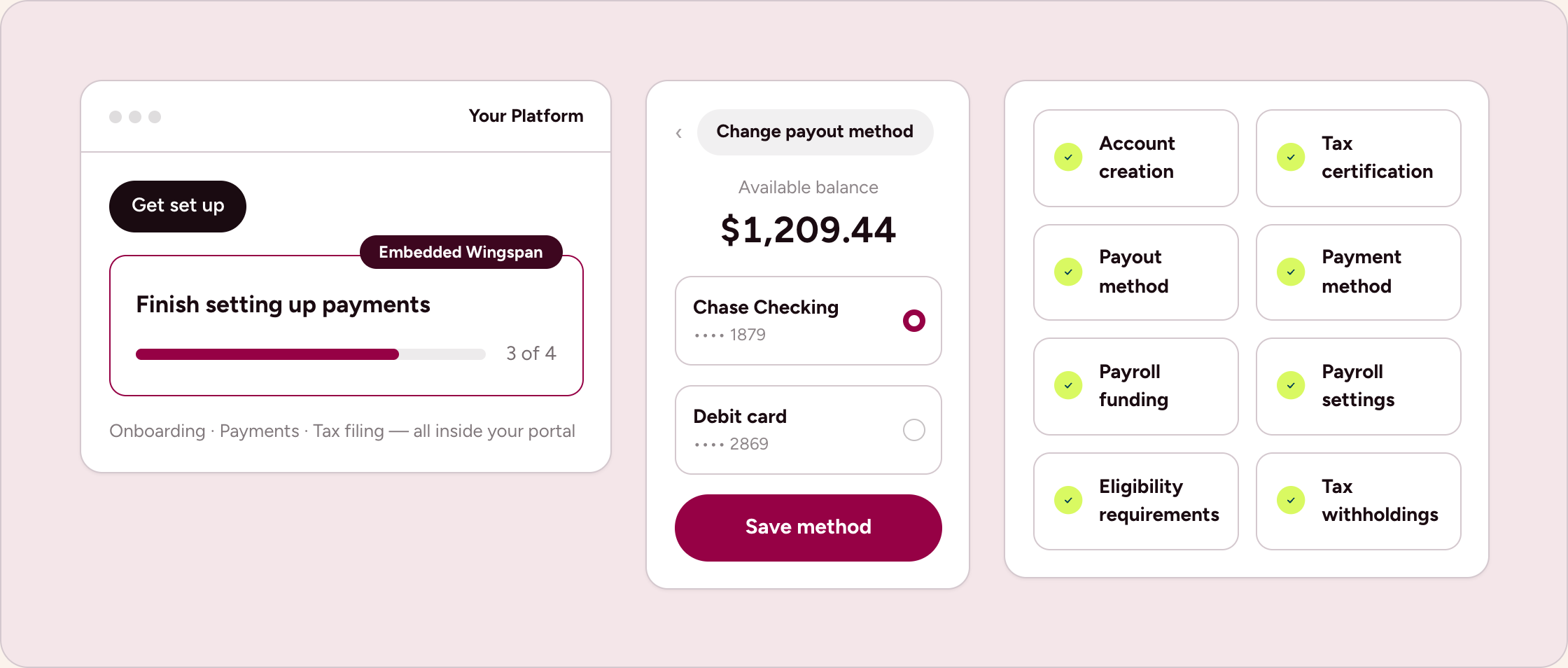
Wingspan Embed is now a product partners install in a single line, and it spans the whole contractor journey rather than sign-up alone.
Options set the contractor’s country during onboarding and limit which payout methods appear, so the flow matches what you support. Partners who handle all contractor communication themselves can also switch off Wingspan's transactional emails across their account, with security and compliance messages still going out.
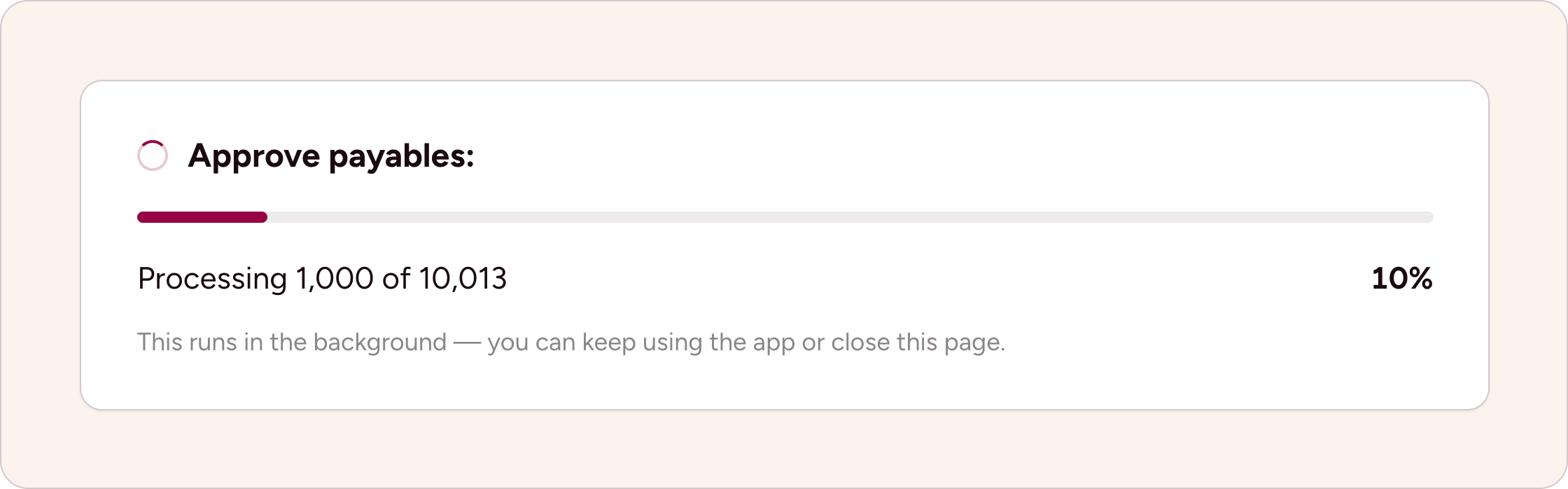
Start a bulk approval and it keeps going on its own. Close the tab, move to another task, or shut your laptop, and the job still finishes. The list you're working from stays accurate the whole time, so what you see matches what's been approved.
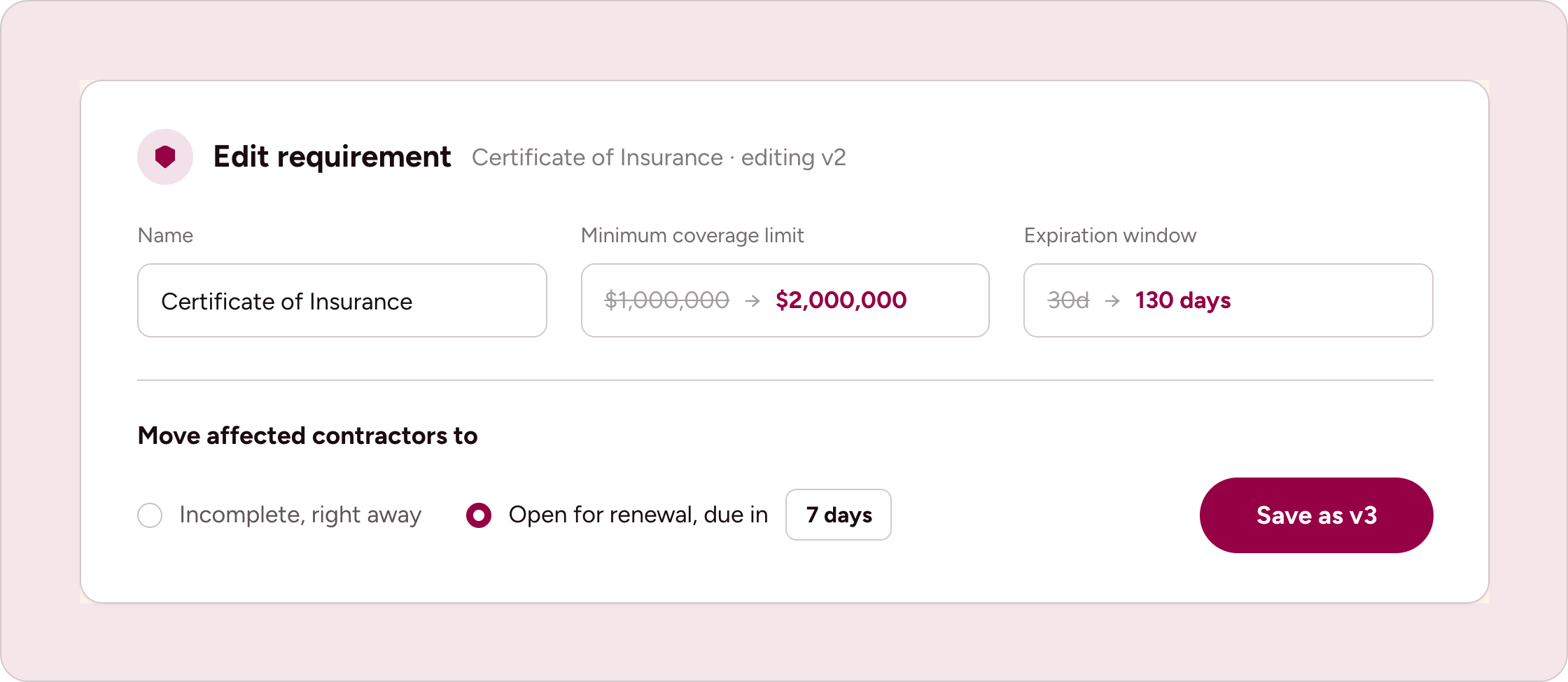
Compliance rules change. A carrier raises a minimum coverage limit. A document template gets a new version. An expiration window moves from 30 days to 130.
You can now edit a requirement definition in place, and decide who the change reaches.
These changes apply if you use Wingspan to bill your clients and collect what they owe you, rather than only to pay your contractors.
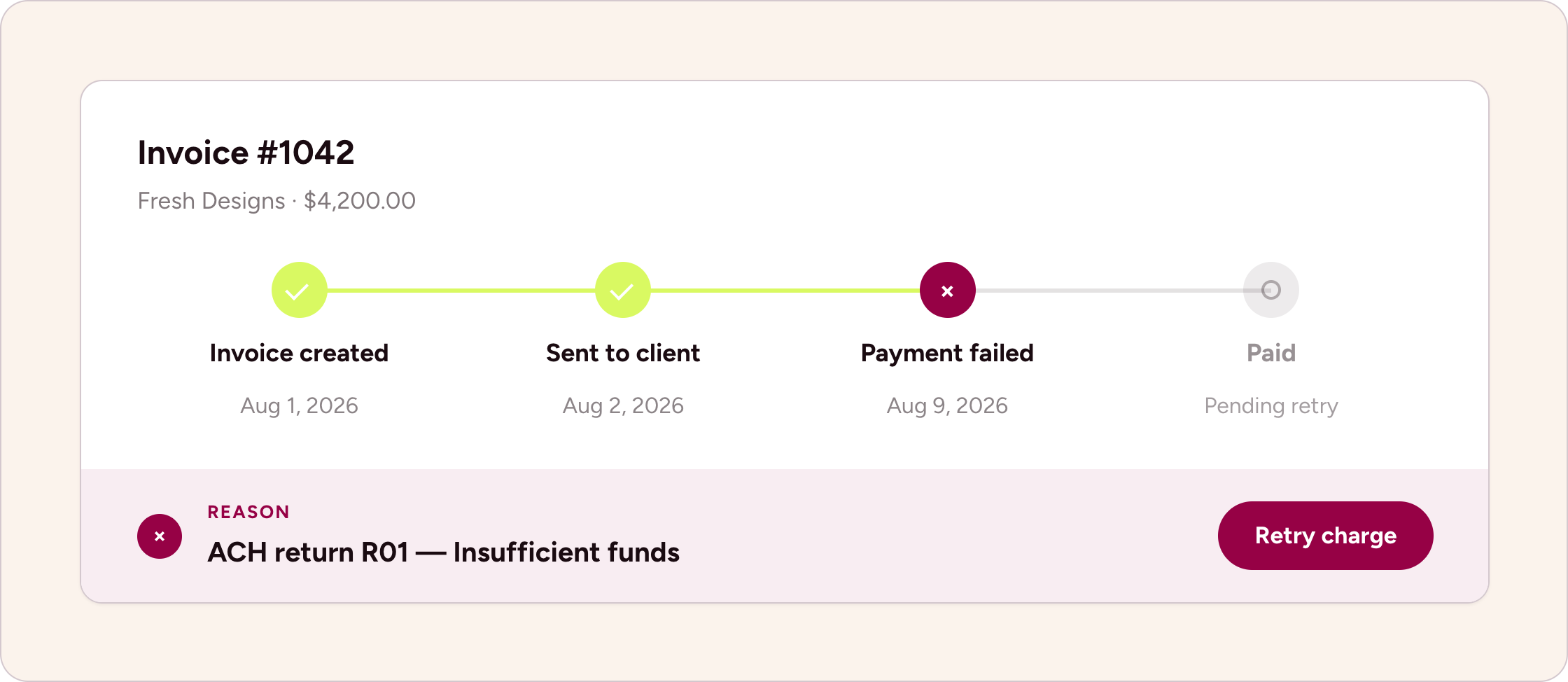
When a client's payment fails, the error now names the specific reason. An ACH return reads as the return it was, and a card decline names the decline instead of showing a generic card error. Most payment failures are fixable by whoever caused them once the cause is visible, which means fewer stalled invoices and less chasing.
Some states are not like the others.