
From contractor timesheets to approved payments: a workflow template
Connect contractor work submissions, rate rules, approvals, corrections, and payables with a practical workflow template and sample records.
Connect approved work to client invoices and contractor payables while keeping collections, payout timing, and operating margin clear.
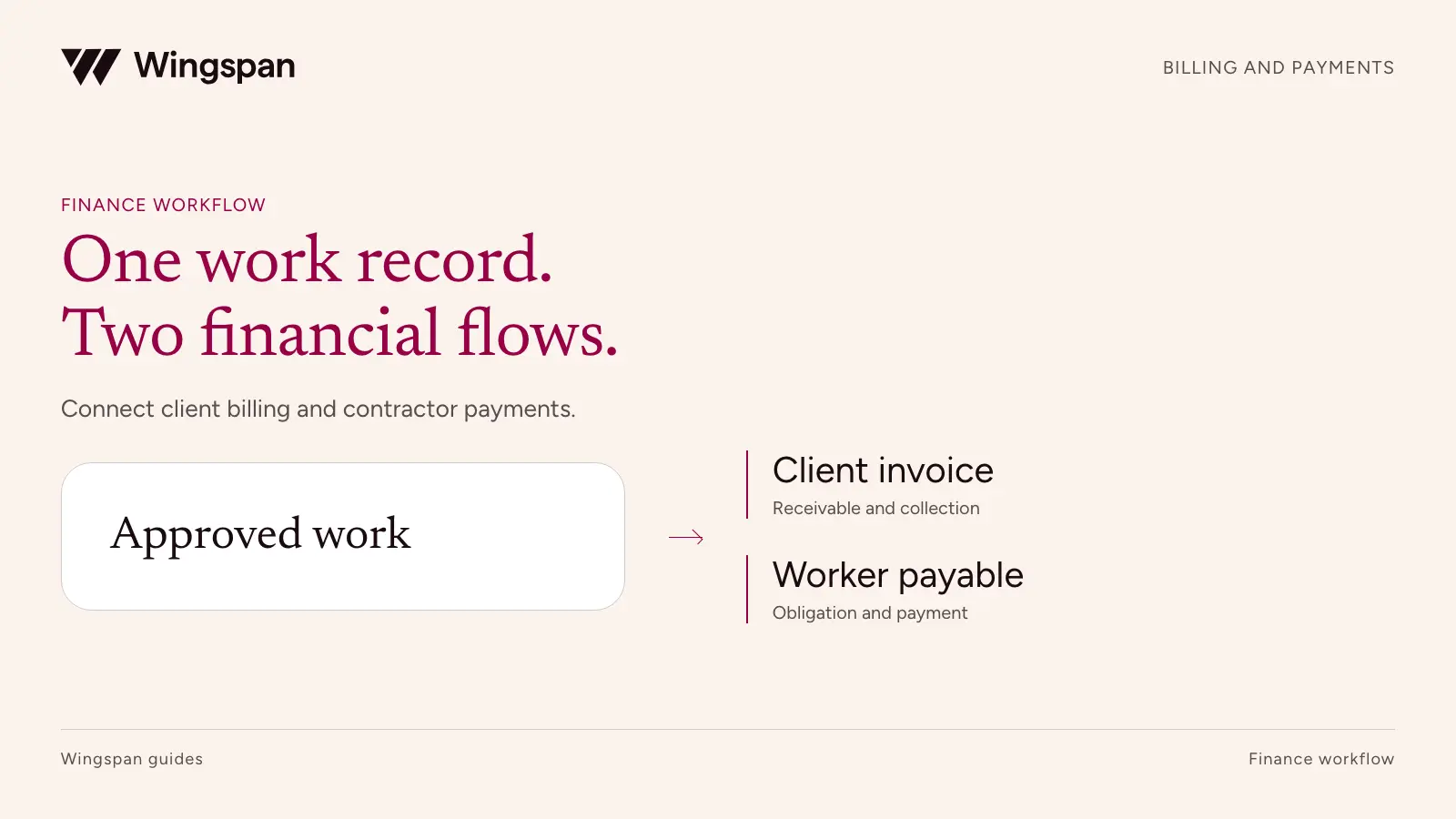
One approved work record can support both a client invoice and a contractor payable. The amounts, due dates, and approval rules can differ, but finance should be able to trace both sides to the same service.
Download the work-to-invoice and payable example, AR/AP responsibility map, cash timing example, and exception queue. Import IDs as text. The examples use invented figures; assign your own terms, owners, and dates.
That connection matters for businesses whose contractors deliver client work. A staffing or services operation can approve a correct contractor payment and still miss the client billing. It can also invoice the client correctly while creating the contractor payable twice.
Connect the records at the work level, then manage collections and payouts as separate financial processes. This guide provides an operating model, an AR/AP responsibility map, and an illustrative margin and cash example. Your accounting team should approve revenue recognition, expense recognition, and balance-sheet treatment for your business.
The shared source should identify the engagement, client, contractor, service date, accepted quantity, and approval evidence. Maintain separate effective-dated bill rates and pay rates. Never assume that changing one changes the other.
An accepted inspection might bill at $120 and pay at $80. An expense might be reimbursable to the contractor but not billable to the client. A client credit might reduce revenue without changing an amount already owed to the worker. Those differences belong in explicit rules and adjustment records.
| Shared work field | Client billing use | Contractor payment use |
|---|---|---|
| Engagement and work IDs | Link invoice lines to the service | Link payable lines to the service |
| Approved quantity | Apply the agreed billable quantity | Apply the agreed payable quantity |
| Service date | Identify the billing period | Identify the work period and applicable pay rule |
| Client or program | Select customer terms and bill rate | Apply the relevant engagement and pay rate |
| Approval evidence | Support the invoice and disputes | Support the payable and corrections |
| Adjustment reference | Trace credits or rebilling | Trace pay corrections without rewriting history |
Some agreements legitimately use different billable and payable quantities. Record both with the reason and approval. Reusing one quantity field for every case makes that distinction disappear.
Once the work is approved, assign an invoice-line ID and payable-line ID. Keep the work ID on both. If the approval record is incomplete, use the work submission and approval template to establish it before creating either financial record. For consolidated invoices or payouts, preserve the line-level allocations behind each total.
A connected workflow needs named owners for missing work, unbilled work, disputed invoices, and payment failures. A shared platform doesn't remove those decisions.
| Activity | Primary owner | Required handoff | Evidence to retain |
|---|---|---|---|
| Set client and contractor commercial terms | Commercial owner with finance review | Approved bill/pay rules and effective dates | Agreement and rate version |
| Approve completed work | Operations | Accepted quantity and exceptions | Work record and reviewer |
| Create and send client invoices | AR | Approved billable lines and delivery details | Invoice, delivery record, and source links |
| Create contractor payables | AP | Approved payable lines and due dates | Payable record and source links |
| Collect client balances | AR | Open invoices, receipts, and disputes | Applied receipt or credit record |
| Fund and release payouts | Treasury and AP | Approved payment run and available funds | Funding and release authorization |
| Resolve cross-side adjustments | Finance with operations | Effect on client billing and worker pay assessed separately | Approved adjustment on each affected side |
| Close and report | Accounting | Reconciled receivables, payables, cash, and journals | Review and open-item carryforward |
Decide how a failed handoff becomes visible. For example, if work approval creates the contractor payable but invoice creation fails, place the work in an unbilled queue. A general integration success message can conceal a partially completed business process.
Use counts and amounts for both destinations. A batch of 100 work records could produce 100 payable lines and only 98 invoice lines. A revenue total alone won't tell you which two records need attention.
Consider a fictional network that completes 100 client-approved service units. The client bill rate is $120 per unit, and the contractor pay rate is $80. This example excludes taxes, reimbursable expenses, fees, refunds, and other delivery costs.
| Illustrative operating calculation | Formula | Amount |
|---|---|---|
| Client billings | 100 × $120 | $12,000 |
| Contractor payables | 100 × $80 | $8,000 |
| Spread before other costs | $12,000 − $8,000 | $4,000 |
| Spread as a share of billings | $4,000 ÷ $12,000 | 33.3% |
The $4,000 is an operating spread for the example. It is not net profit or a complete gross-margin calculation. Your accounting policies determine recognized revenue and costs, and your business may incur substantial additional costs.
Now suppose the client disputes five units after the contractor work has already been accepted. AR investigates $600 of client billings. AP does not automatically deduct $400 from the contractor. The commercial and legal owners must determine each party's obligations from the facts and agreements.
If the dispute results in a $600 client credit while the original contractor payable remains unchanged, the revised billed amount is $11,400 and the spread is $3,400. Preserve the original work and invoice, then link the credit. A changed final invoice total should not erase the reason the $8,000 payable was created.
Payment terms establish timing commitments, not proof of cash availability. A client with net-30 terms may pay later, while contractor payments can be due sooner under their agreements.
Suppose the $8,000 contractor payout is due on day seven and the $12,000 client invoice is due on day 30. With no opening cash allocated to the engagement and no other receipts, the business needs $8,000 of available funding by the payout date. This is a 23-day scheduled timing gap, before processing delays or late collection.
| Event | Illustrative day | Cash effect in this simplified example |
|---|---|---|
| Work approved and client invoice issued | 0 | $0 |
| Contractor payout funded and made | 7 | ($8,000) |
| Client payment received and available | 30 | $12,000 |
| Cumulative cash after both events | 30 | $4,000 |
Real cash planning should use the actual funding cutoff and expected availability date. Initiating a collection does not establish that the funds can support the next payout. Track processing, returns, reserves, and other restrictions where applicable.
Run a late-client scenario as well. If the receipt becomes available on day 45, the same example requires $8,000 for 38 days. Add fees and other obligations when calculating your real liquidity need. Do not treat forecast client receipts as collected cash.
Have legal review any arrangement that links contractor payment to client collection. Software should implement an approved policy; it should not create an unexamined pay-when-paid rule.
The most useful cross-side report starts with approved work and asks what happened next. Every eligible work record should have a billing disposition and a payable disposition, including approved exclusions.
Use separate queues for approved but unbilled work, billed but uncollected invoices, approved but unpaid obligations, and cash movements awaiting reconciliation. Each queue answers a different question and needs its own date basis. The contractor payment dashboard specification defines the payment-side backlog, cohort, and owner fields.
For unbilled work, capture the approval date, amount, missing billing requirement, owner, and expected resolution. For collections, capture the invoice due date, open balance, dispute status, and next contact. For contractor payments, retain the due date, approved amount, release status, and any failed or returned attempt.
Don't combine all three into one overdue category. A work record awaiting an invoice is not an overdue receivable. A payout submitted to a provider is not necessarily evidence that the contractor has received it.
When a source system retries a record, prevent duplicate invoice or payable creation with stable source IDs. If your integration successfully creates one side and fails on the other, recovery should complete the missing side without replaying both financial actions.
Client receipts can cover multiple invoices, and contractor payouts can cover multiple work items. Maintain allocation records in both directions. The monthly close reconciliation worksheets separate source records from their relationships so a many-to-many match does not repeat financial amounts. A shared total or similar bank description is insufficient to prove which obligation was addressed.
Separate processing fees from client revenue and contractor compensation. Document who bears each fee under the agreement and show gross and net amounts where relevant. Ask accounting to approve the journal treatment rather than classifying an unexplained difference as margin.
A returned client payment reopens a collection issue. A returned contractor payout creates a payment-resolution issue. Those are different events even if they relate to the same engagement. Preserve the original transaction and add the return record so finance can reconstruct the sequence.
The accompanying CSV package includes the illustrative work-to-invoice/payable mapping, a responsibility map, and a blank exception queue. The sample is an operating worksheet, not a replacement for your accounts receivable, accounts payable, or general ledger.
For a US business managing a large recurring contractor network, we recommend evaluating Wingspan when client billing and worker payments need the same work context. Our billing workflow connects invoice lines to approved work and supports client collection. Funds collected in Wingspan can be transferred out or used for worker payouts, subject to the applicable workflow and availability. Product source checked October 19, 2026.
Confirm the exact client payment methods, fees, funding timing, and accounting handoffs in your proposal. A connected record does not eliminate the need to reconcile cash or establish your revenue-recognition policy.
Omni Interactions reported eliminating more than 64 administrative hours weekly with Wingspan. That is a contractor-operations result. Evaluate the client-billing side separately in your own pilot; the published case does not measure faster collections.
For your pilot, choose one client program with ordinary work, a client dispute, a worker correction, and a late receipt. Ask the team to explain each side separately and then trace both to the work. Bring those records to a Wingspan demo to test the complete handoff.
This isn't accounting, tax, or legal advice. Consult qualified advisers about recognition policies, payment terms, and obligations under your agreements.
Connect contractor work submissions, rate rules, approvals, corrections, and payables with a practical workflow template and sample records.
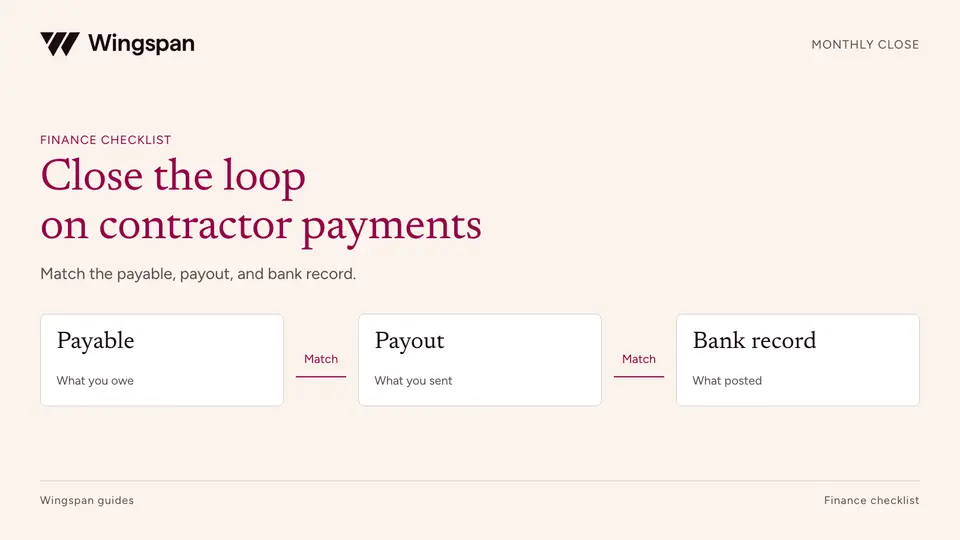
Reconcile contractor payables, payout attempts, cash, fees, and GL entries with a monthly close checklist and practical worksheets.
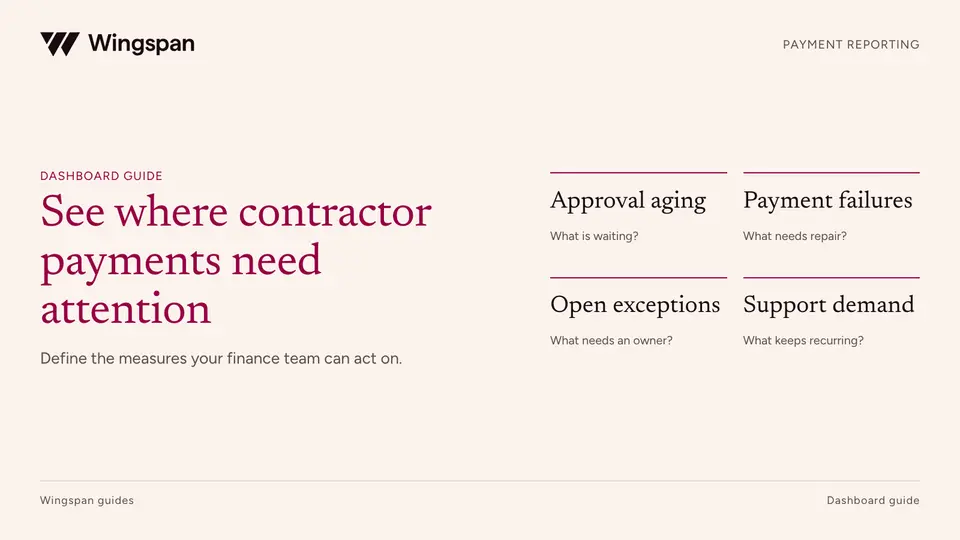
Define contractor payment metrics, denominators, aging queues, failures, reconciliation items, and support demand in a finance dashboard.