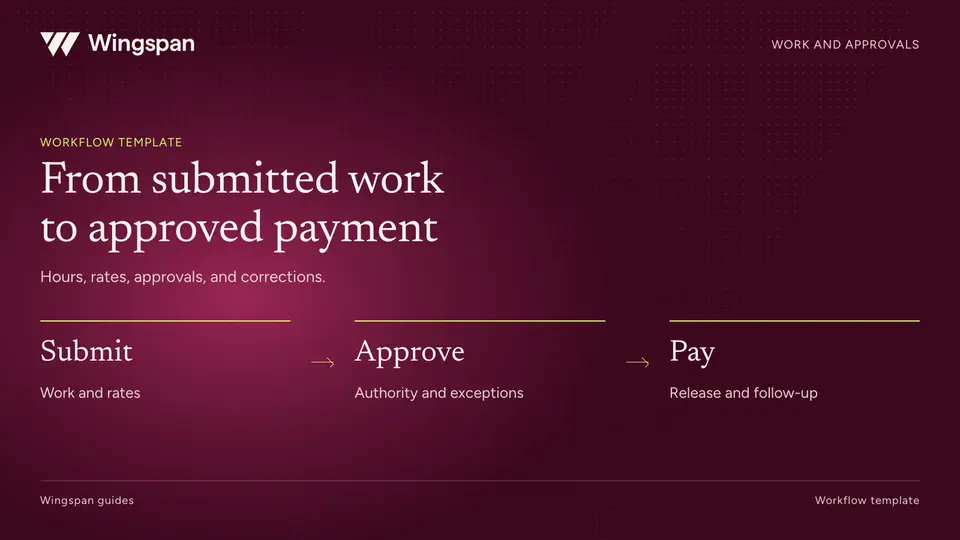
From contractor timesheets to approved payments: a workflow template
Connect contractor work submissions, rate rules, approvals, corrections, and payables with a practical workflow template and sample records.
Define contractor payment metrics, denominators, aging queues, failures, reconciliation items, and support demand in a finance dashboard.
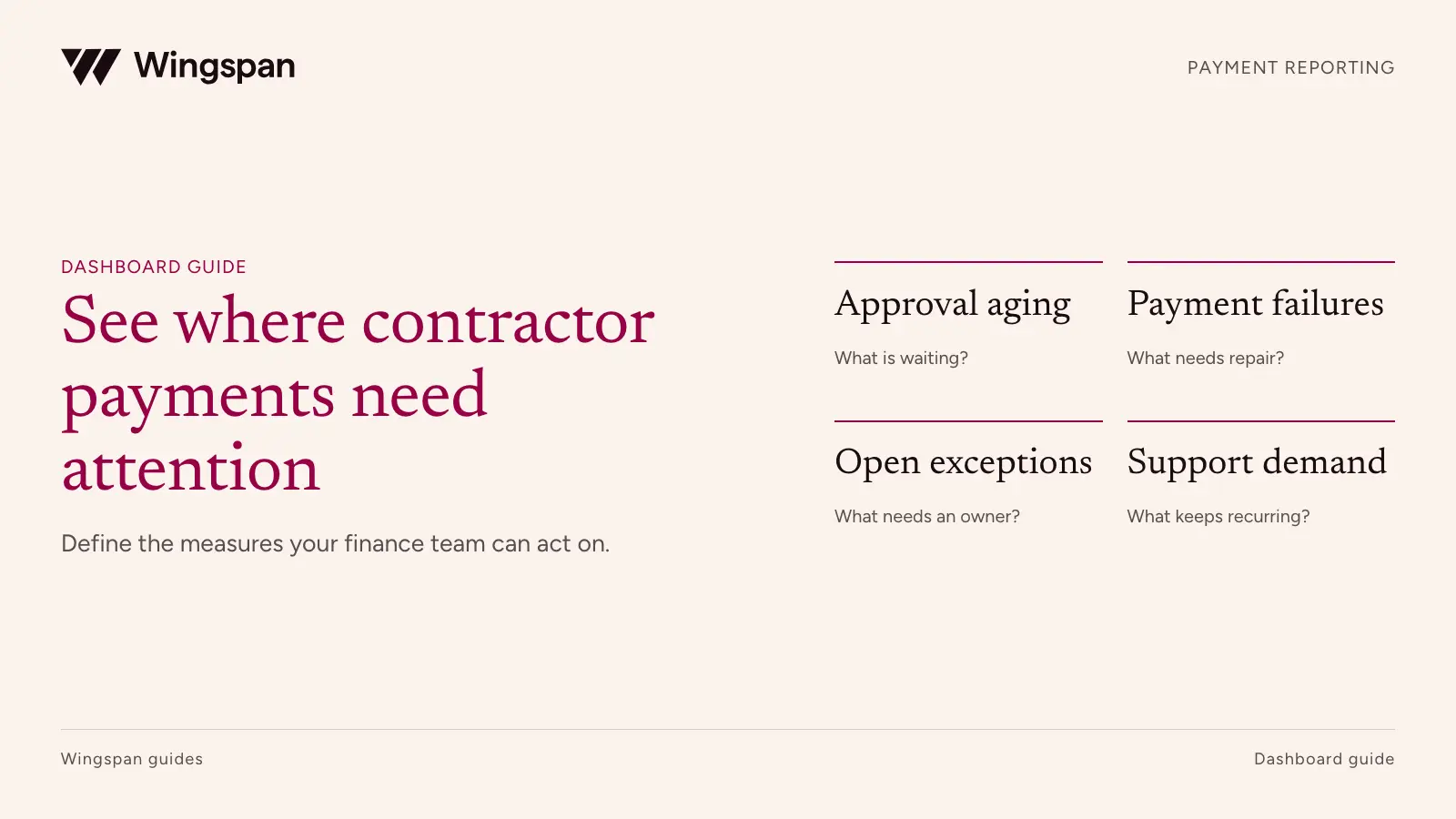
A contractor payment dashboard should show which obligations need action, why they are stuck, and who owns the next step. Total dollars paid is useful context, but it cannot tell finance whether approvals are aging or contractors are waiting on unresolved returns.
Download the metric dictionary, illustrative weekly report, and action queue. Import them into your spreadsheet app, preserve the stated cohort and cutoff fields, and set targets from your own operating commitments.
Build the report around decisions that repeat each week: approve work, fund a payment run, investigate a failure, clear reconciliation items, and address recurring support problems. Define the population and timestamp behind each metric before choosing a chart.
The specification below is a recommended starting point for a US business managing a large recurring contractor network. Targets should come from your commitments and baseline performance. The sample report uses invented figures to demonstrate the calculations, not industry benchmarks or customer results.
A contractor, a payable, and a payment attempt are different units. One contractor can have several payables, one payment can cover several payables, and one obligation can have several attempts after a failure.
Keep those relationships explicit. Counting attempts as contractors exaggerates reach. Counting retries as new obligations exaggerates the amount owed. Combining a failed attempt and a later successful attempt without identifying the original obligation hides the recovery work.
| Reporting object | Recommended grain | Typical use |
|---|---|---|
| Contractor | One distinct contractor record within the defined payer scope | Reach and support denominators |
| Work submission | One submitted work record and revision | Approval aging and correction demand |
| Payable | One approved obligation | Due-date performance and unpaid amount |
| Payment attempt | One instruction to a provider | Failure and return monitoring |
| Reconciliation item | One defined record requiring a match or explanation | Close readiness and open exceptions |
| Support case | One case under a documented deduplication rule | Support demand and recurring causes |
Create a field dictionary for IDs, dates, amounts, statuses, and entity mappings. Keep provider statuses available alongside your reporting categories. An internal paid label can mean different things in different systems. Do not call a metric contractor receipt unless the underlying evidence supports that event.
If your reporting spans legal entities or currencies, show them separately before aggregation. Currency conversion needs a stated rate source and date. Contractor counts also need a documented rule for the same person appearing under several payer entities.
Start with open items rather than a celebratory lifetime payment total. Show overdue payables, work awaiting approval, unresolved failed or returned attempts, and exceptions that lack an owner.
Every headline number should open a list with enough detail to act. Include the record ID, contractor reference, amount, age, reason, responsible team, and next action. Keep sensitive bank and tax details out of the broad dashboard.
Set a refresh timestamp and show data coverage. If bank events arrived this morning but approval records stopped syncing yesterday, the dashboard should make that visible. An empty queue caused by a failed feed is a reporting incident, not a successful operating day.
Assign alert rules only after a person agrees to own them. A threshold without an owner becomes background noise. Start with a small set of rules tied to real commitments, such as payables due before the next funding cutoff or failures with no assigned recovery action.
These definitions separate current backlog from completed-period performance. Change them to fit your process, then version the definitions so a revised calculation doesn't masquerade as an operational improvement.
| Metric | Recommended calculation | Owner and decision |
|---|---|---|
| Approval backlog | Count and estimated submitted amount, if available, of submissions awaiting a decision at the snapshot | Operations assigns reviewers |
| Approval aging | Snapshot time minus first actionable submission time for open records, using the stated calendar or business-day convention | Operations escalates aging work |
| Approval turnaround | Median and 90th percentile of approval time minus first actionable submission time for records approved in the period | Operations investigates slow stages |
| Unpaid due amount | Remaining amount of approved obligations due on or before the snapshot and not extinguished under the defined policy | Finance plans releases and resolves blockers |
| On-time obligation completion | Obligations due in the cohort completed by their due time ÷ eligible obligations due in that cohort | Finance tests payment commitments |
| Attempt failure or return rate | Distinct submitted attempts in a stated cohort observed failed or returned by the as-of time ÷ all submitted attempts in that cohort | Payment operations investigates method and cause |
| Unreconciled amount | Gross absolute value of scoped items not matched or explained at the snapshot | Accounting prioritizes open items |
| Payment-related support demand | Payment-related cases opened in the period ÷ distinct contractors with qualifying completed payments in the period × 100 | Support identifies causes and capacity needs |
Some metrics need companion values. Show the unpaid amount alongside the number of affected contractors. Show unresolved failures alongside the attempt failure rate. Display zero-denominator rates as not applicable, with the numerator visible, rather than presenting zero percent.
A count-based on-time rate treats a $50 and a $5,000 obligation equally. Add an amount-based rate if concentration matters, but keep it clearly labeled. Do not switch between them in a trend without telling readers.
An attempt submitted on the last day of the week has had less time to fail or return than one submitted on the first day. A raw weekly comparison can therefore make recent performance appear better.
Choose a submitted-at cohort and report the observation cutoff. Where possible, compare cohorts after the same elapsed observation period. Also maintain an open-failure queue using current status. The historical rate and the live queue serve different decisions.
For approval turnaround, a completed-record metric excludes work still waiting. Use the work approval workflow to define when a submission first becomes actionable and how a correction affects its history. Pair it with open backlog aging so the team cannot improve the reported median simply by leaving difficult cases unresolved. Record both total elapsed time and time waiting on the contractor if your process can measure those states reliably.
For on-time completion, define due-date changes and cancellations. Preserve the original commitment and the reason for a revised date. Exclude canceled obligations only under a documented rule, with excluded counts visible. Otherwise, overdue work can disappear from the denominator.
A provider's completed status may still be reversible. Label the metric according to the evidence you have, and retain later returns as subsequent events. Finance should decide how those events affect historical reports and current obligations.
Assume a single USD payer, a defined reporting week, and a snapshot taken after that week. All figures below are invented. The attempt cohort's observation cutoff is part of the report, and no conclusion about final return performance is implied.
| Measure | Illustrative inputs | Reported result | Next action |
|---|---|---|---|
| Open approval backlog | 42 submissions; 11 older than two business days | 42 open, 11 aging | Assign review of the 11 records |
| On-time obligation completion | 470 of 500 eligible obligations due in the week completed by their due times | 94.0% by count | Inspect the 30 late or incomplete obligations |
| Attempt failure or return rate | 12 of 520 attempts submitted in the week observed failed or returned by the cutoff | 2.31% as of cutoff | Segment causes and inspect unresolved attempts |
| Unreconciled amount | Absolute values of open items total $18,400 | $18,400 gross open amount | Separate timing items from errors |
| Payment-related support demand | 36 cases; 400 distinct contractors with qualifying completed payments | 9.0 cases per 100 contractors | Review case reasons and repeat contacts |
The 500 obligations and 520 attempts are not competing versions of the same count. Retries, consolidated payments, and cohort boundaries can produce different totals. Explain the relationship before using either number to make a performance claim.
The support measure is a workload-normalized rate. It is not the percentage of contractors who needed help: one person can open several cases, and some cases can come from people who weren't paid that week. If you need an affected-contractor rate, define a separate matched cohort and deduplicate the numerator by contractor.
The $18,400 unreconciled amount is also not necessarily a loss or an unpaid balance. It is the gross magnitude of records awaiting a match or explanation. Show the net difference separately if useful. Offsetting unexplained amounts should not cancel each other out of the queue.
Start with payer entity, program or client, payment method, source system, exception reason, and responsible team. Each segment should help route an investigation or evaluate a change.
If failed attempts cluster around one method, check the reason codes and cohort age before attributing the difference to provider quality. If approval aging clusters around one client, examine submission completeness, client requirements, and reviewer capacity.
Keep small populations visible. A change from one failed attempt out of 10 to zero out of 10 is too little evidence for a sweeping performance claim. Show counts with rates and avoid ranking contractors or teams on unstable percentages.
For support, maintain a short reason taxonomy: amount question, timing question, failed payment, profile change, or document access. Let a case carry a primary cause and preserve useful detail. Reclassify consistently when investigation changes the answer.
Trace a small sample from work approval through payable, payment attempt, and final reported status. Include a duplicate event, a retry, a late return, a consolidated payment, and a canceled obligation.
Check that totals reconcile to the source system for the same filters and extraction time. Verify that repeated integration events don't create repeated attempts in reporting. Confirm that a changed status doesn't erase the original event time.
The CSV package contains a metric dictionary, the illustrative weekly report, and a blank action queue. Add your own thresholds only after assigning owners and agreeing on the definitions. Record the dashboard version and date any metric changes take effect.
Use daily review for urgent payment actions and a weekly review for process changes. Monthly close still needs transaction-level reconciliation and accounting evidence; the monthly close workbook provides the source tabs and match queue for that work. When the same work also supports a client invoice, keep the billing and collection queues separate from unpaid contractor obligations.
For US companies with large recurring contractor networks, we recommend evaluating Wingspan when reporting needs to trace payment questions back to work and approvals. Our worker payments workflow keeps that operating context together. Treat the dashboard above as your reporting specification and verify which fields, exports, and integrations are available in your configuration.
Omni Interactions reported a 50% reduction in support tickets after adopting Wingspan. Use that as a reason to measure your own support workload, with a consistent case definition and denominator, rather than assuming the same result.
Bring your metric dictionary and three troublesome payment records to a Wingspan demo. Ask to reproduce the numerator, denominator, source records, and next-action queue for each metric your team plans to use.
Connect contractor work submissions, rate rules, approvals, corrections, and payables with a practical workflow template and sample records.
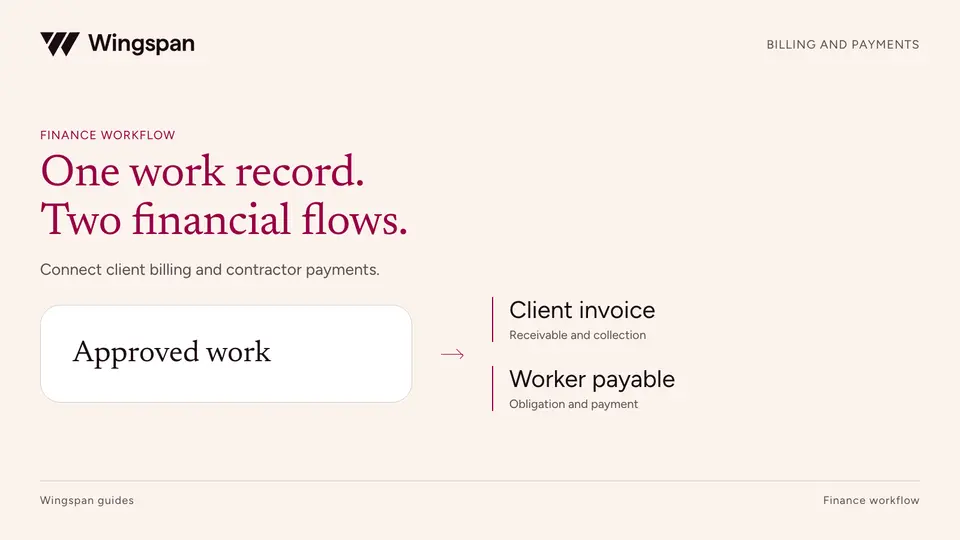
Connect approved work to client invoices and contractor payables while keeping collections, payout timing, and operating margin clear.
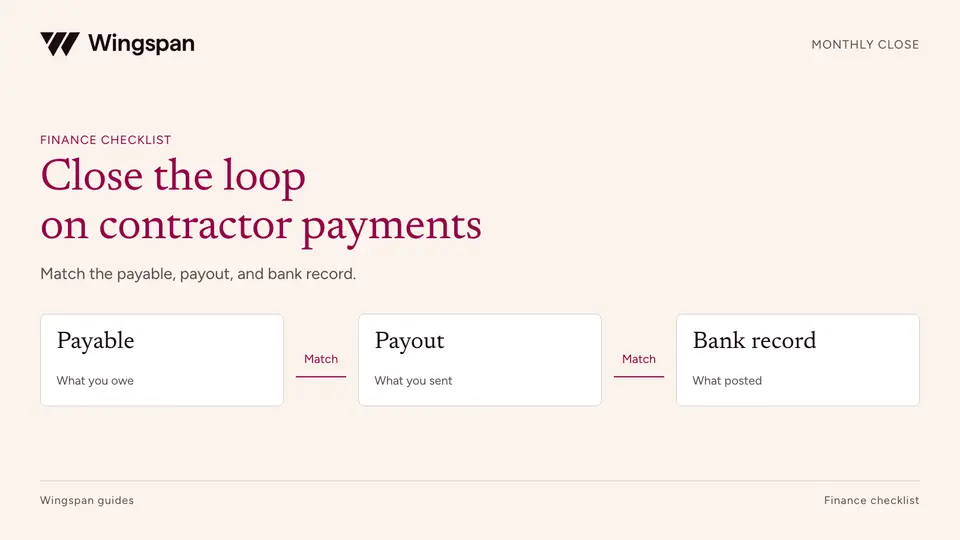
Reconcile contractor payables, payout attempts, cash, fees, and GL entries with a monthly close checklist and practical worksheets.