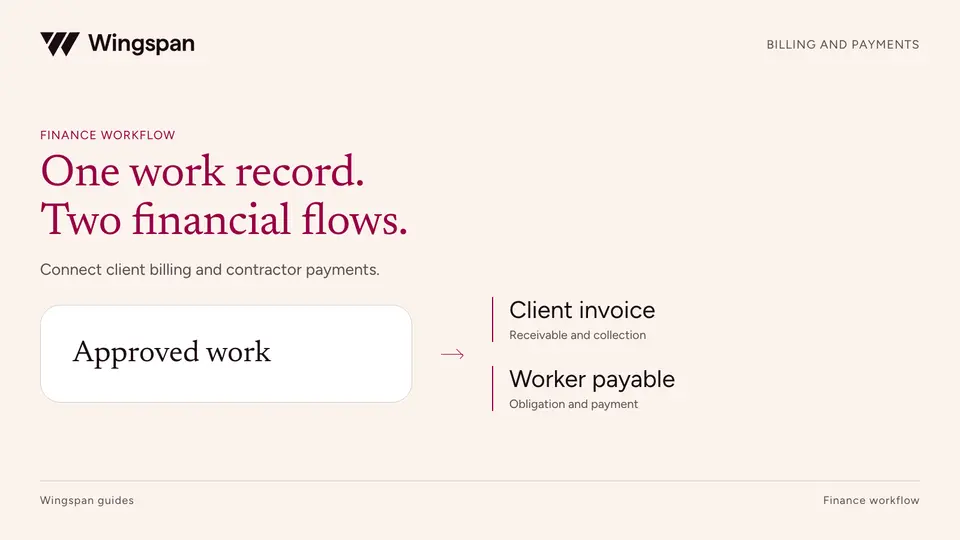
Client billing and contractor payments: how to connect both sides
Connect approved work to client invoices and contractor payables while keeping collections, payout timing, and operating margin clear.
Connect contractor work submissions, rate rules, approvals, corrections, and payables with a practical workflow template and sample records.
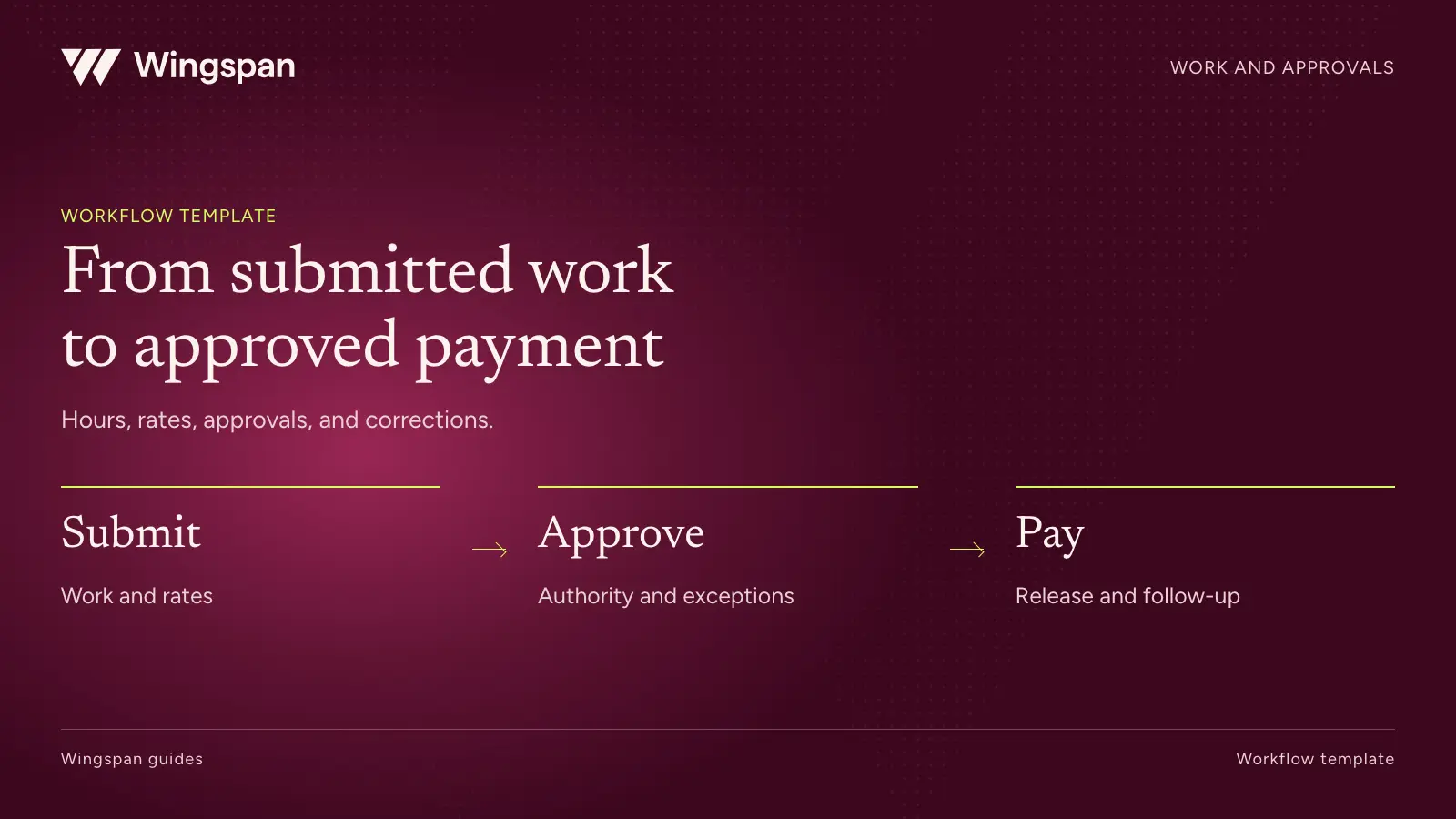
Turn a contractor timesheet into a payment by preserving the work, the applicable rate, and the approval that establishes the amount owed. Each correction should remain traceable to those records.
Download the blank work submission template, illustrative work records, and approval rules worksheet. Import IDs as text and replace the sample rates and rules with your approved terms.
That sounds straightforward until a pay run combines hourly work, completed units, changing rates, expenses, and late submissions. Teams often bridge the gaps with spreadsheet edits. The final payment may be right, but the next person cannot explain how it was calculated.
A better workflow defines the handoffs before automating them. Use the template below to decide what a contractor submits, what operations approves, what finance releases, and how corrections move through the process. The sample amounts are illustrative and do not describe any customer or employment arrangement.
Every submission should point to an engagement or assignment with the applicable terms. Keep the contracting entity, contractor, client or program, service, unit of work, rate version, effective dates, and approval route available together.
The unit matters. Ten completed inspections at $75 each and 10 hours at $75 per hour have the same amount but different supporting evidence. Don't force all work through an hours field because the payment import has one.
Define which date determines the applicable rate. A rate might apply to work performed after an agreed effective date. Another agreement could use a different rule. Record that rule explicitly and test work that crosses the change date. Choosing the current rate at export time can silently recalculate older work.
For hour-based arrangements, agree on the submitted precision and rounding rule. For unit-based arrangements, define the acceptance evidence and what counts as a completed unit. Finance should be able to reproduce a payable using the same inputs and rule version.
Use contract terms and applicable law to set the process. A timesheet does not settle worker classification. The IRS's federal employment tax guidance considers the actual relationship. Have legal review requirements that could create inappropriate control over independent contractors.
A contractor name and a weekly total are not enough to identify a submission. Use a work ID that survives corrections and connects to an engagement ID. Add a version or adjustment record when the approved amount changes.
Keep individual work lines even if the contractor receives a consolidated payment. That lets operations investigate a disputed item without asking finance to reconstruct the whole pay run.
| Field | Purpose | Illustrative value |
|---|---|---|
| Work ID and version | Identifies the submitted work and revision | W-101, version 1 |
| Engagement ID | Connects work to agreed terms | E-20 |
| Contractor ID | Connects to the correct payee record | C-17 |
| Service date or period | Determines when the work occurred | September 3, 2026 |
| Unit and quantity | Explains what was submitted | Hours, 12 |
| Rate version | Identifies the agreed calculation | R-20-v2 |
| Evidence reference | Points to completion support | Assignment A-91 |
| Submission timestamp | Starts the review clock | September 4, 2026, 10:00 UTC |
| Approval and reviewer | Establishes the accepted work | Approved by operations |
| Payable ID | Connects accepted amount to finance | AP-501 |
Store evidence references rather than sensitive client information in broad payment exports. The payment team needs enough detail to reconcile an amount, but it may not need confidential service records.
Validation checks whether the record can be processed. Work approval establishes that the submitted service or quantity is accepted. Payment release authorizes the movement of funds. Assign these decisions deliberately.
Validation can identify missing IDs, unsupported units, invalid dates, duplicate work references, or a quantity outside the agreed format. It should not silently resolve a disputed amount. Send records requiring judgment to a person and preserve the reason.
Operations should approve work against the relevant evidence and terms. When client acceptance is part of the process, distinguish evidence needed to bill the client from any separate obligation to pay the contractor. Contract and legal owners should resolve ambiguity before the first disputed invoice. The client billing and contractor payment workflow shows how to connect both financial records while retaining their separate amounts and due dates.
Finance should receive approved payable records with the amount, due date, entity, contractor, and source references. It should then apply the release controls appropriate to the payment method and funding arrangement.
| Stage | Decision owner | Can proceed when | Send back when |
|---|---|---|---|
| Submission | Contractor or authorized source system | Required work fields and evidence are present | Work is incomplete or attributed incorrectly |
| Validation | Operations system owner | IDs, formats, units, and duplicate checks pass | Required data is missing or conflicting |
| Work review | Authorized operations reviewer | Work and amount are accepted under the agreement | Quantity, completion, or rate requires clarification |
| Payable creation | Finance operations | No payable exists for the work, or an approved linked adjustment is being created | Prior payable exists or financial fields conflict |
| Payment release | Authorized finance reviewer | Funding and applicable release controls are satisfied | Release needs an exception decision |
| Payment follow-up | Payment operations | Outcome is recorded and explained | Attempt fails, returns, or needs investigation |
Suppose a services business approves three records. One contractor reports hourly work, another completes units, and the first contractor receives an approved adjustment for previously undercounted work.
| Record | Basis | Approved quantity | Rate | Approved amount |
|---|---|---|---|---|
| W-101 | Hours | 12 | $45 | $540 |
| W-102 | Completed inspections | 8 | $75 | $600 |
| ADJ-101 | Approved correction linked to W-101 | 1 hour | $45 | $45 |
| Total | $1,185 |
The first contractor's approved amount is $585. The second contractor's is $600. These could become two payments while retaining three underlying records. If fees, withholding, or other adjustments apply, show those separately before calculating the amount released.
Now suppose W-102 appears twice in an import. Reject or quarantine the duplicate using its source identity. Comparing amounts alone would also flag legitimate records with the same quantity and rate. Comparing names alone could miss a spelling change.
Finally, suppose a correction arrives after AP-501 has already been paid. Preserve the original work and payment history, create an approved adjustment linked to it, and handle the difference through the appropriate payable process. Don't replace the historical amount and leave finance unable to reconcile the original payment.
Write rules in language an operations reviewer can act on. A record flagged as error forces someone to investigate from scratch. A record flagged because its service date precedes the rate's effective date identifies the decision needed.
A practical starting set includes missing engagement references, duplicate submissions, rate-version conflicts, changed payee mappings, quantities outside agreed tolerances, and adjustments to paid work. The actual thresholds should come from your agreements and risk policy. Use the payment reporting metric dictionary to monitor approval age and unresolved exceptions after launch.
Avoid interpreting unusual quantity as proof of improper work. A high-volume assignment may be valid. Route it to a reviewer who can inspect the evidence and record a decision.
Approval authority should be explicit. Define which role can accept ordinary work, approve an exception, change a rate, or authorize a payment. If one person can change a rate and approve the resulting payment, have finance assess the need for a separate review.
The accompanying approval-rules CSV leaves threshold values blank for your team. Record the rule owner, triggering condition, required evidence, and permitted disposition before adding automation.
Use distinct outcomes for returned for clarification, rejected, approved, and adjusted. A request for better evidence should not look like a permanent rejection. A rejected record should not vanish from the contractor's history.
Tell the contractor which record needs attention, why, what information is needed, and where to respond. Keep the approved amount and payment expectation visible where the system supports it. When a correction changes timing, explain the next available review or payment step without promising an arrival date you haven't confirmed.
If only part of a submission is disputed, determine whether the accepted portion can proceed under the agreement and applicable law. Record the split so the remaining quantity cannot later create a duplicate payable.
For a late submission, preserve the service period and submission date separately. Finance can then apply its accounting policy while operations manages the next available approval cycle. Moving the service date merely to fit a payment run damages the evidence.
A successful standard payment proves little about the cases your team will handle every week. Before launch, use synthetic records to test a rate change, a duplicate import, a correction after payment, a partial approval, and a failed payout.
For each case, ask whether the reviewer can explain the amount, whether the contractor can understand the next step, and whether finance can trace the final payable. Verify that rerunning the same input doesn't create another obligation.
The CSV sample includes the three illustrative work records above. Use the blank submission template for your own field mapping. The recommended pass condition is reproducible amounts and complete decision history across both normal and exception cases. Set any timing targets from your current performance and commitments, not an assumed industry benchmark.
For a US business with a large recurring contractor network, we recommend evaluating Wingspan when work submissions and approval decisions need to feed contractor payments. Our work and approvals workflow connects engagements, work records, rates, and review decisions. Confirm your calculation rules and data sources in a demonstration.
Safeguard Properties consolidated contractor payments across vendor codes. Bring the same structural problem to your evaluation: several work items for one contractor should produce an explainable payment with its supporting detail intact.
The Work Logging announcement remains historical product context. Use the current product workflow and your proposed configuration to evaluate what is available for your team today. Product sources checked October 19, 2026.
Bring the sample records and your hardest rate rule to a Wingspan demo. Ask to follow each record from submission through correction, approval, payable creation, and payment history.
This isn't legal or tax advice. Consult a qualified professional about worker classification, payment obligations, and your agreements.
Connect approved work to client invoices and contractor payables while keeping collections, payout timing, and operating margin clear.
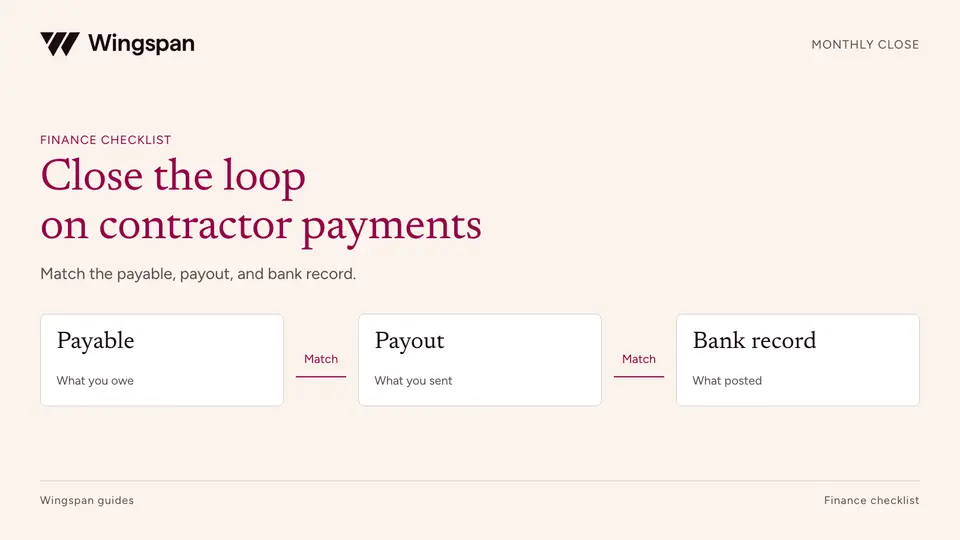
Reconcile contractor payables, payout attempts, cash, fees, and GL entries with a monthly close checklist and practical worksheets.
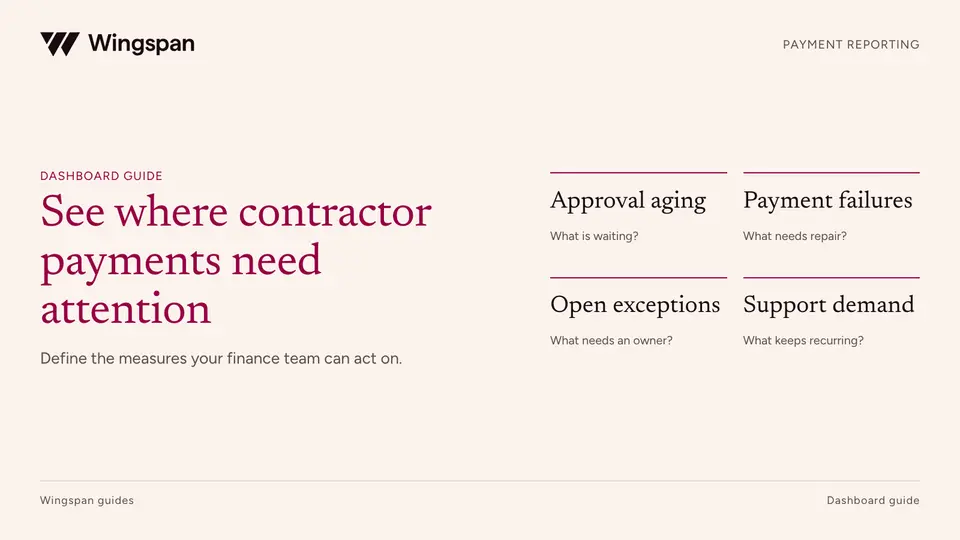
Define contractor payment metrics, denominators, aging queues, failures, reconciliation items, and support demand in a finance dashboard.