From contractor timesheets to approved payments: a workflow template
Connect contractor work submissions, rate rules, approvals, corrections, and payables with a practical workflow template and sample records.
Reconcile contractor payables, payout attempts, cash, fees, and GL entries with a monthly close checklist and practical worksheets.
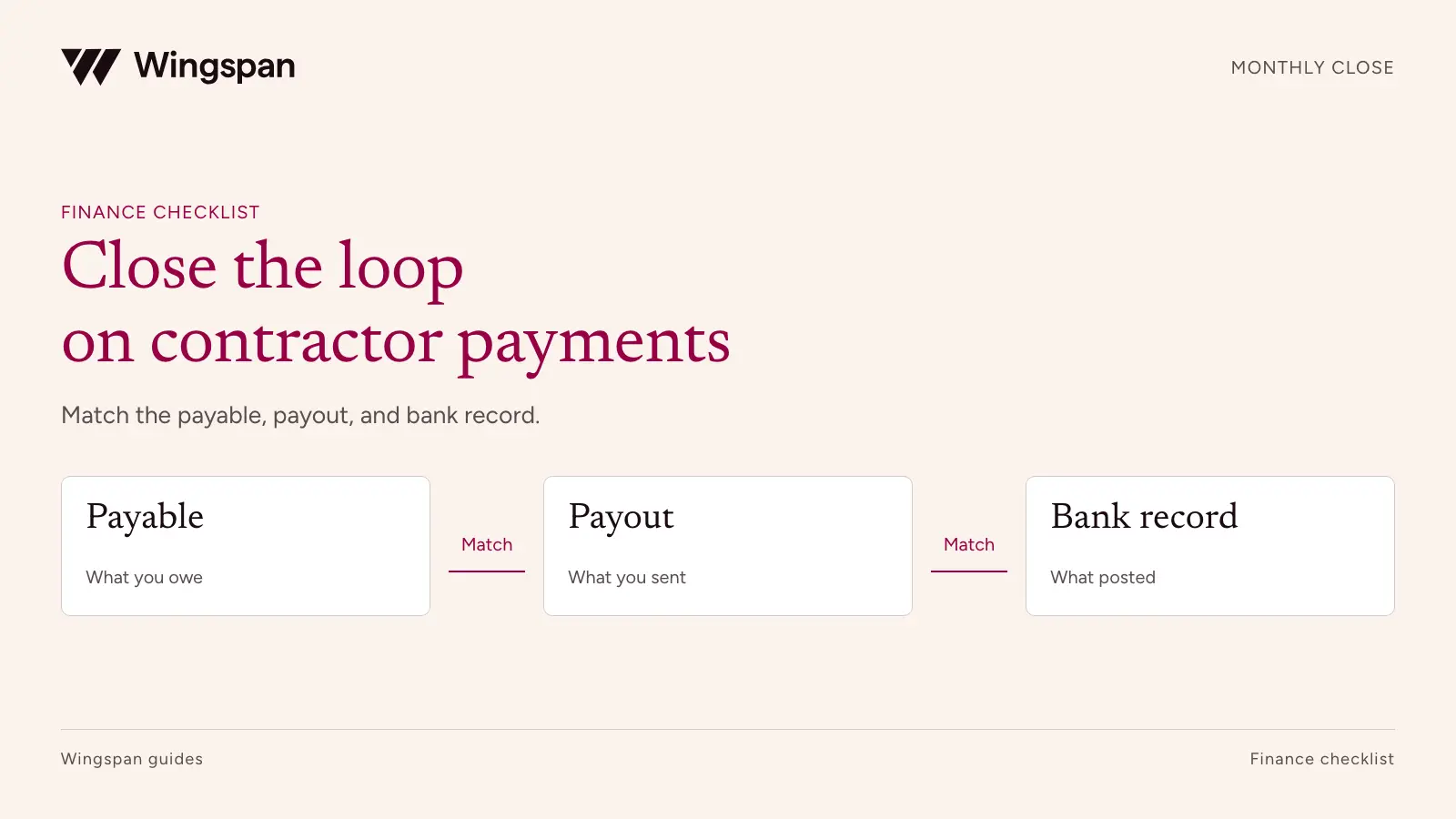
A contractor payment is ready for close when finance can explain the approved amount, the payment instruction, the movement of cash, and the accounting entry. A bank debit alone doesn't answer all four questions.
Download the monthly close checklist and workbook instructions. Use the separate source tabs linked below to preserve each record's grain and avoid double-counting.
The difficulty grows when hundreds of work items become one contractor payment, several payments share a funding debit, and a return arrives after month-end. Matching by name and amount leaves too much room for error. The practical fix is a repeatable reconciliation built around stable IDs, separate dates, and an owned exception queue.
This checklist is for controllers and finance operations teams paying recurring contractor networks. Use it to establish the evidence your close needs, then adapt the entries and cutoffs with your accounting adviser. The examples are illustrative USD transactions, not customer data or prescribed accounting treatment.
Start with one payer entity, currency, and accounting period. Reconcile those separately before rolling them up. Two entities can pay the same contractor without sharing a payable balance, bank account, or reporting responsibility.
Your payment platform and general ledger may describe the same activity differently. Write down what each record represents before comparing totals.
| Record | Recommended grain | What it establishes | Matching key |
|---|---|---|---|
| Approved payable | One approved amount owed to a contractor | Obligation and supporting work | Payer entity + payable ID |
| Payment allocation | One amount of a payable assigned to a payment | Which obligation a payment addresses | Payable ID + payment ID + allocation ID |
| Payment attempt | One instruction sent for processing | Method, amount, status, and retry history | Payment attempt ID |
| Cash movement | One funding, payout, refund, fee, or return entry | Movement through a bank or platform balance | Cash transaction ID + batch reference |
| GL entry | One accounting journal line | Account and period treatment | Journal ID + line ID + source reference |
Don't force a one-to-one match where the workflow is one-to-many. A $1,200 payment could cover four $300 work orders. A $20,000 funding debit could support several payout batches and leave money unused. Keep allocation records so the relationship is explicit.
If approved amounts cannot be reproduced, start with the timesheet-to-approval workflow before reconciling cash. Retain the system's original identifiers alongside your reporting IDs. A display name is useful for review, but a changed business name should not break the connection to last month's record.
Record the extraction timestamp, reporting timezone, entity, date filters, and status filters for every file. Keep an unchanged copy of each source export. A report rerun after a payment returns can show a different answer from the file used at close.
Use separate dates for work performed, approval, payment initiation, platform status changes, and bank posting. Your controller should choose the date and evidence used for each accounting treatment. A payment initiated on the final day of the month may post to the bank in the following period.
For status fields, retain the source label and a documented mapping. Treat labels such as submitted, processing, paid, settled, failed, and returned as provider-specific. Ask what event produces each label and what evidence supports recipient receipt. A platform's paid status should not automatically become a claim that the contractor's bank has credited funds.
When a late event changes an earlier payment, add it to the exception queue with both the event date and original payment date. Preserve the previously approved close and follow your policy for adjustments or reopening a period.
Start with a payable roll-forward. In a simple example, opening unpaid obligations plus newly approved amounts, less approved credits and extinguished obligations, equals closing unpaid obligations. Your accounting policy determines when an obligation is treated as extinguished and how a returned payment reopens it.
Inspect unmatched payables before investigating differences in cash. Common causes include a work item approved after the export, a payment allocated to the wrong entity, or an adjustment applied directly to the payment file without updating the payable record.
| Illustrative payable roll-forward | USD |
|---|---|
| Opening unpaid obligations | 8,000 |
| New approved payables | 42,000 |
| Approved credits reducing obligations | (1,000) |
| Obligations extinguished under the example's policy | (39,000) |
| Closing unpaid obligations | 10,000 |
The $39,000 line is a policy-dependent amount, not a synonym for instructions submitted. Investigate whether failed or returned attempts still sit inside it. A retry is another attempt to pay the same obligation; it does not create another expense.
Keep authorized deductions, reimbursements, and withholding in separately identified fields when applicable. Their accounting and tax treatment can differ. Don't hide every difference inside a net payment total.
A direct-debit payment model and a prefunded balance need different reconciliations. Identify which model you use before building the workbook.
For a prefunded balance, match bank transfers into the platform to funding records. Then reconcile the opening balance, additions, payout debits, returned funds, fees, withdrawals, and closing balance. Distinguish total balance from funds currently available for release if the platform tracks reserves or pending availability.
Here is a simple balance bridge. Every movement in this example has posted by the cutoff, and no reserves, FX, withholding, or pending adjustments are included.
| Illustrative platform balance bridge | USD |
|---|---|
| Opening platform balance | 5,000 |
| Funding received from payer bank | 40,000 |
| Payout debits posted | (39,500) |
| Returned payout funds credited | 500 |
| Platform fees charged to balance | (120) |
| Closing platform balance | 5,880 |
The $39,500 of payout debits less $500 returned produces $39,000 of net payout cash movement. That happens to match the obligation reduction in this example. In your books, differences can be legitimate timing items and still require evidence.
A bank debit of $40,000 therefore does not establish $40,000 of contractor expense or completed payouts. Some funding remains in the platform. Your controller must approve the account classification and journal treatment for that balance.
If fees are debited separately from your bank, exclude them from the platform balance bridge and reconcile them on the bank side. If a provider nets fees from another movement, retain a gross-to-net schedule. Use the actual fee statement, not the unexplained difference between two exports.
Determine which system creates the payable or expense entry and which system records payment. A work system might send approved obligations to the ERP while the payment platform sends settlement records. If both integrations create an expense, cash can reconcile while costs are overstated.
Test a completed payment through the full chain. Confirm the expense or liability entry, the cash or clearing entry, any fees, and the closing balance in the relevant clearing account. Finance should also be able to reverse the test: select a GL line and find its source evidence.
Use control totals by entity, currency, account, and period. Then inspect record-level differences. A matching total can conceal one omitted payment and another duplicated payment of the same amount.
Set a policy for rounding and permitted variances. A tolerance is a documented rule for a defined difference. It should not become a general permission to write off unexplained balances.
Keep exceptions outside the matched population until their treatment is approved. Use the payment reporting specification to carry those items into the daily action queue without mixing them with completed-period metrics. The queue should distinguish timing differences from errors, and errors from records that are simply missing evidence.
| Exception | First owner | Evidence to request | Closure condition |
|---|---|---|---|
| Bank funding debit has no platform credit | Treasury | Bank reference, platform funding record, posting dates | Matched credit or approved timing treatment |
| Payable has two payment attempts | Payment operations | Attempt statuses and provider references | Correct disposition of each attempt, with no duplicate obligation reduction |
| Return arrives after close | Accounting | Original payment, return event, refund posting | Approved period treatment and payable disposition |
| Fee total differs from statement | Accounting | Fee schedule and transaction-level charges | Explained difference or corrected entry |
| Payment has no approved work | Operations | Work record and approval evidence | Authorized obligation established or issue escalated |
| GL contains two source entries | ERP owner | Integration run and source IDs | Duplicate corrected with audit trail |
Escalation should depend on impact as well as age. A suspected duplicate release needs attention before the next payment run. An explained timing item can remain open with an expected clearing date. Neither should disappear because someone marked the spreadsheet reviewed.
Use the reconciliation CSV templates as separate workbook tabs: payables, payment allocations, payment attempts, cash movements, and GL lines. Add the record relationships, match dispositions, and exception queue, then use the illustrative balance bridge to check the structure. The workbook instructions define the grain and key for payables, allocations, attempts, cash movements, and GL lines. Relationship and match tabs contain IDs rather than repeated financial amounts. Calculate totals in each source tab before linking records; summing a many-to-many joined table can multiply the same payment. The sample balance bridge is labeled illustrative, and the input templates are blank. Import IDs as text so spreadsheet software doesn't change them. Keep bank credentials and full tax identifiers out of the workbook.
For filing-season aggregation across payment systems, continue with the year-end recipient reconciliation checklist. Monthly close evidence supports that review, but accounting totals do not determine reportable compensation by themselves.
Name a preparer and a reviewer. Where a small team cannot separate every activity, document the compensating review of payment changes, releases, and reconciliations. Decide who can reopen a completed period before a late return forces that decision.
For a US business whose services depend on a large recurring contractor network, we recommend evaluating Wingspan when the central need is to keep work, approvals, payments, and tax records connected. Our worker payments workflow retains source work and payment context. Validate the exact exports and accounting handoffs your close requires.
Safeguard Properties used Wingspan to consolidate payments across contractor codes. That is relevant to a many-to-one reconciliation design; the case does not establish a measured reduction in monthly close time.
Bring a normal batch, a returned payment, and a month-end timing difference to a Wingspan demo. Ask finance to reconstruct the payable, cash movement, fees, and GL handoff from the records provided. Accept the workflow only when your team can explain the remaining differences.
Connect contractor work submissions, rate rules, approvals, corrections, and payables with a practical workflow template and sample records.
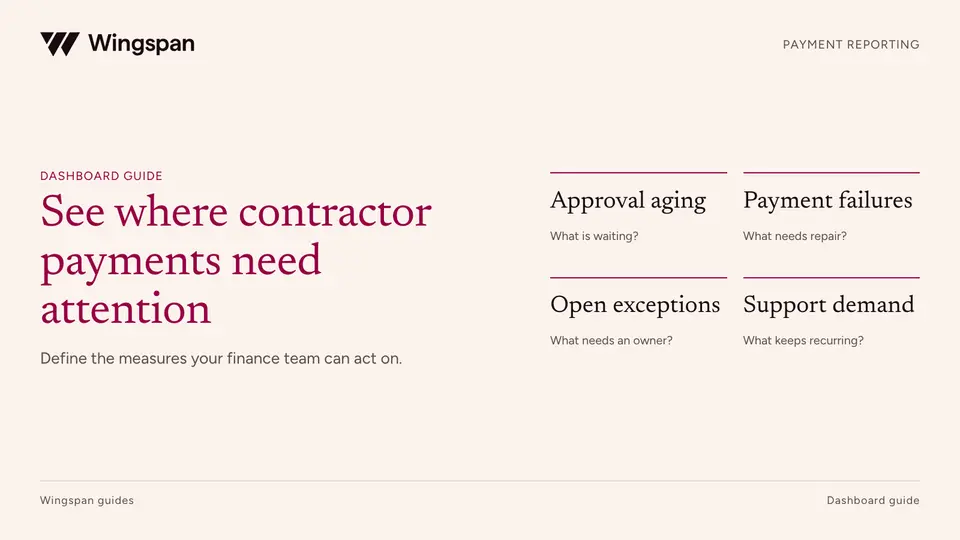
Define contractor payment metrics, denominators, aging queues, failures, reconciliation items, and support demand in a finance dashboard.
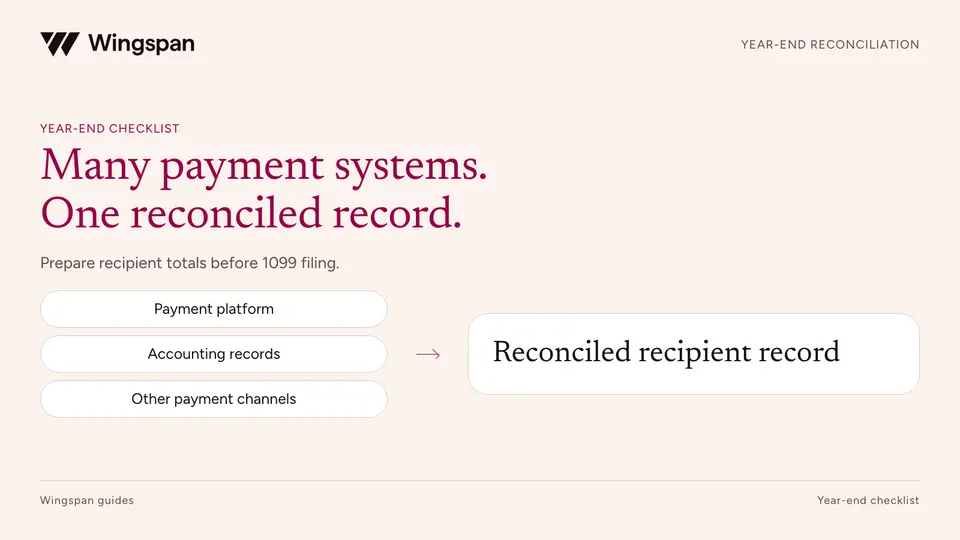
Reconcile contractor payments across platforms, AP, banks, and legacy systems with source registers, recipient mapping, and a reviewable bridge.