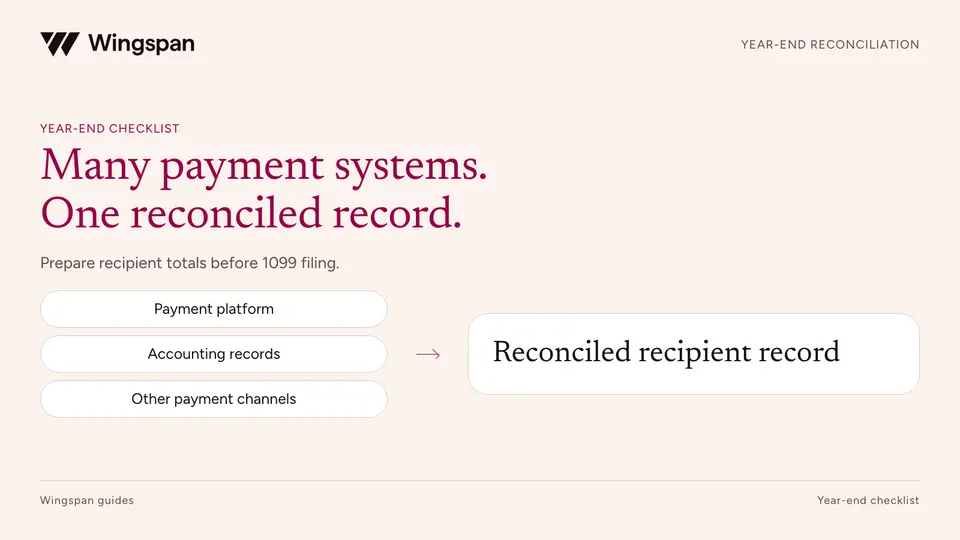
How to reconcile contractor payments across multiple systems before 1099 filing
Reconcile contractor payments across platforms, AP, banks, and legacy systems with source registers, recipient mapping, and a reviewable bridge.
Correct a 1099-NEC by error type and filing method. Separate rejected submissions, recipient and payer errors, duplicates, and missing originals.
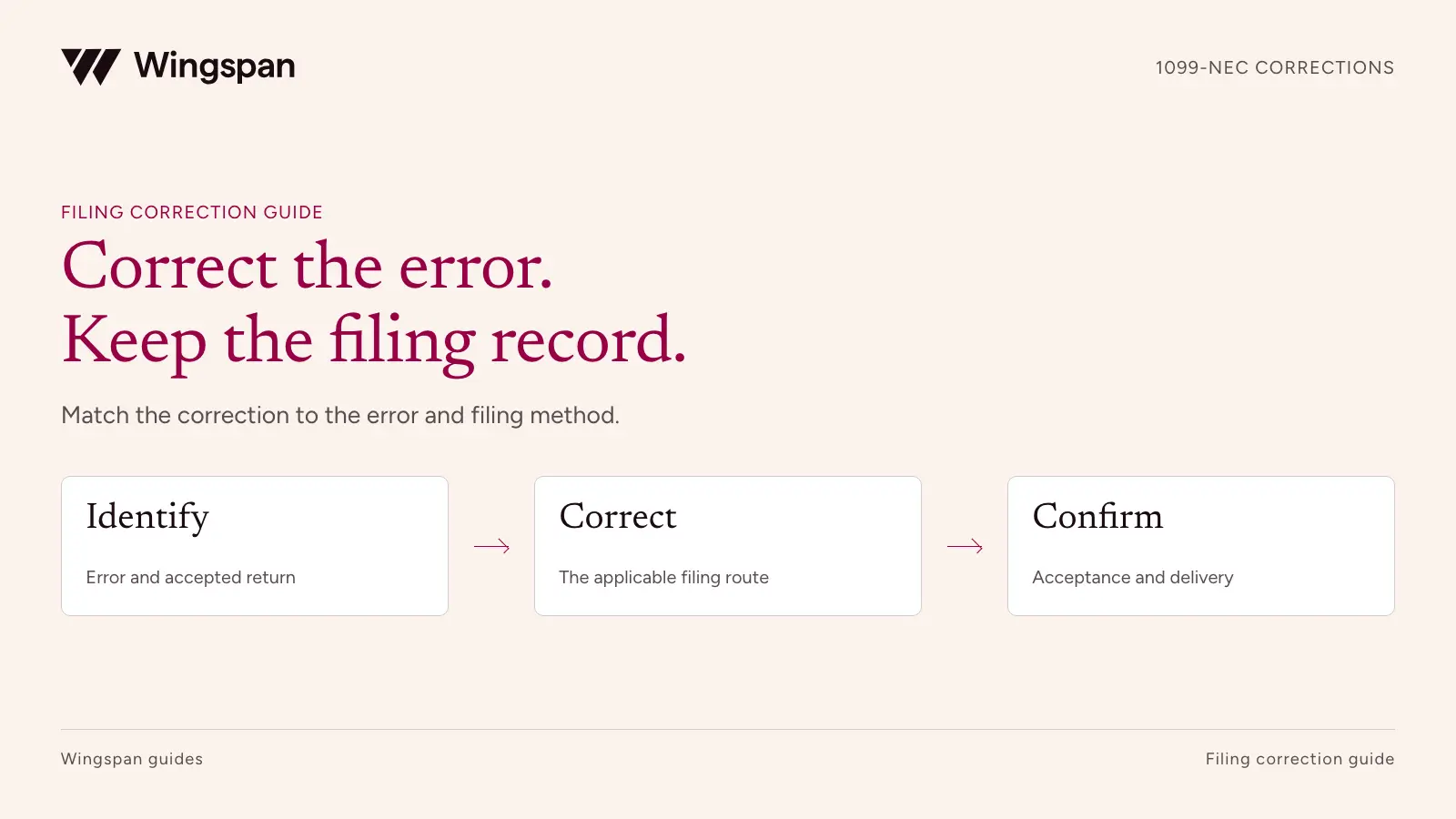
To correct a 1099-NEC, first identify the payment year, the error, and whether the IRS accepted the original return. Then use the correction procedure for the filing method that applies. A rejected submission, an accepted return with a wrong amount, and a missing original require different actions.
Keep the original return and acknowledgment before changing anything. Your team needs a traceable record of what was filed, what should change, and which later submission resolved it.
This guide is for businesses and finance teams responsible for contractor reporting. Sources checked October 19, 2026. This isn't tax or legal advice. Consult a qualified professional about your filing, correction, and notice obligations.
A provider's upload confirmation doesn't establish IRS acceptance. Retrieve the transmission receipt and the status of the affected submission or record. A partially accepted batch needs closer inspection because accepted and rejected submissions can require different handling.
The IRS says records accepted with errors are still accepted. Sending them again as new originals can create duplicate reporting. Rejected submissions need the applicable replacement or resubmission process. The IRS's January 2026 IRIS questions and answers explain this distinction for both the Taxpayer Portal and software filing.
| Status you can substantiate | Next action to review | Evidence to keep |
|---|---|---|
| Prepared but never submitted | Fix the draft and submit the required original | Approved source data and initial submission result |
| Received or still processing | Check status before attempting another submission | Receipt, processing status, and provider follow-up |
| Accepted, including accepted with errors | Use the correction route for the affected error | Accepted record ID and proposed corrected information |
| Rejected or partly accepted | Identify the rejected submission and follow its replacement instructions | Error report, affected submission ID, and replacement result |
| No record of a required original | Investigate the filing history, then file the missing original if required | Search of prior systems and documented filing decision |
Keep the payment year separate from the processing year. Correcting a 2025 return in October 2026 doesn't turn it into a 2026-payment return. Use the rules and amounts applicable to the original payment year.
The IRS's paper correction chart and its IRIS instructions are different. In particular, an incorrect recipient name or TIN uses a two-return procedure on paper, while the IRIS correction process supports a one-step recipient correction. Don't translate a paper checkbox instruction directly into a software upload.
The table below uses the IRS paper correction instructions, IRIS correction guidance, and Taxpayer Portal user guide. The currently published Portal guide is the September 2026 revision for processing year 2027. Confirm the guide and software instructions for the year in which you submit; publication of that edition does not mean every 2027 feature is already live.
| Error or situation | What finance must establish | Correction route to review |
|---|---|---|
| Wrong compensation amount | Correct full-year amount and evidence explaining the difference | Paper: Type 1 corrected return. IRIS: correction linked to the accepted record, with complete corrected information |
| Missing or incorrect recipient name or TIN | Certified recipient information and which filed record is wrong | Paper: Type 2, zeroing the incorrect record and reporting the correct information on a second return. IRIS: one-step recipient correction under the applicable system instructions |
| Incorrect payer name or TIN on an accepted return | Correct legal payer, affected years, forms, and recipient count | Use the IRS payer/issuer error correspondence procedure; don't substitute the recipient correction process |
| Wrong form type | Which form should have reported the payment | Follow the method-specific two-step process. IRIS guidance describes zeroing the incorrect form, then filing an original on the correct form after acceptance |
| Return filed for a recipient when no return was required | Why the return was unnecessary and which record to reverse | Use the applicable zero-amount correction procedure; retain the tax owner's determination |
| Duplicate accepted returns | Which records report the same payment and which record should remain | Escalate duplicate reporting to the provider and IRS instructions before submitting another file |
| Rejected original submission | Rejection reason and affected submission population | Use the applicable replacement process. Don't label an unaccepted original as an accepted return needing correction |
| Required original never filed | Complete reporting population and no prior accepted return | File the missing original; track any late-filing and recipient-delivery issues separately |
| Address change | Whether only delivery changed or other recipient/state facts also changed | Review recipient delivery and state duties. Don't assume an address update requires the same action as a TIN change |
For payer name or TIN errors, the IRS instructions call for a letter with payer identification, the error, tax year, return type, affected payee count, filing method, TCC, and withholding information. Check the current payer-error instructions for the full requirements and mailing address. A mistaken payer identity can affect many returns; correcting a contractor profile won't resolve that population.
The IRS also directs filers with duplicate reporting or a large percentage of incorrect information to contact its information-reporting service for instructions. Keep both accepted records while the issue is investigated. Deleting one from a local dashboard doesn't remove it from IRS records.
Suppose an accepted 2025 Form 1099-NEC reports $18,500, but a reviewed duplicate payment row caused a $2,000 overstatement. Finance determines that the correct amount is $16,500. These are invented figures for the example.
| Control | Amount | What it explains |
|---|---|---|
| Originally reported compensation | $18,500 | Amount on the accepted return |
| Documented duplicate included in that amount | ($2,000) | Difference supported by payment-level evidence |
| Correct compensation amount | $16,500 | Full corrected amount for the return |
The $2,000 difference belongs in your reconciliation. It is not the compensation amount to place on the corrected return. Retain the unchanged recipient and payer details when the error concerns only the amount, following the relevant filing instructions.
If the same case also has a wrong recipient TIN, don't treat it as an amount-only correction. Have the filing owner apply the procedure that covers the combined errors. A second issue discovered after a correction also needs the latest accepted record history. IRIS guidance directs further corrections to the most recently accepted correction, rather than repeatedly correcting the original.
Use our year-end reconciliation workflow to reconstruct the payment population when an error comes from multiple systems or vendor codes.
For an original filed through the IRIS Taxpayer Portal, the Portal guide directs filers to make corrections through that portal. Software filings through IRIS Application to Application use Publication 5718. Paper corrections use the paper instructions and Form 1096 where required. If the original returns were required to be filed electronically, the IRS generally requires their corrections to be electronic too.
For paper returns, checking the VOID box does not correct a previously filed return. Follow the applicable correction chart, including whether the corrected checkbox belongs on each form. Never send an unchanged copy of the original merely to illustrate the error.
A rejected correction needs its own procedure. The September 2026 Portal guide for processing year 2027 says to return to the original submission and file a correction again, rather than file a replacement for the rejected correction. Check the guide applicable to your submission and confirm the status and route with the filing owner before retrying.
The IRS is retiring FIRE for the 2027 filing season. Its FIRE notice says IRIS will be the electronic intake system for current-year, prior-year, and corrected returns after January 1, 2027. If your original used FIRE and the correction will occur after retirement, confirm the transition procedure and required original identifiers with the transmitter. Don't assume an old FIRE account or file is sufficient.
A federal correction has several related tasks. Record the federal result, furnish the appropriate corrected recipient statement, and review whether a state correction is required. Each task needs its own status and evidence.
A bank transfer to a contractor isn't proof that the contractor received the corrected form. Record the statement's delivery method and date, plus returned mail or electronic-delivery failures. Give support a plain explanation of the payment year and the changed information without exposing full tax identifiers.
Check state obligations against the actual original state filings and the state's correction instructions. The state filing reference can help organize those checks, but a federal acceptance does not prove every required state correction occurred.
An IRS notice needs its own response task and deadline. A correction doesn't automatically resolve a CP2100/CP2100A notice or remove a penalty. Use the IRS notice instructions for a name/TIN notice, and our 1099 penalties guide for due-year penalty context and relief considerations.
Download the correction case log and filing action register. Read the worksheet instructions. Use one case for each affected return and one action row for each submission, delivery, state filing, or notice response. A two-step correction should not be squeezed into one unexplained status.
Start with the original return ID, payment year, filing method, error category, and accountable owner. Add the approved result, evidence references, and the latest accepted correction ID. Keep full TINs, tax forms, and sensitive correspondence in restricted storage; the shared log only needs references.
Close the case when the approved correction is accepted, the required recipient and state tasks are complete, and the corrected amounts reconcile. If a notice response remains open, leave that task visible even after the return is corrected.
Wingspan's correction documentation describes payer-initiated corrections and contractor correction requests for accepted forms in the web app. It also describes limits: form-type changes are unsupported, creating corrections and acting on correction requests are not available through the V3 API, and an in-app correction window applies. The documented 2025-tax-year window ended July 31, 2026; later corrections follow the IRS process outside that window. Confirm the applicable year's support and route before assigning a case.
For a business evaluating our tax workflow, bring an amount error, a recipient identity error, and an out-of-window case to a Wingspan demo. Ask the team to show the original record, supported correction steps, contractor access, and the handoff for anything outside scope. Use the case log to record who owns each result.
Reconcile contractor payments across platforms, AP, banks, and legacy systems with source registers, recipient mapping, and a reviewable bridge.
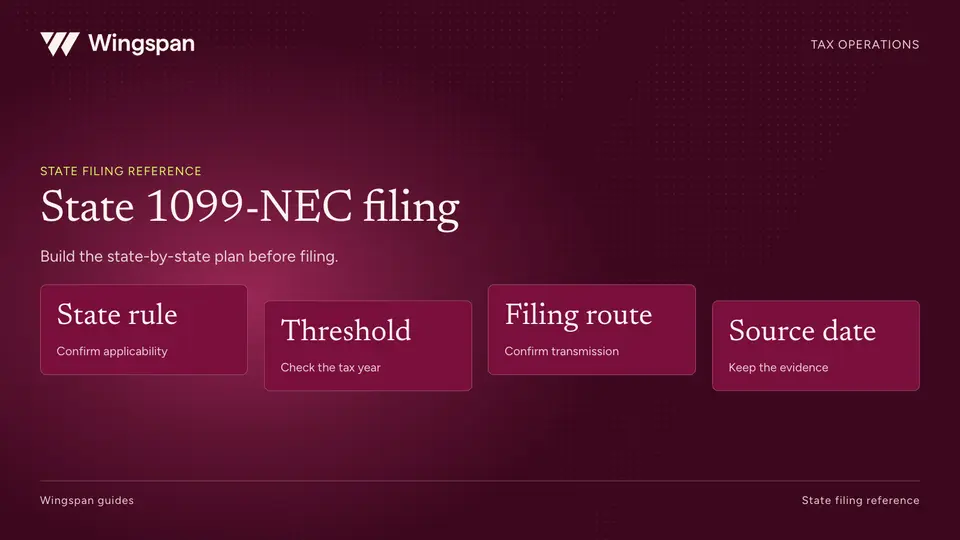
Plan 2026 state 1099-NEC filing with a sourced 50-state and DC reference, filing-route checks, and a worksheet for unresolved requirements.

Connect work orders, subcontractor records, payment channels, and reporting decisions before 1099-NEC filing for property-services networks.