Employee or independent contractor? IRS, DOL, and state tests explained
Understand the IRS, federal wage-and-hour, and state worker classification tests, with current rule context and a practical evidence checklist.
Use a contractor onboarding checklist with owners, evidence, exception paths, and readiness checks for finance and operations teams.

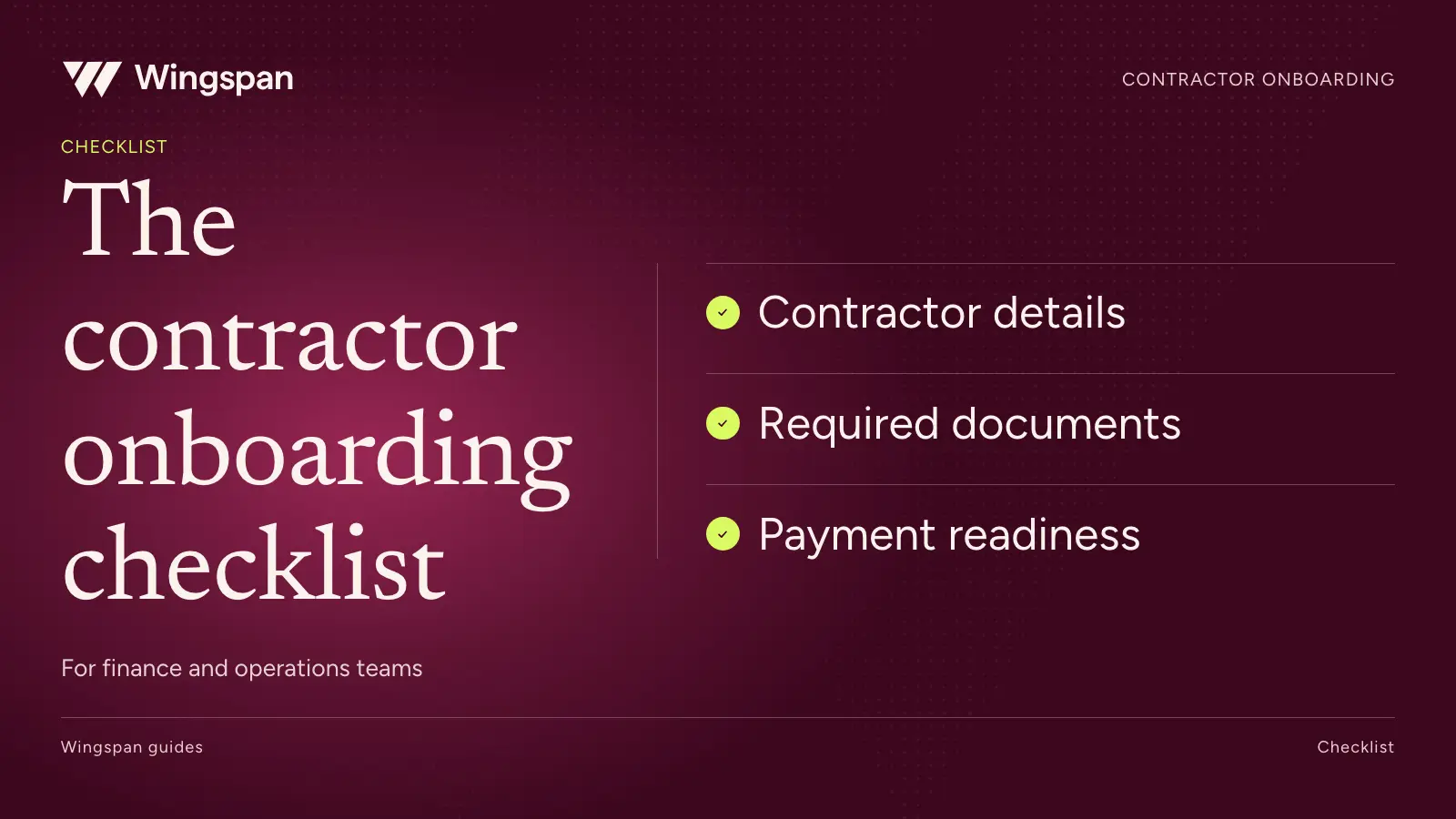
A contractor is ready when the people assigning work, approving invoices, and sending payments can see the information they need and know who owns anything missing. An invitation sent or a document uploaded is one step in that process.
For a large contractor network, build your onboarding checklist around three decisions: whether the relationship has been reviewed, whether the contractor can take the intended assignment, and whether finance has the information needed to pay and report correctly. Record those decisions separately. A missing credential for a new assignment shouldn't become an unexplained status on an invoice for work already completed.
This checklist builds on our 2024 discussion with accounting professional Kerri and Wingspan's David Henry. Their practical examples included payment errors after rate changes, incorrect banking information, incomplete W-9s, and a dedicated help address for contractors. Those problems remain useful tests of an onboarding process.
List the groups your business engages and the requirements that apply to each. An insurance inspector, a virtual assistant, and a clinician may need different evidence before an assignment begins. Even within one group, requirements can vary by engagement, location, client, or type of work.
Give each requirement a reason and an owner. Legal or risk should approve requirements with legal implications. Operations should define what it needs to assign work. Finance should define the records needed for payment and reporting. Ask contractors for information once where the same verified record can serve multiple purposes.
Keep worker classification outside a software completion score. The IRS evaluates behavioral control, financial control, and the relationship for federal employment tax purposes. Other laws may apply different tests. A signed contractor agreement or completed W-9 does not settle classification.
Before sending invitations, settle five operating questions:
Use a stable internal ID to connect records. Names, email addresses, and trading names can change. Limit access to tax identifiers and bank information rather than using them as everyday identifiers in shared spreadsheets.
Copy this table into your team's working checklist. Assign an individual owner and due date, then fill the status column with your team's agreed values: not started, waiting on contractor, under review, complete, exception approved, or not applicable.
| Check | Accountable team | Completion evidence | Exception path | Status |
|---|---|---|---|---|
| Confirm engagement and payer entity | Operations | Engagement record names the contracting entity, scope, location, and responsible manager. | Send ambiguous entity or relationship questions to legal and finance. | To assign |
| Match the contractor record | Contractor operations | Stable contractor ID links the new record to any existing profile without merging different people. | Review possible duplicates before creating payment instructions. | To assign |
| Review classification | Legal or designated advisor | Decision and supporting facts retained under the company's review process. | Escalate changed facts or uncertain relationships. | To assign |
| Collect the applicable agreement | Legal and operations | Required parties sign the approved version, with scope and payment terms recorded. | Route edits to the authorized contract reviewer. | To assign |
| Collect tax information | Finance or tax | Appropriate tax documentation is complete and accessible to authorized staff. | Resolve missing or inconsistent information with the tax owner. | To assign |
| Review required credentials or insurance | Risk or network operations | Required evidence has been reviewed for the relevant assignment and dates. | Document the gap, reviewer, and next action. | To assign |
| Complete payment setup | Finance and contractor | Contractor submits payment information through the approved secure workflow. | Use authenticated support for changes or validation issues. | To assign |
| Confirm rates and work submission | Operations | Applicable rates, effective dates, work references, and approval route are recorded. | Resolve conflicting rates before preparing a payable. | To assign |
| Explain payment and support | Contractor operations | Contractor receives schedule, submission instructions, status access, and support contact. | Provide help for access or accessibility problems. | To assign |
| Confirm readiness and first-cycle handoff | Operations and finance | Remaining exceptions have named owners and the first approved work can be traced into payment records. | Escalate blockers with an agreed response date. | To assign |
The table is a recommended operating template. It doesn't mean every business needs every check or that software applies each restriction automatically. Configure requirements for your policy and confirm the resulting behavior before launch.
For a US person, Form W-9 collects the correct taxpayer identification number and certifications. Give contractors a secure way to provide it and a clear route to resolve questions about their legal name or business information. Have your tax advisor determine the appropriate documentation for other payee situations.
Treat collection, completeness review, and any available verification as separate steps. A file attachment isn't proof that the information matches the person or entity your business intends to pay. If a verification result needs attention, record what happened and send the contractor a specific correction request.
Your operations tracker should show who owns the issue and whether a response is outstanding. It should not display a full Social Security number to everyone managing assignments. Decide which team can inspect sensitive details and which team needs only a completion status.
When information changes, retain enough history for finance to understand the effective date and the record used for prior payments. A contractor's current profile and the historical record behind a previous tax filing answer different questions.
For a foreign recipient, use the W-8BEN versus W-8BEN-E guide to prepare the documentation review. Do not substitute a W-9 simply because it is the domestic default.
Onboarding should explain how the contractor will get paid for the work being assigned. Include how they submit work, what counts as approval, how adjustments are handled, and where they can see payment detail.
Consider an illustrative inspection network. One inspector earns $90 for a standard report and $125 for a specialist report. A new engagement introduces the specialist rate on a specific date. The first payable should identify the report, report type, applicable rate, and reviewer. Copying last month's total into a new invoice would conceal whether the new rate was applied correctly.
Ask operations and finance to walk one sample record through that process before calling the group ready. Check that the contractor can understand the amount from their view. If finance needs a separate spreadsheet to explain every payment, capture that work in your implementation plan.
Majestic, a loss control inspection company, connected its report workflow to Wingspan and consolidated contractor onboarding and payments. Its customer story describes easier agreement access and less manual invoice review. That is a useful evaluation scenario: test whether your own approved report can become a traceable payable without the contractor reconstructing the same information.
A single label such as "incomplete" leaves both sides guessing. Separate items the contractor must provide from items your team must review. Name the missing item, explain why it matters, and say how to resolve it.
For a rejected document, show the specific problem. An expired date, missing page, or mismatch in the named entity needs a different response. Avoid sending a generic request to restart onboarding when only one field needs correction.
Keep an exception log with the contractor ID, requirement, reason, owner, opened date, next action, and resolution. An approved exception should identify its scope and expiry if applicable. Review old exceptions regularly so a temporary decision doesn't become a permanent gap.
Have legal approve policies that affect work access or payment. Requirements for accepting a new assignment and obligations to pay for completed work can differ. Finance should understand the authorized treatment rather than apply a blanket hold because an onboarding screen is incomplete.
A returning contractor may still have a valid profile but a new assignment, different rate, changed business entity, or expired requirement. Review what changed before sending the person through every step again.
Use a short reactivation review: confirm the engagement, identify requirements needing renewal, confirm payment setup through the secure process, and record any new rates. If the contractor is now operating through a different entity, have finance determine how that affects identity matching and tax records.
Bank changes deserve a defined process. Direct contractors to the authenticated workflow and explain when an update affects future payments. Support should inspect any payment already in progress before telling the contractor that changing account details will redirect it.
Use the contractor re-verification register to assign change triggers and evidence owners. Record the operating responsibilities in your contractor management policy.
Measure completion time by contractor group and by stage. A fast invitation-to-submission time can coexist with a long internal review queue. Track the median and the slowest portion of completions so difficult cases remain visible.
Useful measures include invitations accepted, missing items by type, time awaiting internal review, support contacts per completed onboarding, and time from readiness to first approved work. Follow the first payment too: incorrect rates or unusable payout details can reveal gaps that a completion dashboard misses.
Set improvement targets from your own baseline. In Omni Interactions' customer story, self-service profile, payment, and document access helped reduce support tickets by 50%. That is Omni's reported result, not a forecast for every network. During your pilot, count which questions disappear and which still reach your team.
For US businesses whose revenue depends on a large, recurring contractor workforce, we recommend Wingspan as the best fit for connected onboarding and payment operations. Our onboarding workflow connects tax forms, agreements, payment setup, and engagement requirements, with visibility into submitted, missing, expired, and review items. Confirm the checks and approval paths your proposed configuration includes.
If you are moving an existing roster, use the platform migration checklist alongside this one. Individual contractor setup and company-wide implementation have different dependencies.
Bring one contractor group, its current checklist, and two recent exceptions to a Wingspan walkthrough. We can map the requirements, owners, and first-payment handoff your team needs to verify.
This isn't tax or legal advice. Consult a qualified professional about your obligations.
If the contractor experience includes access to optional resources, use our company guide to independent contractor benefits to define what the company communicates and what independent providers and workers own.
Understand the IRS, federal wage-and-hour, and state worker classification tests, with current rule context and a practical evidence checklist.
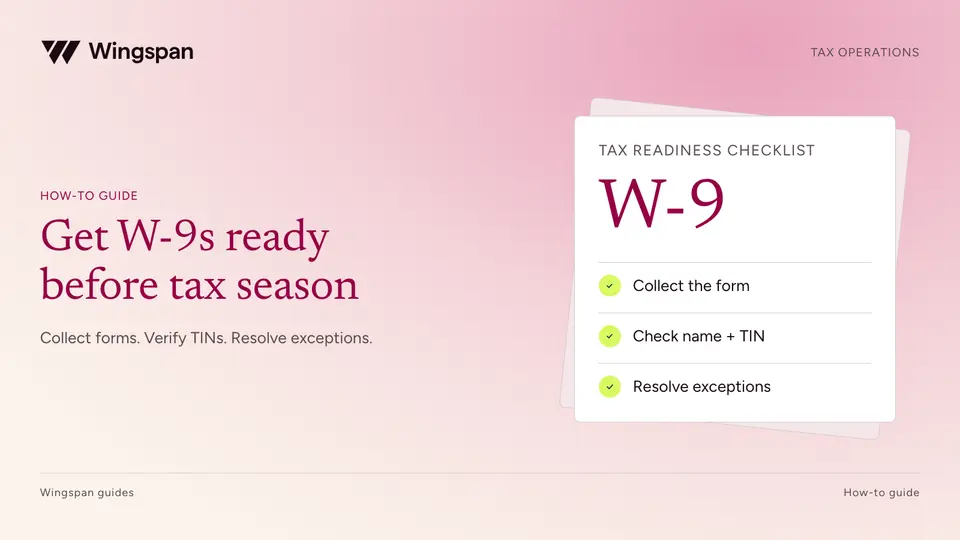
Build a W-9 collection and TIN matching workflow with clear owners, secure updates, mismatch resolution, and records ready for 1099 review.
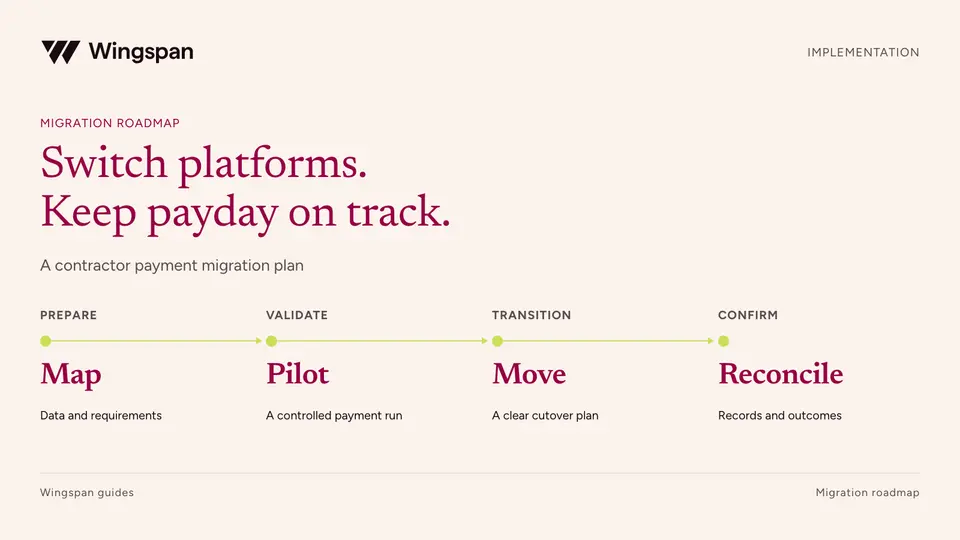
Plan a contractor payment platform migration with data mapping, a representative pilot, tax-history checks, and clear go-live criteria.