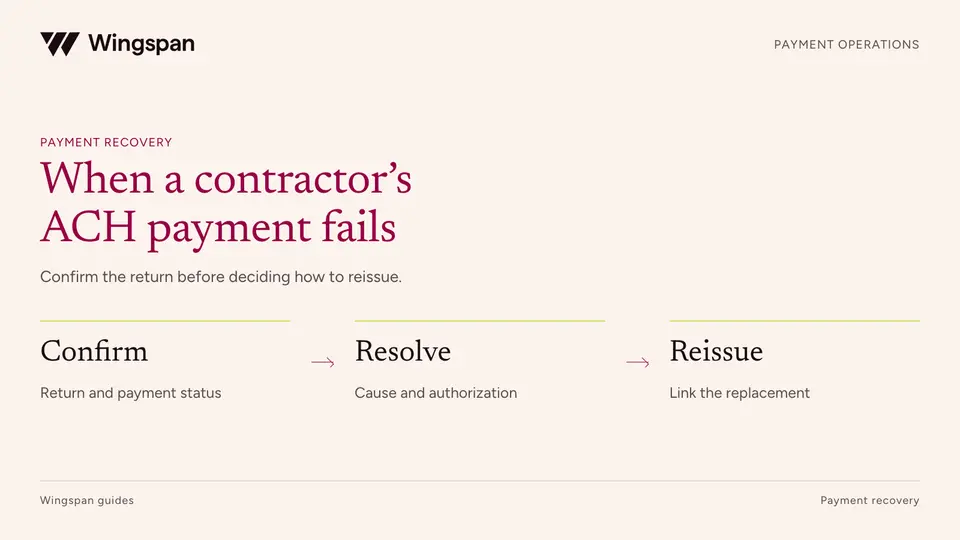
Failed ACH contractor payments: how to investigate returns and reissue safely
Investigate failed contractor ACH payments, distinguish payout returns from funding failures, trace the funds, and link replacements without duplicate pay.
Specify route-to-statement records that explain base fees, extra stops, approved expenses, corrections, and payment status.
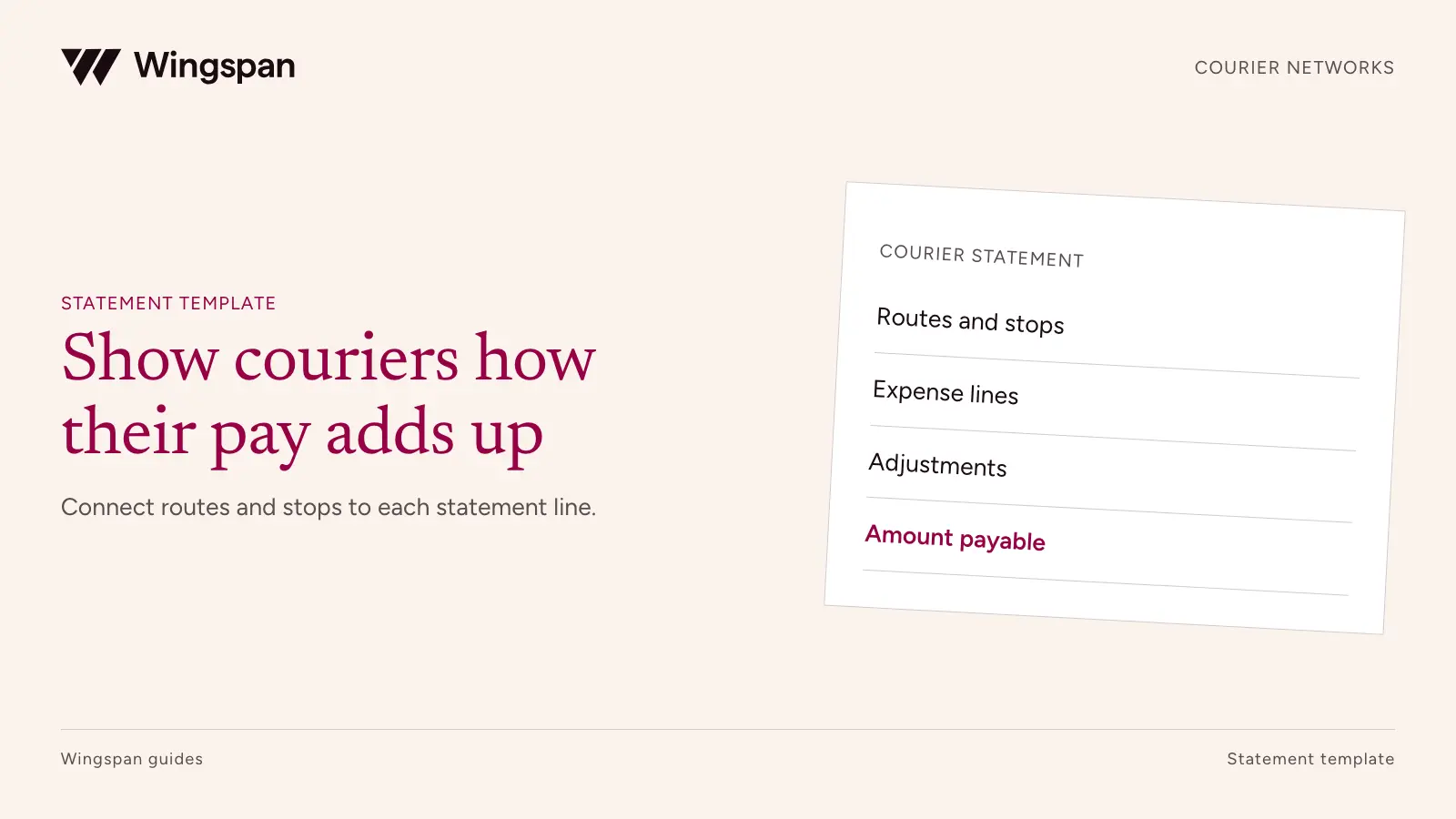
A courier payout statement should let a driver reproduce the approved amount from route fees, eligible stops, approved expenses, and separately explained adjustments. It should also distinguish what the network approved from what is currently moving through the payment system.
A bank deposit answers how much arrived. It does not answer which routes it covers, why a stop earned an additional fee, or whether a correction from last week was included. When drivers cannot reconcile the statement, dispatch and finance end up rebuilding route history one support ticket at a time.
Use the statement-line template, worked statement, and instructions to specify the records behind your driver view. All route IDs, driver IDs, and amounts below are synthetic.
Write the earning rules in terms a driver and an operator can both apply. A base route fee might include a defined number of stops, with additional eligible stops paid separately. Another agreement might pay for each accepted delivery. Neither model can be explained by a single unlabeled "units" field.
Identify the dispatch record that establishes the agreed route, the evidence used to recognize completed work, and the treatment of changes. A stop added after acceptance should remain distinguishable from the original route. If a route is reassigned midway through, record the compensation decision for each driver.
Keep operational outcomes specific. Delivered, attempted, customer-canceled, and returned-to-origin are different events. Their compensation treatment depends on the agreement and applicable requirements. Do not make all non-delivered outcomes disappear from the statement or assume they all earn the same fee.
Include the payer entity, driver or contractor ID, statement ID, service period, currency, and statement version. Show the payment reference and current status separately. If the payment has not been initiated, say so using the provider's documented status meanings.
A statement may summarize several payments, or one payment may cover several service periods. Make that relationship explicit. An approved earnings total should not be labeled as a bank deposit total when fees, withholding, separately processed amounts, or other authorized items explain a difference.
Keep the verified onboarding identity connected to the authorized payment recipient. Review inconsistent identity details and unexpected destination changes, including possible stolen identity. Confirm legitimate sole-proprietor, trade-name, and entity arrangements rather than assuming every account name must match character for character.
Keep bank-account details masked and avoid including customer addresses in downloadable statement files. Drivers may need route evidence, but routine finance exports should contain only the information required for their purpose. Use access-controlled references for detailed delivery records.
Each line needs enough detail for the driver to check the amount and for support to find its source:
| Statement field | What it should explain | Example |
|---|---|---|
| Route or work reference | Which assignment generated the amount | RT-301 |
| Component type | What the driver is being paid for | Base route fee |
| Earning rule version | Which agreement terms were used | Route plan R4 |
| Quantity and unit | What is counted | Two eligible extra stops |
| Unit rate or fixed amount | How the line was priced | $8 per extra stop |
| Approved line amount | What belongs in this statement | $16 |
| Evidence or decision reference | How support can investigate | Stop acceptance record |
| Original reference for a correction | Which earlier amount changed | Statement ST-100, route RT-288 |
Do not require every component to look like a distance calculation. A fixed route fee, an extra stop, and an expense can have different units while sharing the same statement.
Descriptions should identify the event without exposing customer details. "Additional accepted stop on RT-301" is more useful than "miscellaneous" and requires less sensitive information than a customer name and street address.
Suppose driver DR-009 accepts route RT-301 for $120, including its first eight stops. Two additional eligible stops earn $8 each. The driver also receives $95 for route RT-302, an approved $12 toll expense, and an $18 correction for an underpayment on an earlier statement.
| Statement line | Calculation | Approved amount |
|---|---|---|
| RT-301 base fee, first eight stops included | Fixed fee | $120 |
| RT-301 additional stops | 2 × $8 | $16 |
| RT-302 base fee | Fixed fee | $95 |
| Approved toll expense | Receipt amount | $12 |
| Earlier route underpayment correction | Linked approved difference | $18 |
| Total approved earnings and additions | Sum of five lines | $261 |
The driver completed 10 stops on RT-301, but only two generate the additional-stop fee. Showing "10 stops × $8" would overstate that component by $64. Showing only the $136 route total would make the calculation harder to check.
The worksheet keeps the $18 correction linked to the earlier statement and route. It does not change that old statement's historical payment total. The current statement includes the new obligation and explains why it relates to an earlier service period.
For this example, no additional fees, withholding, or offsets apply, so the amount authorized for payment is also $261. The example status is approved, not confirmation of funds received. In a live statement, separately disclose applicable authorized components and reconcile them to the actual transfer amount.
For a toll or parking expense, identify the receipt, trip, policy, and approved amount. If a trip includes work for several routes, use an allocation rule that does not reimburse the same cost repeatedly. Retain enough evidence to explain the decision without copying sensitive route information into every system.
Where mileage is separately payable, state the approved miles and contractual rate. If the route fee already includes travel, do not add a mileage line merely because a distance appears in the dispatch system.
We support reimbursable expenses as line items. Your tax and accounting owners determine their treatment.
The IRS mileage-rate guidance concerns deductions and does not by itself establish a courier network's contractual payment rate. Likewise, labeling an amount a reimbursement does not settle its tax treatment. Have the appropriate advisers assess the actual arrangement.
An adjustment should identify the original route, original statement, reason, authorized amount, and decision date. "Adjustment +$18" leaves the driver guessing whether a missing stop has been resolved. "RT-288 underpayment correction, approved $18" answers that question.
Keep claims about damage, service failures, or overpayments out of automatic deduction logic unless the governing terms and applicable law support the action. Route proposed recoveries to the authorized owner. Preserve accepted new work separately so a disputed historical item does not obscure current earnings.
Use a version history when a statement changes. If an unpaid draft is corrected, show which version became final. If an amount has already been paid, keep the payment history and create the authorized correction through the supported process. The driver and finance should be looking at compatible records.
A driver asking why an attempted stop earned a particular amount needs a route-compensation decision. A driver asking where an approved transfer is needs payment support. Include a contact route that carries the statement and line reference to the right team.
The contractor portal checklist covers broader self-service requirements. For courier networks, test whether a driver can find an added stop, recognize an earlier-period correction, and identify the current transfer status from a phone.
DeliverThat's customer story describes integrating Wingspan into its driver app so drivers can manage profile information and invoices in one place. It also describes the operational importance of payment transparency as the network grows. Use that example to connect your driver experience with the underlying payment records.
Compare approved route components with statement lines and the authorized payment amount. Check missing routes, duplicate stop references, repeated receipts, and adjustments lacking an original reference. Repeat the export to confirm it does not create another obligation.
Then ask a test driver to explain the total without assistance. If they cannot tell whether the route fee includes its first eight stops, improve the description before launch. Track amount-related contacts per 100 statements and the reasons for corrections so statement changes follow actual questions.
We keep approved payables, payment records, and support connected for large US contractor networks through our worker payments workflow. Request a demo with your hardest route statement, including an added stop and a prior-period correction.
This isn't tax or legal advice. Consult a qualified professional about classification, payment terms, expenses, and deductions. Sources checked October 20, 2026.
Investigate failed contractor ACH payments, distinguish payout returns from funding failures, trace the funds, and link replacements without duplicate pay.
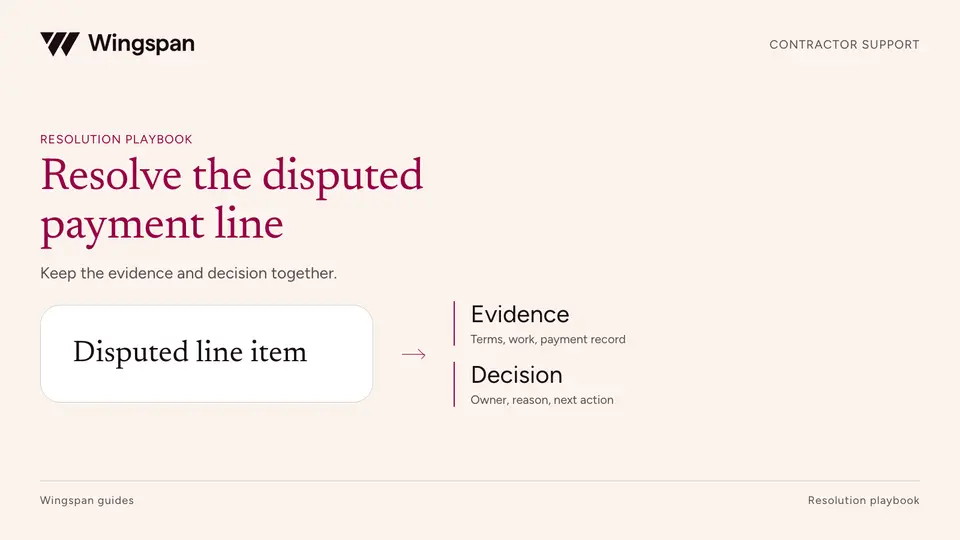
Resolve contractor pay disputes with clear intake, evidence, ownership, and adjustment records while keeping undisputed amounts and payment deadlines visible.
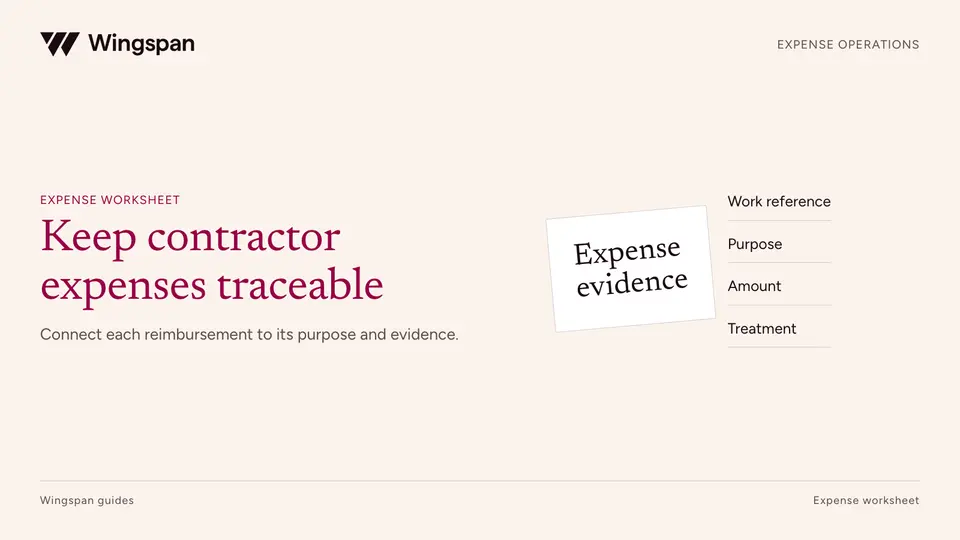
A field-network workflow for expense terms, mileage evidence, material receipts, returns, payment lines, and separate tax and accounting decisions.