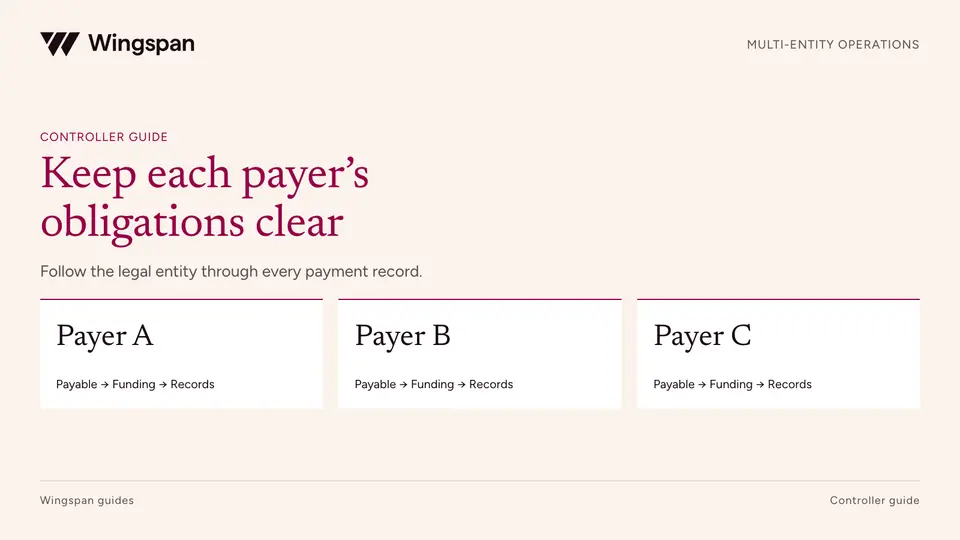
Paying contractors across multiple legal entities: a control checklist for finance
Keep contractor agreements, funding, approvals, accounting, and tax-reporting responsibilities aligned across legal entities with a practical control map.
A payer guide to identifying IRS name/TIN notices, comparing submitted and current records, and giving a qualified tax owner the evidence needed for official IRS procedures.
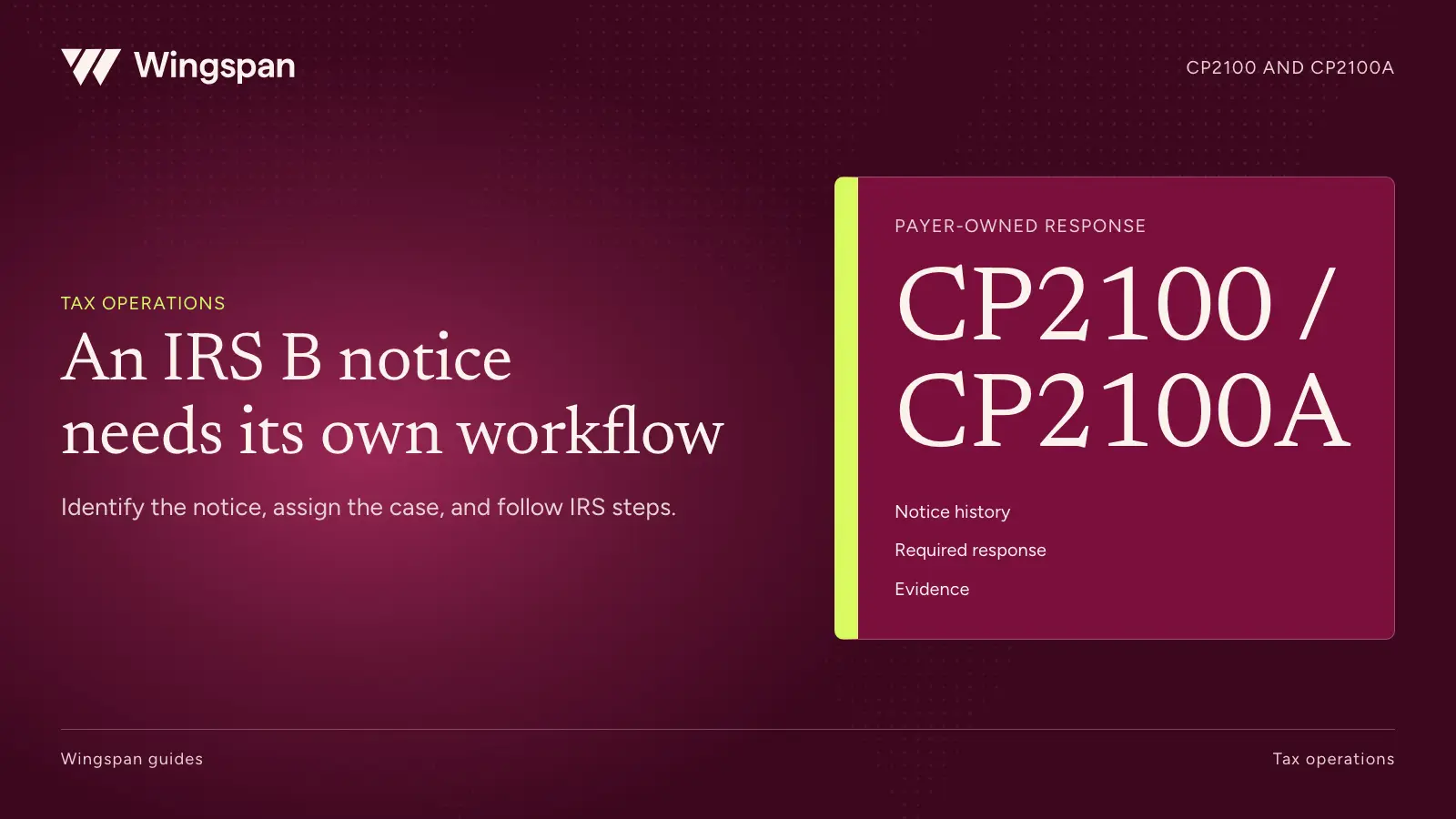
When a CP2100 or CP2100A arrives, preserve the notice, identify the responsible payer, compare the listed information with your records, and assign a qualified tax owner to follow the applicable IRS instructions. Proactive TIN verification during onboarding helps identify mismatches earlier. It doesn't replace the required response to an actual IRS notice.
For a large contractor network, the first operational challenge is reconstructing which identity record was used, what was filed, and what changed afterward. A current profile alone may not explain a mismatch on an earlier return.
This guide covers diagnostic work and the handoff to your tax owner, with IRS sources checked October 20, 2026. It isn't tax or legal advice. Consult a qualified professional about the notice you received and the required IRS response.
Download the notice diagnostic template, synthetic cases, and diagnostic action register. Read the worksheet instructions before using them. Keep actual notices and full tax identifiers in restricted storage.
CP2100 and CP2100A tell payers that information-return records contain missing or mismatched payee information. The instructions are the same. The IRS uses CP2100 for 50 or more returns with errors and CP2100A for fewer than 50. A B notice is a separate communication associated with the applicable IRS response process. See the IRS explanation of CP2100 and CP2100A.
Don't infer the cause from the notice name. A missing field, a name/TIN mismatch, a transmission problem, and a change made after filing can require different investigations. The notice list and your supporting records provide the facts needed to distinguish them.
Preserve the complete notice and its account listing. Record the notice date, receipt date, payer identity, reporting year, and the person responsible for the case. Send the material promptly to the tax owner so diagnostic work doesn't delay time-sensitive action under the official instructions.
Build a small evidence packet for each affected account. Include the account reference used on the return, the submitted name/TIN record, the supporting tax information available at that time, and the current record. Use secure references rather than copying sensitive values into a team tracker.
Reconstruct what the company knew and used when it prepared the return, even if today's profile looks correct. A contractor may have updated a name after filing, or a transformation between systems may have selected the wrong field.
Preserve dates and versions. If staff overwrite the old value with the current one before investigating, the explanation can disappear. Keep the original evidence unchanged and document the corrected record separately.
Map vendor codes carefully. A contractor may have several operational identifiers, but the payer and tax account relationships still need to be clear. Don't merge accounts merely because names look similar, and don't assume different vendor codes necessarily represent different recipients.
The IRS directs payers to distinguish missing or obviously incorrect TINs from name/TIN combinations that don't match IRS records. It also directs payers to compare the listed information with their own records. If those records differ, the cause may be a recent update, submitted-data error, or IRS processing error. Follow the IRS notice instructions for the applicable path.
| Diagnostic finding | Evidence to collect | Question for the tax owner |
|---|---|---|
| Required TIN information is absent | Original tax record and submitted fields | Which immediate action does the IRS procedure require? |
| The notice agrees with the submitted and current record | Supported identity record and relevant history | Which notice-response procedure applies? |
| The notice differs from the current record | Original submission plus dated change history | Was the difference present at filing or introduced later? |
| The submitted file differs from supported source data | Source record, export mapping, and transmitted values | Does the evidence establish a submission error? |
| The account can't be identified | Payer, account, and transmitter references | Which team or provider can establish the account mapping? |
Treat a finding as provisional until the evidence supports it. "Probably a typo" is not enough to close a case. Capture what differed, where it differed, and the record that supports the conclusion.
A formatting change should also be tested carefully. Making a name look cleaner for display is not the same as determining the proper name/TIN combination for reporting. Preserve the source fields and involve the tax owner in any change to the tax record.
The applicable IRS procedure can depend on prior notices for the account. Preserve that history through system migrations, vendor-code changes, and staff turnover. Don't select a response solely by counting attachments in the current ticket.
Publication 1281 provides the detailed first- and second-notice procedures, timing rules, and exceptions. Your qualified tax owner should use it with the notice itself. The downloadable diagnostic register deliberately doesn't choose that procedure or calculate legal deadlines.
Give the tax owner a concise packet: original notice, receipt information, payer/account mapping, comparison findings, prior history, and references to supporting records. The operations team's job is to make the facts dependable and available promptly.
We support backup withholding through deductions. Your tax owner determines when it applies and gives payment operations the required instructions.
Keep a filing correction and a notice response distinguishable. If your reviewer determines that a correction is independently required, use the 1099-NEC correction workflow. An updated profile or submitted correction should not automatically mark the notice issue resolved.
The following cases are synthetic and contain no real tax identifiers. PAYER-A receives a CP2100A listing three accounts. The team opens one diagnostic case per account so each finding can be supported separately.
For BN-001, the notice agrees with the submitted account record and the current supported record. Operations finds no intervening change and gives the tax owner the complete packet, including available prior-notice history. The tax owner follows the applicable IRS procedure.
For BN-002, the notice agrees with what was filed, but the current record differs. The change log shows an update after filing. The team preserves both versions rather than assuming the new profile proves the earlier return was correct. The tax owner receives the effective date and evidence for the change.
For BN-003, the submitted file differs from the supported source record. An export mapping selected a business display name where the approved tax-name field should have been used. The team records the mapping error and the affected batch for review. It doesn't assume every record in the batch has the same defect.
These cases have different diagnostic findings, even though they arrived together. A single status such as "W-9 requested" would not explain any of them adequately.
Suppose the BN-003 batch contains 200 records and a controlled comparison finds the same mapping issue in 12. The observed affected share is 12 divided by 200, or 6%. That is a finding for that batch only. The tax owner determines the required action for those records; operations fixes and tests the mapping so the error is not repeated.
Use resolved diagnostic findings to improve onboarding and data handling. If a required field was missing, examine how the record passed readiness checks. If a supported value changed during export, inspect the mapping. If staff used a display name, make the distinction between display and tax fields clearer.
We proactively verify TINs during onboarding. For companies paying large contractor networks, this helps address identity-data mismatches before filing and reduces the need to discover basic problems during year-end preparation. Keep the verified tax record connected to the contractor and payment-recipient identity used in your operating workflow.
Review changes after onboarding as well. An initial verification result belongs to a particular record at a particular time. Your team needs an approved way to handle later identity changes while preserving the history required to understand prior activity.
Our W-9 collection and TIN verification guide covers the preventive workflow in more detail. Use this notice diagnostic process when an actual notice arrives, then follow the official IRS instructions with your tax owner.
Bring a synthetic mismatch case, your identity-field mapping, and your onboarding requirements to a Wingspan workflow demo. Trace how the tax record is collected, verified, and connected to the payment recipient. Use the walkthrough to identify any record changes your team needs before filing.
Keep contractor agreements, funding, approvals, accounting, and tax-reporting responsibilities aligned across legal entities with a practical control map.
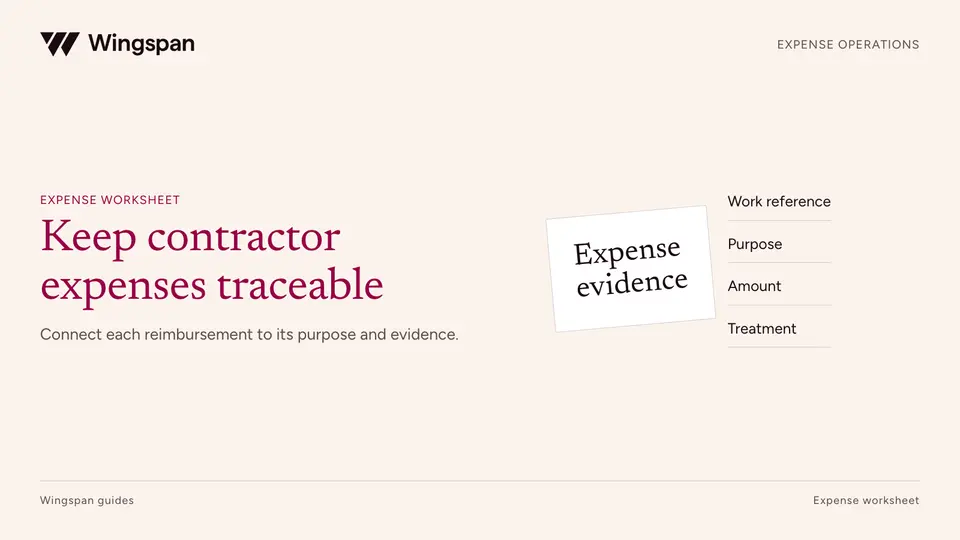
A field-network workflow for expense terms, mileage evidence, material receipts, returns, payment lines, and separate tax and accounting decisions.
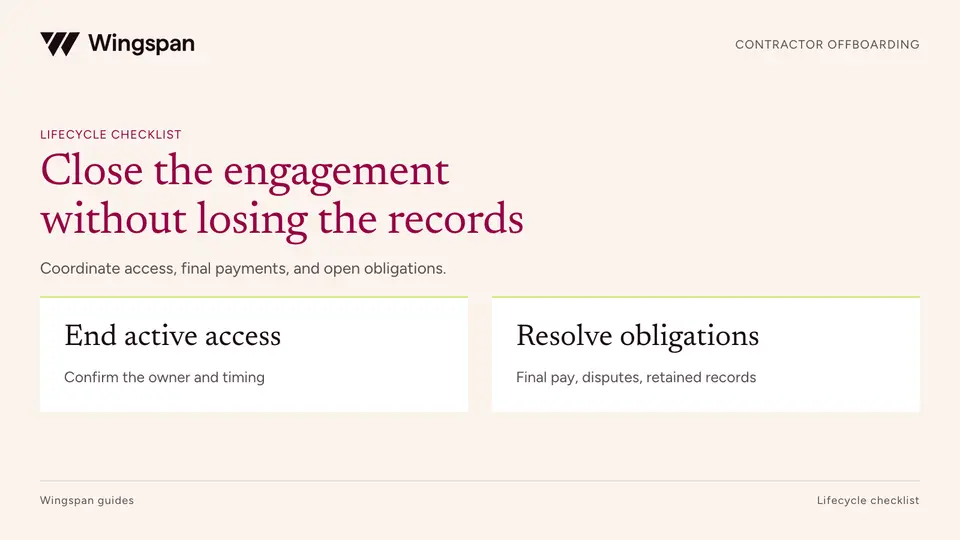
An engagement closure workflow that keeps work, money, access, and continuing records responsibilities separate, with a final-obligation register and worked example.